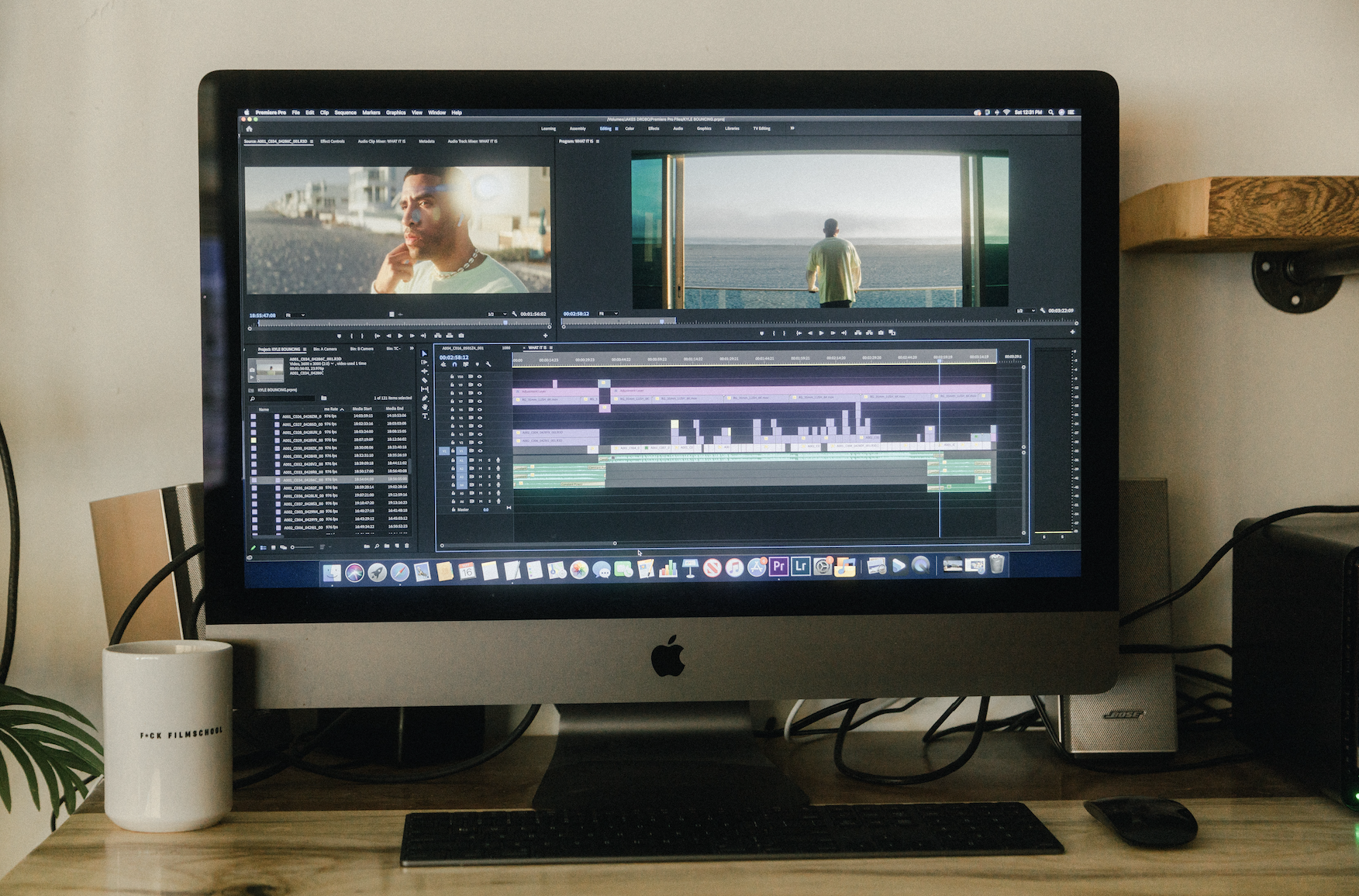
For video editors, the graphics card does more every year. It accelerates effects and colour grading, decodes and encodes footage, powers AI tools like noise reduction and masking, and keeps playback smooth. That makes a GPU upgrade one of the most tempting fixes for a slow edit suite, and in 2026 one of the most expensive.

Why graphics cards got more expensive in 2026
Graphics cards carry their own memory (GDDR6 or GDDR7) on the board. Memory makers have shifted factory capacity to high-bandwidth memory for AI accelerators, and that has squeezed the supply of graphics memory even though AI chips don’t use GDDR6 themselves. Tech Times reports that GDDR6 spot prices rose from about $2.50 to $7.50 per GB since late 2025.
Card makers pass that cost on. AMD confirmed at least a 10% rise in Radeon GPU and memory kit prices for August 2026 delivery, according to a partner notice reported by Tech Times, with a further GDDR6 increase taking effect for board partners on 1 October 2026.
What graphics cards cost now
Nvidia launch prices; street prices from Tom’s Hardware (August–September 2026) as compiled by Capital and Compute, updated 16 October 2026. Year-on-year averages: 3D Center via Tech Times (12 October 2026).
The flagship RTX 5090 has been hit hardest, with some secondary-market listings reported between $6,500 and $9,500. Mid-range cards have risen less, which matters for editors because the mid-range is where most of them should be buying anyway.
How much GPU does a video editor really need?
Adobe recommends a graphics card with 8GB of video memory for Premiere Pro. Blackmagic lists at least 4GB for DaVinci Resolve, and 16GB for its advanced AI tools. In practice:
- HD and light 4K editing: a card with 8–12GB of video memory, such as an RTX 5070, is enough.
- 4K multicam, regular colour grading, AI noise reduction: 16GB of video memory, such as an RTX 5070 Ti or 5080.
- 8K, RAW, heavy Fusion or effects work: this is where 24–32GB flagship or pro cards earn their price.
If you mostly cut weddings, corporate films or social content in 4K, a flagship card rarely pays for itself. A 5070 Ti or 5080 gives you most of the editing performance for a fraction of the RTX 5090’s current price.

How studios can avoid overpaying
Buy the right tier, not the top tier. Match the card to the footage you actually edit. Moving from a 5070 Ti to a 5090 costs nearly $4,000 more at current prices.
Check whether the GPU is really the bottleneck. Watch GPU usage during playback and export. If the card is idling while playback stutters, the problem may be memory, storage or codec support instead.
Consider the used market carefully. Used cards from the previous generation can work well for editing, but check warranty, history and video memory. Avoid cards that have run around the clock.
Use proxies and optimised media. Editing lighter proxy files takes a lot of load off the GPU, leaving full-resolution work for the final grade.
Outsource GPU-heavy projects. If only a few projects a year need flagship-level power, sending them to an editing partner avoids a $5,000 card. Our upgrade vs outsource guide compares the costs, and our 2026 workstation cost guide covers the full build.
Common questions
Sources: Tech Times, GPU prices jump again (12 October 2026), citing 3D Center and AMD partner notices; Capital and Compute, Nvidia RTX 50 price tracker (16 October 2026, Tom’s Hardware street prices); Adobe, Premiere Pro technical requirements; iFilmThings summary of Blackmagic’s DaVinci Resolve 21 requirements.