
Behind the Scenes: How Outsourcing Video Editing Elevates Corporate Video Production
Behind the Scenes: How Outsourcing Video Editing Elevates Corporate Video Production
Producing high-quality video content in-house can be both resource-intensive and time-consuming. That’s where outsourcing video editing becomes a game changer. At Cut Pro Media, we specialize in transforming raw footage into polished, impactful corporate videos that resonate with viewers and elevate your brand’s presence. Discover how outsourcing video editing not only streamlines production but also enhances the overall quality of your corporate communications.
The Corporate Video Production Challenge
Rising Demand for High-Quality Content
Corporations today face increased competition as businesses vie for consumer attention across digital channels. High-quality corporate videos are no longer optional; they are a strategic necessity. However, many companies struggle with:
- Resource Constraints: Limited budgets and in-house talent can hamper the production of professional video content.
- Technical Complexities: Advanced editing techniques and state-of-the-art software are often required to produce videos that meet modern standards.
- Tight Deadlines: The pressure to deliver video content quickly can lead to rushed post-production processes, affecting quality.
The Need for a Strategic Solution
To overcome these challenges, many businesses are turning to outsourcing. Outsourcing video editing allows companies to leverage the specialized skills of professional editors without the overhead costs associated with maintaining an in-house team. This strategic move not only improves efficiency but also ensures a consistent, high-quality finish that enhances brand messaging.
How Outsourcing Elevates Corporate Video Production
1. Access to Expert Editing Talent
At Cut Pro Media, our team of seasoned professionals brings a wealth of experience in corporate video editing. We understand that each corporate video has a unique message and purpose. By outsourcing to us, you gain:
- Specialized Skills: Our editors excel in techniques such as precision color grading, seamless transitions, and dynamic audio synchronization.
- Creative Storytelling: We craft engaging narratives that effectively convey your brand’s message, making even complex concepts accessible and compelling.
- Technical Proficiency: From high-definition video production to cutting-edge motion graphics, our state-of-the-art tools ensure every detail is polished to perfection.
2. Streamlined Production and Faster Turnaround
Efficiency is critical in corporate environments. Outsourcing your video editing needs means you can enjoy:
- Optimized Workflows: Our streamlined processes and cloud-based collaboration tools facilitate rapid turnaround times without compromising quality.
- Scalability: Whether you’re launching a new marketing campaign or updating multiple corporate videos simultaneously, our flexible services can easily scale to meet your demands.
- Focus on Core Business: With post-production managed externally, your team can concentrate on strategic initiatives, customer engagement, and other core business functions.
3. Cost-Effective and Transparent Pricing
Managing budgets is a top priority for any corporation. Outsourcing video editing offers significant cost benefits:
- Lower Overhead Costs: Eliminate the expenses associated with hiring full-time staff, purchasing software, and upgrading equipment.
- Predictable Project Costs: Our clear, project-based pricing model ensures you know exactly what to expect, allowing for better financial planning and ROI tracking.
- High-Quality Results at Competitive Rates: Gain access to premium editing services without the financial burden of in-house production.
4. Consistent Quality and Brand Integrity
Consistency is key in corporate communications. Outsourcing video editing helps maintain a uniform look and feel across all your video content:
- Standardized Visual Style: Our rigorous quality control processes ensure that every video adheres to your brand guidelines, reinforcing your corporate identity.
- Tailored to Your Vision: We collaborate closely with your team to ensure that each project reflects your unique brand voice and messaging.
- Enhanced Professionalism: A consistently polished final product builds credibility, reinforces trust with your audience, and sets you apart from the competition.
5. Continuous Innovation and Future-Proofing
The digital landscape is constantly evolving, and staying ahead of trends is crucial. By partnering with Cut Pro Media, you benefit from:
- Latest Technologies: We continuously invest in cutting-edge editing software and tools, ensuring your videos leverage the latest advancements in the industry.
- Agile Adaptation: Our team stays up-to-date with emerging trends and techniques, enabling us to innovate and adapt your content to meet current market demands.
Long-Term Strategic Advantage: Continuous improvement and innovation ensure that your corporate videos remain fresh, engaging, and effective over time.

We Can Help You With Professional Video Editing.
Unlimited Revisions – Whatever changes are needed, send them through and we will Fix them.
Fast Turnaround Time – We are always available to meet the tightest of deadlines when necessary.
Risk-Free Trial – Send your first video editing project to us and if you are not 100% happy with the results we produce, you don’t pay!
Behind the Scenes: Our Process at Cut Pro Media
Pre-Production Consultation
Every successful project begins with understanding your goals. We kick off with an in-depth consultation to:
- Discuss your objectives, target audience, and key messaging.
- Develop a customized plan and storyboard tailored to your corporate identity.
- Identify the specific elements that will make your video truly stand out.
Expert Editing in Action
Once we have your raw footage, our editing team gets to work:
- Precision Editing: We meticulously cut, arrange, and enhance your footage to create a coherent and engaging narrative.
- Advanced Color Grading and Audio Enhancement: Our editors ensure every frame reflects the right mood and message, while crisp audio enhances the overall impact.
- Seamless Transitions and Motion Graphics: Dynamic effects and graphics are integrated to maintain viewer engagement and highlight critical points.
Collaborative Feedback Loop
We value collaboration. Throughout the editing process, we maintain open communication:
- Regular Updates: Receive consistent progress reports and preview drafts.
- Iterative Revisions: Provide feedback to fine-tune the final product, ensuring it aligns perfectly with your vision.
- Final Delivery: Enjoy a polished, professionally edited video that meets all your requirements and exceeds expectations.

Conclusion: Elevate Your Corporate Video Production with Cut Pro Media
Outsourcing your video editing is a strategic investment that transforms raw footage into a refined, impactful corporate video. With Cut Pro Media, you gain access to expert editing talent, streamlined workflows, cost-effective solutions, and a commitment to continuous innovation. Our comprehensive services not only elevate the quality of your video content but also help you focus on your core business priorities.
For the ultimate in professional video editing that ensures your corporate videos are engaging, consistent, and future-proof, trust Cut Pro Media. We’re here to help you capture, enhance, and elevate every moment of your brand’s story.
Get Started with Cut Pro Media
Ready to elevate your corporate video production? Visit www.cutpromedia.com to learn more about our expert outsourcing services, view our portfolio, and schedule a consultation. Let Cut Pro Media be your trusted partner in transforming your raw footage into a polished, professional video that resonates with your audience.

Maximize Your Creative Potential: The Advantages of Outsourcing Wedding Video Editing
Maximize Your Creative Potential: The Advantages of Outsourcing Wedding Video Editing
In an industry where every frame tells a story, the artistry of wedding videography relies not only on capturing the perfect moments but also on the magic of post-production. At Cut Pro Media, we believe that outsourcing wedding video editing is the key to unlocking your creative potential. By partnering with experts who specialize in turning raw footage into cinematic masterpieces, wedding studios and videographers can focus on what they do best—capturing the unique emotions of the day—while we transform your vision into a polished work of art.
Unlocking Creative Freedom
Focus on What Matters Most
When you outsource your video editing, you free up valuable time to concentrate on capturing those once-in-a-lifetime moments. Rather than juggling the technical complexities of post-production, you can devote your energy to creativity during the shoot. This not only improves your filming process but also leads to a richer, more authentic narrative in your wedding films.
Expand Your Storytelling Capabilities
Professional wedding video editing is more than just assembling clips together—it’s about creating a story that resonates with viewers. Our team at Cut Pro Media applies advanced techniques such as dynamic slow-motion, seamless transitions, and precision color grading to enhance your footage. This level of creative input opens up new avenues for storytelling, allowing you to present each wedding in a uniquely compelling way.
We Can Help You With Professional Video Editing.
Unlimited Revisions – Whatever changes are needed, send them through and we will Fix them.
Fast Turnaround Time – We are always available to meet the tightest of deadlines when necessary.
Risk-Free Trial – Send your first video editing project to us and if you are not 100% happy with the results we produce, you don’t pay!
The Advantages of Outsourcing Wedding Video Editing
1. Access to Specialized Expertise
Professional-Grade Editing
Outsourcing gives you access to a team of seasoned professionals who have honed their craft in the wedding industry. We bring years of experience and a deep understanding of the nuances that make each wedding film special. From mastering the art of color correction to ensuring audio synchronization and employing innovative effects, our expertise elevates your raw footage into a visually stunning narrative.
Creative Innovation
Our editors stay ahead of industry trends by continuously learning and adopting the latest techniques and technologies. This commitment to innovation means that your videos benefit from cutting-edge editing methods, ensuring they are modern, engaging, and shareable. With every project, we strive to push the boundaries of creativity, giving you a competitive edge in a crowded market.
2. Enhanced Efficiency and Faster Turnaround
Streamlined Workflows
Time is of the essence in the fast-paced world of wedding videography. Our dedicated workflows at Cut Pro Media are designed to deliver high-quality edits within tight deadlines. By outsourcing, you avoid the bottlenecks that can occur with in-house editing, ensuring that your final product is delivered on schedule—every time.
Scalability for Peak Seasons
Wedding seasons can be unpredictable, with multiple projects demanding your attention simultaneously. Outsourcing provides the scalability you need to manage high-volume periods without compromising on quality. Whether it’s a single wedding film or a series of projects, our flexible approach adapts to your workload, allowing you to maintain consistent output without overextending your resources.
3. Cost-Effective Solutions
Lower Overhead Costs
Investing in an in-house editing team involves significant expenses, from purchasing state-of-the-art software and hardware to training and maintaining skilled personnel. Outsourcing converts these fixed costs into variable expenses, allowing you to pay for professional editing services on a per-project basis. This cost-effective model ensures that you receive high-quality results without straining your budget.
Predictable Budgeting
Our transparent, project-based pricing model means there are no hidden costs. You can plan your projects with confidence, knowing exactly what your investment will yield in terms of quality and turnaround time. This predictability is crucial for managing finances in a competitive and dynamic market.
4. Consistency in Quality and Brand Messaging
Uniform Visual Style
Consistency is key to building a strong brand identity. With Cut Pro Media, every wedding film is crafted to reflect a unified visual style that aligns with your brand’s aesthetic. Our standardized processes ensure that color grading, transitions, and audio levels remain consistent across all projects, reinforcing your reputation for excellence.
Tailored to Your Vision
Every wedding is unique, and so is every couple’s love story. By outsourcing, you gain a collaborative partner dedicated to understanding your creative vision. We work closely with you from pre-production consultation through to final delivery, ensuring that the finished product not only meets but exceeds your expectations. This tailored approach means that every video is a true reflection of your artistic intent and the couple’s individuality.
5. Freedom to Innovate and Experiment
Exploring New Techniques
When you’re not bogged down by the technical demands of post-production, you have the freedom to experiment with innovative filming techniques during the shoot. Outsourcing allows you to take risks and try new creative approaches, knowing that the editing experts will bring out the best in your footage. This freedom leads to more dynamic and captivating wedding films.
Continuous Improvement
Our commitment to continuous improvement means that each project benefits from lessons learned in previous work. With regular feedback and iterative processes, our editing techniques are always evolving. This dynamic environment ensures that your wedding films remain fresh, engaging, and at the forefront of industry trends.
How Cut Pro Media Elevates Your Wedding Films
State-of-the-Art Tools and Techniques
At Cut Pro Media, we invest in the latest video editing technology and software, ensuring that your wedding films are edited with the highest quality standards. Our advanced color grading, audio synchronization, and motion graphics add a professional polish that makes every film shine.
Collaborative Partnership
We believe that great results come from strong partnerships. Our process begins with a thorough consultation to understand your vision and continues with regular feedback loops throughout the editing process. This collaborative approach ensures that the final product is a perfect blend of your creative input and our technical expertise.
Proven Success
Our portfolio of stunning wedding films speaks for itself. Wedding studios and videographers who partner with Cut Pro Media enjoy faster turnaround times, cost-effective production, and a consistent, high-quality finish that delights clients and builds lasting reputations.
Real-World Success Stories
Case Study: A Boutique Wedding Studio’s Transformation
A boutique wedding studio looking to elevate its brand partnered with Cut Pro Media for outsourced video editing. The results were transformative:
- Enhanced Visuals: Professional color grading and seamless transitions turned ordinary footage into a cinematic experience.
- Faster Delivery: Our efficient workflows enabled the studio to meet tight deadlines during peak seasons.
- Increased Client Satisfaction: The polished final product exceeded client expectations, leading to more referrals and repeat business.
Case Study: Scaling Operations for a Growing Production Company
A rapidly growing wedding production company needed to manage an increasing volume of projects without sacrificing quality. By outsourcing to Cut Pro Media, they achieved:
- Scalability: Our flexible services accommodated the surge in projects without the need for additional in-house staff.
- Cost Savings: Lower overhead costs allowed the company to reinvest savings into new equipment and marketing efforts.
- Consistent Quality: Every film maintained a uniform visual style, reinforcing the company’s brand and reputation for excellence.
Conclusion: Unlock Your Creative Potential with Outsourced Editing
Outsourcing wedding video editing is more than just a cost-saving measure—it’s a strategic decision that unlocks your creative potential and allows you to focus on capturing the magic of the moment. By partnering with Cut Pro Media, you gain access to specialized expertise, state-of-the-art technology, and a scalable, cost-effective solution that ensures every wedding film is a work of art.
With professional editing that enhances storytelling, maintains consistency, and adapts to your needs, you can elevate your brand and captivate your audience in a competitive market. Embrace the freedom to innovate and the assurance of quality, and let Cut Pro Media be your trusted partner on the journey to creating unforgettable wedding videos.
Get Started with Cut Pro Media
Ready to maximize your creative potential and transform your wedding films? Visit www.cutpromedia.com to learn more about our expert wedding video editing services, view our portfolio, and schedule a consultation. Let’s work together to create wedding films that not only capture the beauty of the day but also tell a timeless story—one frame at a time.

Why Do Wedding Studios Consider the Outsource Wedding Video Editing Path?

Why Do Wedding Studios Consider the Outsource Wedding Video Editing Path?
With the rising demand for cinematic wedding films, the pressure to deliver high-quality, emotionally engaging videos on tight schedules has never been greater. Outsourcing video editing offers a strategic advantage, enabling studios to focus on what they do best – capturing the magic of the day – while leveraging expert post-production skills to transform raw footage into timeless memories. At Cut Pro Media, we are proud to be at the forefront of this evolving trend, providing comprehensive, professional video editing services that help wedding studios achieve excellence and scale their operations efficiently.
The Changing Landscape of Wedding Videography
Rising Expectations and Increasing Competition
Over the past decade, the art of wedding videography has undergone a dramatic transformation. Today’s couples expect more than just a chronological record of their wedding day; they demand a cinematic experience that tells their unique love story. High-definition visuals, creative transitions, and meticulously crafted narratives have become the norm. As wedding studios strive to meet these elevated standards, they often face significant challenges in-house, including:
- Limited Resources: Many studios work with small teams that are experts at filming but may lack specialized post-production skills.
- Time Constraints: The wedding season is fast-paced, and the turnaround time required for editing can be overwhelming.
- Technological Advancements: Keeping up with the latest editing software, techniques, and hardware requires ongoing investment and expertise.
In this competitive landscape, outsourcing wedding video editing emerges as a solution that allows studios to deliver exceptional quality without overextending their internal resources.
The Role of Digital Media and Social Platforms
The rise of digital media and social platforms has further fueled the need for top-tier video content. Social media is now a primary source for wedding inspiration and a key channel for studios to showcase their work. Videos that perform well online must be not only visually stunning but also optimized for various platforms. Outsourced editing helps wedding studios produce content that:
- Engages Audiences: High-quality edits capture attention, drive social shares, and boost online engagement.
- Strengthens Brand Identity: Consistent visual style and storytelling reinforce the studio’s reputation for excellence.
- Improves SEO Rankings: Professional videos with polished editing contribute to better search engine visibility, driving more organic traffic to a studio’s website.
Why Wedding Studios Choose to Outsource Video Editing
1. Access to Specialized Expertise
Wedding video editing is an art form that requires a deep understanding of visual storytelling, pacing, and technical precision. While many studios excel at capturing the raw moments of a wedding day, post-production demands a specialized skill set that can elevate the footage into a cinematic masterpiece. By outsourcing video editing to experts like Cut Pro Media, studios gain:
- Professional Editors: Teams of experienced editors who have honed their craft in the wedding industry. They know how to accentuate the emotional highs and capture the subtleties that make each wedding unique.
- Creative Storytelling: Editors bring a fresh perspective to the footage, using creative techniques such as slow-motion replays, dynamic transitions, and advanced color grading to tell a compelling story.
- Technical Mastery: The use of the latest software and editing tools ensures that every frame is polished to perfection, from precise audio synchronization to seamless cuts and transitions.
2. Enhanced Efficiency and Faster Turnaround
In the wedding industry, timing is critical. Clients expect their wedding films to be delivered within a reasonable time frame, often under tight deadlines. Outsourcing video editing offers significant efficiency benefits:
- Streamlined Workflows: Professional editing teams have established workflows that expedite the post-production process without compromising quality.
- Scalable Solutions: Whether it’s a single project or multiple weddings during peak season, outsourcing provides the flexibility to scale services up or down as needed.
- Focus on Core Strengths: By delegating editing tasks, wedding studios can concentrate on their primary role of filming, ensuring that every special moment is captured on location while experts handle the complex editing process.
3. Cost-Effective Solutions
Investing in an in-house post-production team can be costly, especially for studios that operate on tight budgets. Outsourcing provides a financially prudent alternative:
- Lower Overhead Costs: Outsourcing converts fixed costs into variable costs, allowing studios to pay per project rather than investing in expensive equipment, software licenses, and full-time staff.
- Predictable Budgeting: With clear, project-based pricing models, studios can plan their budgets with greater accuracy and avoid unexpected expenses.
- Access to High-End Technology: Professional editing services come equipped with state-of-the-art technology and tools, meaning studios can deliver high-quality videos without needing to invest in the latest hardware or software themselves.
4. Consistency in Quality and Brand Messaging
A consistent, professional finish is vital for establishing and maintaining a studio’s reputation. Outsourcing video editing ensures that every project meets a high standard of quality:
- Uniform Style and Tone: Expert editors adhere to strict quality control measures, ensuring that every video reflects the studio’s brand identity. Consistent color grading, audio quality, and visual effects create a cohesive look across all projects.
- Tailored to Your Vision: A collaborative approach with the editing team ensures that the final product aligns with the studio’s artistic vision and the unique story of each wedding.
- Enhanced Client Satisfaction: Delivering a polished, professional video not only delights the couple but also builds trust and encourages referrals and positive reviews.
5. Flexibility to Innovate and Adapt
The digital landscape is continually evolving, and staying ahead of trends is crucial for success. Outsourcing video editing provides wedding studios with the agility needed to innovate:
- Access to New Techniques: Professional editors are constantly updating their skills and adopting new techniques, from AI-driven editing tools to innovative motion graphics.
- Faster Adaptation: Outsourcing partners can quickly adjust to changes in technology or market trends, ensuring that your video content remains fresh and competitive.
Opportunities for Experimentation: With the post-production workload handled externally, studios have more bandwidth to experiment with creative approaches during filming, knowing that the editing experts will bring out the best in the footage.
We Can Help You With Professional Video Editing.
Unlimited Revisions – Whatever changes are needed, send them through and we will Fix them.
Fast Turnaround Time – We are always available to meet the tightest of deadlines when necessary.
Risk-Free Trial – Send your first video editing project to us and if you are not 100% happy with the results we produce, you don’t pay!
How Cut Pro Media Elevates the Outsource Experience
At Cut Pro Media, we understand the unique challenges and opportunities within the wedding industry. Our comprehensive outsourcing services are designed to support wedding studios in every phase of the post-production process. Here’s how we make a difference:
Collaborative Pre-Production Consultation
We begin every project with an in-depth consultation to understand your vision, style, and specific requirements. This collaborative approach ensures that our editing strategy aligns perfectly with your creative goals and that every key moment is captured in a way that tells a compelling story.
State-of-the-Art Technology and Workflows
Our investment in the latest editing software and hardware enables us to deliver exceptional results. With advanced tools for color grading, audio synchronization, and motion graphics, we ensure that every video is produced at the highest quality. Our cloud-based workflows facilitate real-time collaboration and seamless communication, ensuring that feedback is integrated promptly and effectively.
Tailored, Scalable Solutions
We offer flexible, scalable editing packages that adapt to your studio’s needs. Whether you’re handling one wedding or managing multiple projects during the peak season, our services are designed to provide consistent quality without the need for long-term commitments. This scalability allows you to maintain efficiency while growing your business.
Rigorous Quality Control
Every project undergoes a meticulous quality control process, from initial review to final delivery. Our team ensures that every detail – from smooth transitions to balanced audio – meets our stringent standards. This commitment to excellence guarantees that your final product is not only visually stunning but also reflective of your brand’s dedication to quality.
Ongoing Support and Continuous Improvement
Our partnership doesn’t end with the delivery of a project. We provide ongoing support and actively seek feedback to continually refine our processes. By analyzing performance metrics and incorporating client insights, we help you stay ahead of industry trends and continuously improve your video content.
Real-World Examples: Success Stories in Outsourcing
Case Study 1: A Boutique Wedding Studio’s Transformation
A boutique wedding studio faced challenges meeting high client expectations during peak seasons. By outsourcing their video editing to Cut Pro Media, they achieved:
- Enhanced Quality: Every video received a professional finish, resulting in increased client satisfaction and referrals.
- Faster Turnaround: Our efficient workflows enabled them to deliver projects on time, even during the busiest periods.
- Cost Savings: Lower overhead allowed the studio to invest more in creative aspects of filming and client engagement.
Case Study 2: Scaling Operations for a Growing Wedding Business
A rapidly expanding wedding production company needed to scale their post-production without compromising quality. By partnering with us:
- Scalability: Our flexible services accommodated the surge in projects, allowing them to maintain consistency in quality.
- Brand Consistency: Every video adhered to their brand guidelines, strengthening their market presence.
- Operational Efficiency: With editing handled externally, the company focused on expanding their client base and enhancing their in-house filming capabilities.
Case Study 3: Innovation in Storytelling
A forward-thinking wedding studio aimed to push the boundaries of storytelling through innovative editing techniques. By outsourcing to Cut Pro Media:
- Creative Freedom: Our expertise in advanced editing techniques allowed them to experiment with new narrative styles.
- Audience Engagement: Enhanced video quality and creative storytelling led to higher engagement rates and social media shares.
Competitive Edge: The polished, cinematic finish of their videos set them apart from competitors, attracting new clients and increasing bookings.
The Future of Wedding Video Editing: Trends and Opportunities
Embracing New Technologies
The future of wedding video editing is bright, with emerging technologies set to transform the post-production landscape. Trends such as AI-assisted editing, virtual reality (VR) integrations, and enhanced motion graphics offer exciting opportunities for wedding studios. Outsourcing ensures that you have access to these cutting-edge tools without the need for significant in-house investments.
Increasing Demand for Personalization
Couples today seek personalized, unique wedding films that reflect their love story. Outsourcing video editing allows studios to offer highly customized products by leveraging expert editing techniques that enhance storytelling and capture the individuality of each wedding.
The Growing Importance of Digital Marketing
As digital platforms continue to dominate the wedding industry, high-quality video content is more important than ever. Professional, outsourced video editing plays a critical role in enhancing your online presence, improving SEO rankings, and driving engagement across social media and other digital channels.
Building Long-Term Partnerships
Outsourcing is not just a short-term solution—it’s a strategic investment in long-term growth. By partnering with an expert provider like Cut Pro Media, wedding studios can build enduring relationships that foster continuous improvement, innovation, and operational excellence.
Conclusion: Unlocking the Full Potential of Your Wedding Studio
The decision to outsource wedding video editing is driven by a clear need for efficiency, quality, and scalability in today’s competitive market. Wedding studios that embrace this strategic path benefit from specialized expertise, faster turnaround times, reduced costs, and a consistent, professional finish that elevates their brand image. Outsourcing allows you to focus on what you do best – capturing the magic of a wedding day – while expert editors transform raw footage into cinematic masterpieces.
At Cut Pro Media, we are dedicated to empowering wedding studios to reach new heights. Our comprehensive, scalable, and innovative video editing services are designed to meet the unique challenges of the wedding industry, ensuring that every film tells a story that resonates with clients and captivates audiences.
Key Takeaways
- Specialized Expertise: Gain access to professional editors who bring creative storytelling and technical mastery to every project.
- Operational Efficiency: Streamline your post-production process, allowing you to meet tight deadlines without compromising quality.
- Cost-Effective Solutions: Convert fixed costs into variable costs, freeing up resources for other strategic investments.
- Consistency and Brand Integrity: Maintain a uniform visual style that reinforces your brand identity and elevates client satisfaction.
- Scalability and Innovation: Adapt to fluctuating workloads and embrace the latest technological advancements without long-term commitments.
By choosing to outsource wedding video editing, you are not only enhancing your production capabilities but also positioning your studio for sustainable growth and success. Embrace the future of post-production with Cut Pro Media and unlock the full potential of your wedding films.
Get Started with Cut Pro Media
Ready to elevate your wedding video editing and transform your raw footage into cinematic masterpieces? Visit www.cutpromedia.com to learn more about our expert outsourcing services. Partner with Cut Pro Media and let our team of professionals help you deliver the high-quality, engaging wedding films that your clients deserve.

Expert Tips for Capturing Stunning Wedding Footage for Seamless Editing
Expert Tips for Capturing Stunning Wedding Footage for Seamless Editing
Creating a breathtaking wedding video starts long before the editing suite—capturing high-quality, cinematic footage on the big day is essential for crafting a story that resonates. At Cut Pro Media, we understand that every moment counts, and capturing pristine footage sets the foundation for seamless, professional editing. In this comprehensive guide, we share expert tips for capturing stunning wedding footage that not only delights your clients but also makes the post-production process smoother and more creative.
The Importance of Quality Footage
Why Great Footage Matters
High-quality footage is the lifeblood of a compelling wedding video. When every moment is captured in stunning detail, the editing process becomes an opportunity to enhance an already solid narrative. Professional editors at Cut Pro Media know that well-shot footage allows for:
- Smoother Transitions: Consistent lighting, stable shots, and clear audio create natural flow.
- Enhanced Storytelling: Rich, detailed visuals help build emotional connections.
- Greater Flexibility: Editors have more options to craft the perfect sequence with varied angles and perspectives.
Impact on SEO and Brand Reputation
For wedding videographers and service providers, quality content leads to higher search engine rankings. Websites featuring beautifully edited wedding videos are more likely to receive increased organic traffic and engagement. When your footage is captured with expert precision, it not only delights your clients but also reinforces your brand’s commitment to excellence—an essential element for ranking on top in competitive markets.
Pre-Shoot Planning and Preparation
Understand the Couple’s Vision
Every wedding is unique, and understanding the couple’s vision is crucial. Before the day of the event:
- Conduct a Detailed Consultation: Ask about the couple’s favorite moments, style preferences, and must-capture details.
- Review the Venue: Visit the location in advance to plan your shots. Note the lighting conditions, best angles, and any restrictions.
- Create a Shot List: Develop a comprehensive list of key moments and creative angles. This might include the venue details, candid moments, ceremonial highlights, and reception energy.
Equipment Checklist
Investing in quality gear is essential. Ensure you have:
- High-Resolution Cameras: Cameras with excellent low-light performance and high dynamic range are ideal for varying wedding conditions.
- Stabilization Tools: Gimbals, tripods, and steady-cam rigs help keep your shots smooth and professional.
- Audio Equipment: Use external microphones or recorders to capture crystal-clear sound, ensuring voices, vows, and ambient sounds are preserved.
- Lighting Solutions: Portable LED panels and diffusers can be crucial for indoor and evening shoots.
ND Filters: Neutral Density filters are invaluable for controlling exposure during bright conditions and achieving smooth motion blur in outdoor settings.
We Can Help You With Professional Video Editing.
Unlimited Revisions – Whatever changes are needed, send them through and we will Fix them.
Fast Turnaround Time – We are always available to meet the tightest of deadlines when necessary.
Risk-Free Trial – Send your first video editing project to us and if you are not 100% happy with the results we produce, you don’t pay!
On-Site Shooting Techniques
Mastering Camera Settings
Adjusting your camera settings for wedding conditions is critical:
- Manual Mode: Shoot in manual mode to maintain full control over exposure, shutter speed, and ISO. This helps achieve a consistent look throughout the day.
- Aperture Settings: Use a wide aperture (low f-number) for shallow depth of field in romantic close-ups, and a smaller aperture for capturing expansive venue shots.
- Shutter Speed: Adapt shutter speed based on movement. Slower speeds can introduce creative motion blur, while faster speeds capture crisp action.
- White Balance: Set the correct white balance to ensure natural colors. Check and adjust throughout the day as lighting conditions change.
Composition and Framing
Great composition enhances storytelling and simplifies editing:
- Rule of Thirds: Position key elements off-center to create dynamic, balanced shots.
- Leading Lines: Use natural or architectural lines to guide the viewer’s eye towards the subject.
- Varied Angles: Mix wide establishing shots with intimate close-ups. Capture different perspectives to give editors multiple options.
- Foreground Interest: Incorporate elements like floral arrangements or decorative details to add depth and context.
Capturing Movement and Emotion
Weddings are filled with motion and emotional moments:
- Slow Motion: Record at higher frame rates (e.g., 60fps or 120fps) to capture graceful slow-motion sequences, perfect for the first dance or candid moments.
- Candid Shots: Focus on capturing genuine interactions—laughter, tears, and smiles create an emotional narrative.
- Detail Shots: Don’t overlook small details like rings, bouquet arrangements, or décor. These elements enrich the final story.
- Natural Transitions: Use continuous shots that blend into each other to create a seamless flow, reducing the need for heavy editing later.
Managing Lighting Challenges
Lighting is one of the most challenging aspects of wedding videography:
- Golden Hour Magic: Utilize the soft, warm light of early morning or late afternoon for outdoor shots. This natural light adds a romantic glow.
- Indoor Lighting: For indoor settings, supplement ambient light with portable LED panels. Avoid harsh overhead lighting that can create unflattering shadows.
- Balancing Exposures: Use exposure compensation to balance bright exteriors with darker interiors. Bracket your shots if necessary to capture a range of exposures.
Stabilization Techniques
Ensure that your footage is steady and smooth:
- Use Stabilizing Equipment: Rely on gimbals, tripods, or steady-cams to reduce shake.
- Handheld Techniques: When shooting handheld, practice controlled movements and use your body as a natural stabilizer.
- Post-Production Stabilization: Even with careful shooting, some stabilization in editing can enhance the final product. However, starting with steady footage makes this process easier and more effective.
Tips for Seamless Editing
Consistency in Footage
Consistency is key for a seamless editing process:
- Maintain Uniform Exposure: Ensure that your footage has a consistent look by monitoring your settings throughout the day.
- Standardize Color Profiles: Use the same color settings and white balance to simplify color grading during post-production.
- Organized Footage Management: Label and categorize your shots clearly. This saves time during editing and ensures that key moments are easily accessible.
Collaboration with Editors
Establishing a strong connection with your post-production team enhances the final product:
- Share Your Vision: Provide Cut Pro Media with a detailed shot list, consultation notes, and any specific creative ideas you have.
- Feedback Loop: Encourage a collaborative process where feedback is shared openly between the shooter and the editing team. This ensures that the final video aligns perfectly with the original vision.
- Backup and Redundancy: Always back up your footage immediately after the shoot to avoid data loss. Organized and secure storage makes it easier for editors to work with the files.
Using Metadata for Efficiency
Proper metadata organization can speed up the editing process:
- Tag Your Footage: Add tags and notes directly in your files to indicate the best takes, special moments, and preferred sequences.
- Timecode Accuracy: Ensure that timecodes are synchronized across all cameras and devices. This simplifies the process of matching different angles during editing.
Version Control: If multiple shots of the same moment exist, label them clearly to indicate which version is best suited for the final edit.
Advanced Techniques for Cinematic Wedding Videos
Creative Transitions
Seamless transitions help maintain the flow of the story:
- Match Cuts: Use match cuts to transition between similar shapes or movements, creating a natural flow between scenes.
- Dissolves and Fades: Soft dissolves or fades can elegantly transition between different parts of the wedding day, such as moving from the ceremony to the reception.
- Speed Ramping: Adjust the speed of certain shots to add a dramatic effect, drawing attention to key moments like a slow-motion kiss or the celebratory burst of confetti.
Incorporating Aerial Footage
Drones add a spectacular dimension to wedding videos:
- Establishing Shots: Use drone footage to capture stunning aerial views of the venue, surrounding landscapes, and the overall atmosphere.
- Smooth Integration: Ensure that drone shots are stabilized and color-graded to match ground footage. This creates a cohesive visual narrative that is both expansive and intimate.
- Creative Angles: Experiment with different altitudes and perspectives to add variety to the video. Aerial views can be particularly effective for outdoor ceremonies and large receptions.
Enhancing Audio for Emotional Impact
Audio is as important as visuals in conveying emotion:
- Ambient Sound: Capture natural soundscapes such as the murmur of the crowd, gentle music from the ceremony, or the ambient noise of nature.
- Voiceovers and Narration: Consider recording a voiceover to provide context or tell the story behind the day. A well-delivered narrative can tie the visuals together seamlessly.
- Music Selection: Choose background music that complements the mood of the wedding. Sync key moments with musical crescendos to amplify emotional impact.
- Audio Editing Techniques: Use noise reduction, equalization, and layering techniques during editing to ensure that dialogue, vows, and other key audio elements are crisp and clear.
How Cut Pro Media Elevates Your Wedding Video
At Cut Pro Media, our professional editors take your beautifully captured footage and transform it into a cinematic masterpiece. Our seamless editing process is designed to enhance the story of your wedding day, ensuring that every moment is polished to perfection. Here’s how we help you achieve a flawless final product:
Expert Color Grading and Correction
Our team applies precise color grading to ensure that every scene reflects the right mood:
- Uniform Look: Consistent color grading across all footage creates a cohesive visual experience.
- Mood Enhancement: Adjusting hues and contrasts to match the natural ambiance of the wedding, from warm golden hours to the soft glow of candlelight.
- Detail Preservation: We carefully balance color, ensuring that details are not lost even in low-light situations.
Advanced Audio Synchronization
Sound plays a crucial role in storytelling. Our editors focus on:
- Perfect Syncing: Aligning dialogue, vows, and ambient sounds with visual cues to create an immersive experience.
- Noise Reduction: Eliminating background noise to enhance clarity and focus on key audio elements.
- Layered Audio Effects: Incorporating subtle sound effects and music that heighten the emotional resonance of the video.
Creative Editing and Seamless Transitions
Our editing style emphasizes storytelling with creativity:
- Dynamic Cuts: Expert cuts and transitions ensure that the final narrative flows naturally.
- Enhanced Storytelling: By interweaving different angles and moments, we create a rich, multi-layered narrative that captures every nuance of the day.
- Personalized Touch: We work closely with you during the editing process to ensure that the final product reflects your unique vision and style.
Final Thoughts: Capturing and Editing for Success
Capturing stunning wedding footage is both an art and a science. With the right planning, equipment, and shooting techniques, you set the stage for a seamless editing process that turns raw moments into timeless memories. At Cut Pro Media, our commitment to excellence in both capturing and editing wedding videos helps you deliver a product that not only meets but exceeds client expectations.
Key Takeaways
- Pre-Shoot Planning: Invest time in consultations, venue scouting, and shot listing to ensure you capture all critical moments.
- Technical Mastery: Optimize your camera settings, use stabilization tools, and manage lighting challenges to produce high-quality footage.
- Creative Vision: Embrace varied angles, dynamic movements, and innovative techniques like aerial footage to enrich your narrative.
- Collaborative Workflow: Maintain clear communication and proper metadata organization for a smooth transition to post-production.
- Professional Editing: Trust in expert partners like Cut Pro Media to transform your footage into a cinematic story with advanced color grading, audio synchronization, and seamless transitions.
By implementing these expert tips, you’ll not only capture stunning wedding footage but also streamline the editing process—ensuring a professional finish that elevates your work and delights your clients.
Get Started with Cut Pro Media
Ready to transform your wedding videography and create timeless, cinematic experiences? Visit www.cutpromedia.com to learn more about our expert video editing services. Partner with Cut Pro Media and let our team of professionals bring your vision to life with seamless editing that truly captures the magic of every wedding day.

Strategic Outsourcing for Startups: Leveraging Video Editing for Growth and Success.
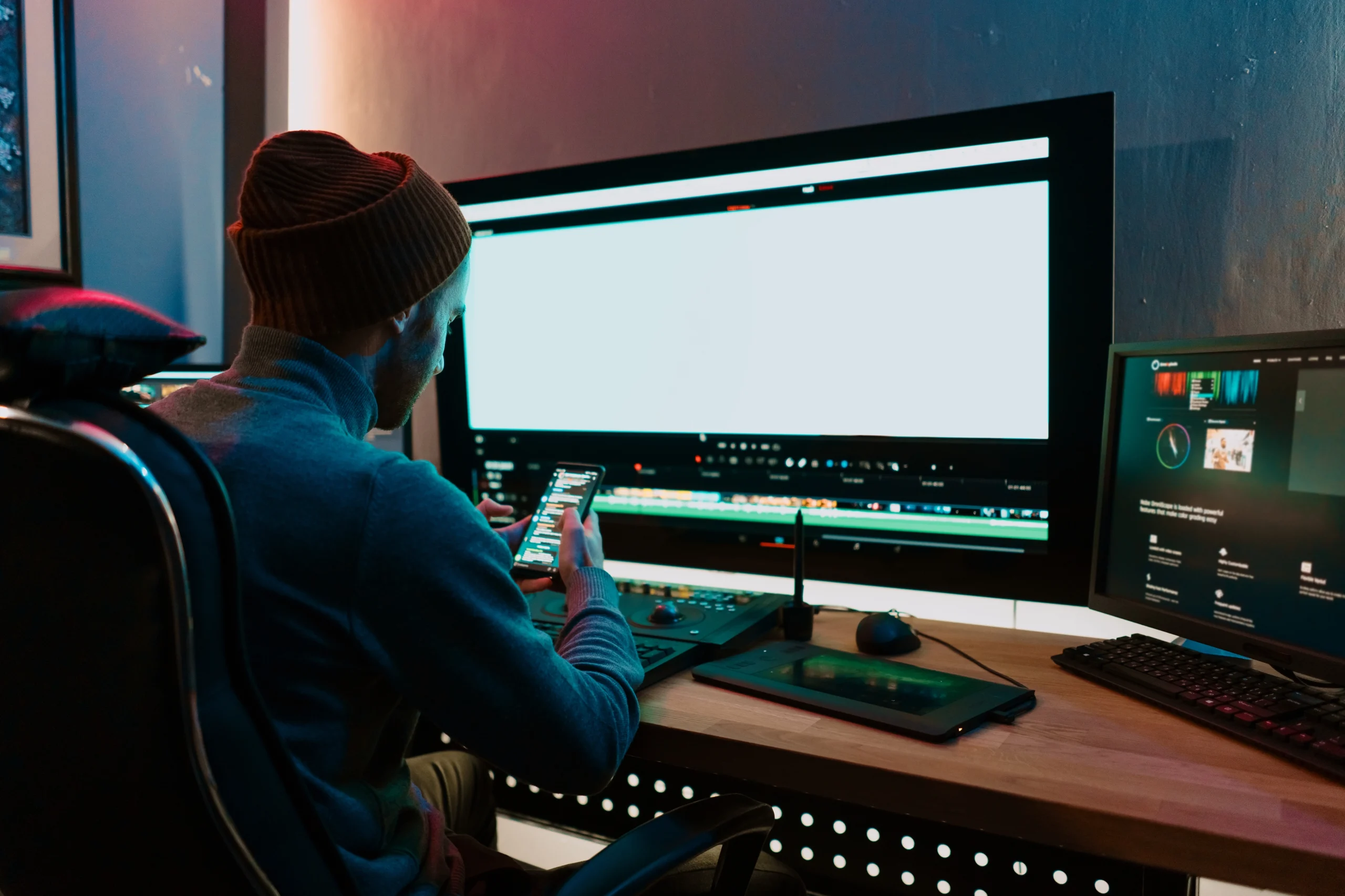
Strategic Outsourcing for Startups: Leveraging Video Editing for Growth and Success.
In a rapidly evolving digital landscape, startups must harness every opportunity to differentiate themselves and accelerate growth. At Cut Pro Media, we recognize that video content is a powerful tool for building brand awareness, engaging customers, and driving conversions. For startups with limited resources, outsourcing video editing is a strategic decision that not only optimizes cost but also elevates the quality of visual storytelling. In this comprehensive guide, we explore how strategic outsourcing of video editing can propel startups to new heights, streamline operations, and foster lasting success.
The Digital Imperative for Startups
Shifting Consumer Behavior
The modern consumer expects dynamic, engaging content across digital platforms. Video has emerged as the most effective medium for capturing attention and conveying complex messages quickly. For startups, creating high-quality video content can be the key to standing out in a crowded marketplace. From explainer videos and product demos to brand storytelling and customer testimonials, video is a versatile tool that helps startups connect with their audience on an emotional level.
Limited Resources and High Stakes
Startups often operate under tight budgets and with limited personnel. Investing in high-end video production equipment or building an in-house editing team can be cost-prohibitive. Outsourcing video editing offers a solution that meets the high production standards needed for impactful content while conserving valuable resources. By partnering with a specialized provider like Cut Pro Media, startups can focus on core business functions while experts handle the complexities of post-production.
Why Outsource Video Editing?
1. Cost Efficiency and Budget Control
Lower Operational Overheads
One of the most significant advantages of outsourcing video editing is the ability to control costs without compromising on quality. Instead of investing in expensive equipment, software licenses, and full-time staff, startups can engage with a dedicated team on a project-by-project basis. This approach converts fixed costs into variable costs, allowing for more flexible budgeting.
Transparent Pricing Models
At Cut Pro Media, our project-based pricing is clear and predictable, eliminating the risk of unexpected expenses. This transparency allows startups to plan their marketing budgets more effectively, allocate funds to other critical areas, and achieve a higher return on investment.
2. Access to Professional Expertise
Specialized Skill Sets
High-quality video content requires more than just recording footage; it demands a deep understanding of storytelling, pacing, and technical precision. Our team at Cut Pro Media comprises industry professionals with years of experience in video editing and post-production. By outsourcing, startups gain access to this specialized expertise, ensuring that every video reflects a polished, professional finish that resonates with audiences.
Cutting-Edge Techniques
The field of video editing is continuously evolving with new techniques and technological advancements. We invest in the latest software and hardware, staying ahead of industry trends so that every project benefits from state-of-the-art editing techniques. Whether it’s precision color grading, advanced motion graphics, or seamless transitions, our team delivers content that meets and exceeds modern standards.
3. Scalability and Flexibility
Adapting to Business Growth
Startups often experience rapid changes in demand. Outsourcing video editing offers the scalability needed to manage fluctuating workloads. Whether launching a new product, executing a marketing campaign, or responding to seasonal trends, our services can be scaled up or down quickly. This flexibility allows startups to maintain a consistent output of high-quality content without the need for long-term commitments or additional hiring.
Focus on Core Competencies
Outsourcing frees up internal resources, enabling startup teams to concentrate on strategic growth areas such as product development, customer engagement, and business development. With the post-production process handled externally, startups can streamline operations, reduce stress, and accelerate their path to market success.
4. Enhanced Brand Image and Market Competitiveness
Professional Visual Storytelling
In today’s digital-first environment, the quality of your video content is often the first impression potential customers receive. Professionally edited videos not only communicate information but also convey brand values and establish credibility. At Cut Pro Media, our commitment to excellence ensures that every project reflects your startup’s unique identity and vision.
Consistent Messaging Across Channels
Maintaining a consistent brand image is critical for startups building recognition in competitive markets. Our team works closely with clients to understand their brand guidelines, ensuring that every video adheres to a unified style. This consistency reinforces brand recognition, builds trust with customers, and differentiates your startup from competitors.
We Can Help You With Professional Video Editing.
Unlimited Revisions – Whatever changes are needed, send them through and we will Fix them.
Fast Turnaround Time – We are always available to meet the tightest of deadlines when necessary.
Risk-Free Trial – Send your first video editing project to us and if you are not 100% happy with the results we produce, you don’t pay!
Strategic Benefits of Video Editing Outsourcing for Startups
A. Accelerated Time-to-Market
Rapid Turnaround Times
Speed is essential for startups that need to launch marketing campaigns quickly to capture market opportunities. Our streamlined workflows and efficient editing processes enable rapid turnaround times without sacrificing quality. This efficiency means that startups can respond to trends, launch new products, and adjust strategies in real time, keeping them ahead of the curve.
Agile Marketing Strategies
In a fast-paced business environment, agility is a key competitive advantage. Outsourcing video editing allows startups to experiment with different formats, test new ideas, and iterate based on feedback without the delays associated with in-house production. This agility facilitates continuous improvement and innovation in marketing strategies.
B. Data-Driven Content Optimization
Performance Analytics Integration
Video marketing is not just about aesthetics—it’s also about measurable impact. Our collaborative approach includes integrating feedback and performance analytics into the post-production process. By reviewing viewer engagement metrics and audience feedback, we continuously refine our editing techniques to improve effectiveness. This data-driven approach ensures that your video content not only looks great but also drives tangible business results.
Continuous Improvement
With each project, insights gained from performance data can inform future content strategies. Outsourcing allows startups to leverage our expertise and experience, resulting in continuous improvements in content quality and marketing outcomes. This iterative process helps build a portfolio of videos that consistently perform at a high level.
C. Leveraging the Latest Technologies
Future-Proofing Your Content
The digital landscape is evolving, and video technology is advancing rapidly. Outsourcing video editing to a provider like Cut Pro Media ensures that your content is produced with the latest tools and techniques. This future-proofing means that your videos remain relevant and competitive, even as new technologies and trends emerge.
Integration of Advanced Techniques
From AI-assisted editing to cloud-based collaboration tools, advanced technologies are transforming how video content is produced and distributed. Our investments in these areas enable us to offer innovative solutions that enhance visual storytelling and engagement. Startups benefit from these cutting-edge techniques without the need for their own technological investments.
D. Enhancing Customer Engagement and Conversion Rates
Emotional Connection Through Storytelling
High-quality video content has the power to forge emotional connections with audiences. Through expertly crafted narratives and visually compelling sequences, professional video editing can elevate your marketing messages and inspire action. Whether it’s a product launch, a customer testimonial, or a brand story, the emotional resonance of a well-edited video can significantly enhance customer engagement.
Increased Conversion Rates
Engaging video content can be a powerful driver of conversion rates. When potential customers see your product or service presented in a dynamic and professional format, their confidence in your brand increases. The polished finish provided by our editing services builds trust, leading to higher conversion rates and ultimately, greater revenue growth.
Real-World Success Stories
Case Study 1: A Tech Startup’s Product Launch
A tech startup approached Cut Pro Media to create a series of promotional videos for a new product launch. With limited in-house resources, the startup needed a fast, cost-effective solution that would deliver a professional finish. By outsourcing video editing, the startup achieved:
- Rapid Production: High-quality videos were produced and delivered on a tight schedule, enabling the launch to proceed as planned.
- Enhanced Engagement: Professionally edited videos led to a significant increase in online engagement and social media shares.
- Improved Conversion Rates: The compelling visuals and clear messaging contributed to higher conversion rates, boosting sales and establishing the startup’s market presence.
Case Study 2: A Lifestyle Brand’s Content Expansion
A lifestyle startup looking to expand its digital presence turned to outsourcing to scale its video content production. With a limited marketing team, the startup needed a flexible solution that could handle a variety of content types—from product demos to behind-the-scenes brand stories. By partnering with Cut Pro Media, the startup experienced:
- Scalable Solutions: The ability to produce a diverse range of video content on demand without the overhead of an in-house team.
- Consistent Brand Messaging: A unified visual style and tone were maintained across all video projects, reinforcing brand identity.
- Increased Market Reach: The high-quality video content attracted a broader audience, resulting in improved market penetration and brand loyalty.
Case Study 3: A Fintech Startup’s Brand Storytelling
For a fintech startup focused on building trust in a competitive industry, professional video storytelling was essential. Outsourcing video editing allowed the startup to create a series of narrative-driven videos that communicated its vision and values. The results included:
- Compelling Narratives: Videos that effectively communicated the startup’s mission, values, and innovative approach.
- Enhanced Trust: A professional presentation that built credibility and trust among potential investors and customers.
- Strategic Growth: The impactful video content played a key role in driving investor interest and customer acquisition, contributing to the startup’s overall growth trajectory.

How Cut Pro Media Can Empower Your Startup
End-to-End Video Editing Solutions
At Cut Pro Media, our comprehensive video editing services cover every aspect of post-production—from initial consultation and storyboarding to final delivery. We work collaboratively with startups to understand their unique vision and tailor our services to meet specific business goals. Every project is approached with a commitment to excellence, ensuring that the final product is a true reflection of your brand’s identity and aspirations.
Flexible and Scalable Engagement Models
Our flexible engagement models are designed to adapt to the ever-changing needs of startups. Whether it’s a one-off project, a recurring series, or long-term support, our scalable solutions allow you to access professional video editing services on your terms. This adaptability means that as your startup grows, our services grow with you—providing consistent, high-quality content that evolves with your business.
Strategic Consultation and Continuous Improvement
Beyond technical editing, our approach includes strategic consultation to align your video content with broader marketing objectives. We provide insights on how to optimize video content for various platforms, analyze performance metrics, and refine strategies to maximize impact. This continuous improvement process ensures that every video not only looks great but also delivers measurable business results.
Conclusion: A Strategic Investment in Growth and Success
For startups aiming to carve out a niche in a competitive market, strategic outsourcing of video editing is a powerful tool for achieving growth and success. By partnering with Cut Pro Media, startups gain access to professional expertise, cutting-edge technology, and scalable solutions that drive engagement, enhance brand image, and accelerate time-to-market.
The benefits of outsourcing extend beyond cost savings—this approach empowers startups to focus on core business activities, leverage high-quality visual storytelling, and build a competitive edge that resonates with modern audiences. In today’s digital era, every video is an opportunity to connect, inspire, and convert, making professional video editing a strategic investment that fuels sustainable growth.
Get Started with Cut Pro Media
Ready to unlock the full potential of your startup through dynamic video content? At Cut Pro Media, we are committed to helping startups achieve their vision with expert video editing solutions that drive results. Visit www.cutpromedia.com to learn more about our services, view our portfolio, and schedule a consultation.
Invest in your growth. Invest in professional video editing. Invest in success. Let Cut Pro Media be your trusted partner on the journey to transforming your startup’s vision into a compelling, market-leading narrative.
The Power of Real Estate Video Tours: Why Every Listing Needs One in 2025?
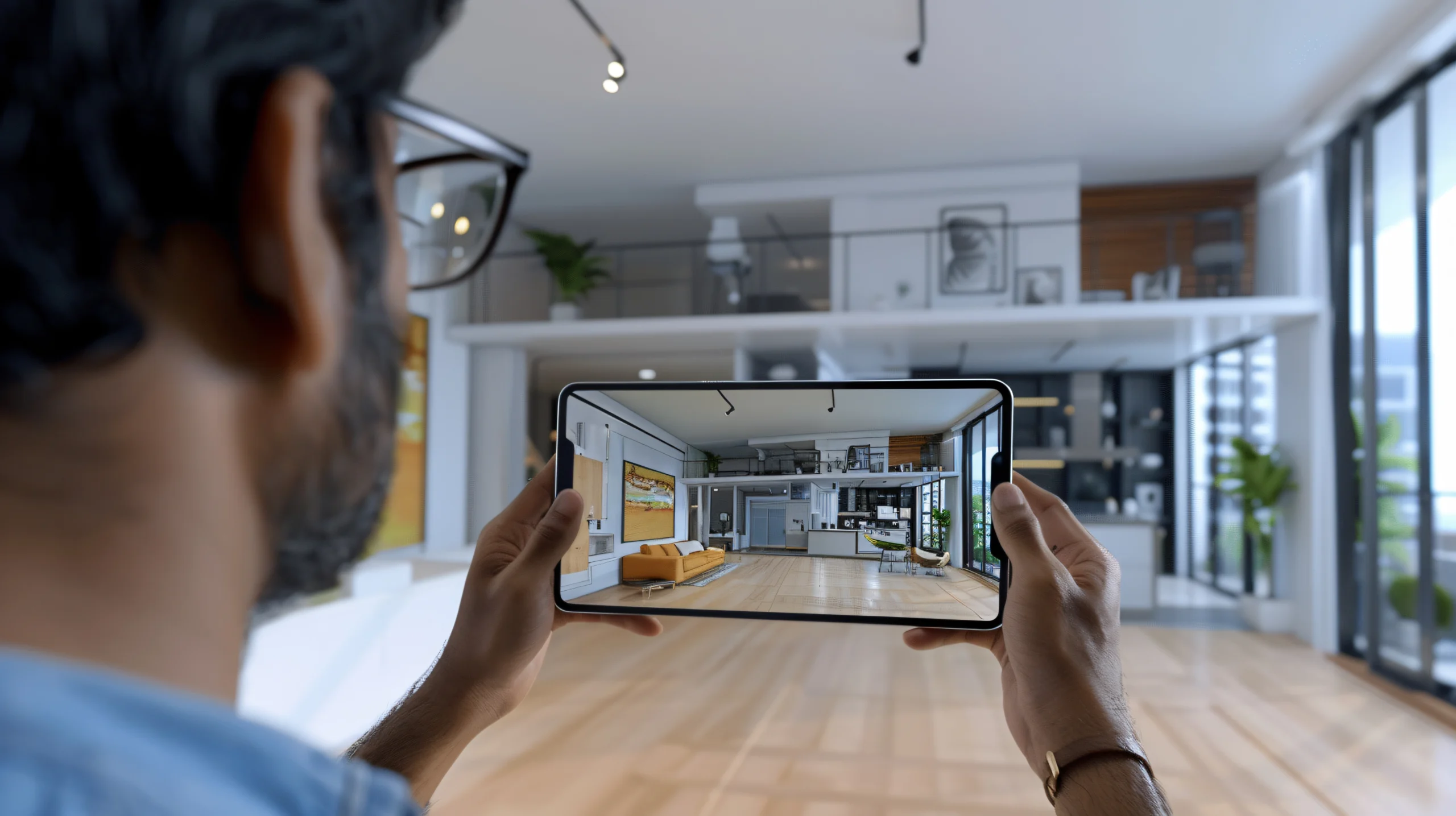
The Power of Real Estate Video Tours: Why Every Listing Needs One in 2025
In 2025, every listing needs a captivating video tour to engage potential buyers, boost market visibility, and convey the true essence of a property.
In this comprehensive guide, we explore the transformative power of real estate video tours and explain why they have become an indispensable tool for real estate professionals. From enhancing buyer engagement to providing an immersive experience, discover how video tours can elevate your property listings and drive sales like never before.
The Evolution of Real Estate Marketing
The Shift to Digital-First Marketing
Over the past decade, the real estate industry has witnessed a dramatic shift toward digital marketing. Today, a property’s online presence is often the first point of contact for buyers. Traditional photographs, while still valuable, can no longer capture the full story of a home. Video tours, on the other hand, offer a dynamic and immersive experience that photographs simply cannot match.
As online platforms become the primary source of property research, video content has emerged as the most engaging form of media. Buyers now expect interactive experiences that allow them to visualize themselves in the space, and video tours provide just that.
The Demand for Authentic Storytelling
Modern buyers are looking for more than just a list of features—they want to experience the lifestyle a property offers. Video tours enable real estate professionals to tell a compelling story, showcasing not only the architecture and layout but also the ambiance, neighborhood, and unique details that make a property special. This immersive storytelling approach builds trust and helps potential buyers form an emotional connection with the listing.
Why Real Estate Video Tours Are Essential in 2025
1. Enhanced Buyer Engagement
Capturing Attention in a Crowded Market
In a world where attention spans are short, video tours capture and hold viewer interest much more effectively than static images. A well-produced video tour can:
- Showcase Movement and Flow: Walkthroughs reveal how rooms connect, how natural light fills the space, and how a property feels during different times of the day.
- Highlight Key Features: Dynamic shots of unique architectural details, expansive outdoor areas, and premium finishes capture the imagination.
- Create an Emotional Connection: The combination of visuals, background music, and narration helps buyers envision themselves living in the property.
By delivering a rich, multi-sensory experience, video tours ensure that potential buyers remain engaged and inspired to learn more about a listing.
2. Increased Online Visibility and Reach
Boosting SEO and Social Media Performance
Search engines and social media platforms favor video content. Listings with high-quality video tours are more likely to appear at the top of search results, resulting in:
- Higher Website Traffic: Videos can increase the time visitors spend on your site, which positively influences search engine rankings.
- Improved Social Media Engagement: Posts featuring video content typically receive more likes, shares, and comments, extending your reach and attracting a broader audience.
- Enhanced Brand Recognition: Consistent, professional video tours reinforce your brand’s reputation as an innovator in real estate marketing.
3. Immersive Virtual Experiences
Empowering Buyers to Explore from Anywhere
The convenience of virtual property tours has never been more valuable. With busy lifestyles and the increasing popularity of remote home buying, video tours offer:
- Accessible, On-Demand Viewing: Buyers can view detailed property tours anytime, anywhere—eliminating scheduling conflicts and enabling informed decisions.
- Reduced Need for In-Person Visits: Especially in today’s evolving market, virtual tours allow buyers to narrow down options before scheduling a physical visit, saving time for both buyers and agents.
- Interactive Elements: When integrated with interactive features such as clickable hotspots or integrated floor plans, video tours can provide additional layers of information, enriching the buyer’s experience.
This immersive, accessible format meets the modern buyer’s expectations and enhances the overall property search process.
4. Cost-Effective Marketing Strategy
Maximizing ROI with Professional Video Production
Investing in a professionally produced video tour can yield significant returns. By outsourcing video editing to experts at Cut Pro Media, you benefit from:
- Lower Production Costs: Avoid the expense of building an in-house editing team while gaining access to state-of-the-art technology and industry expertise.
- Predictable Budgeting: Our transparent, project-based pricing ensures that you know exactly what you’re investing in, with no hidden costs.
- High-Quality Output: Professionally edited videos not only boost your listings’ appeal but also enhance your overall brand image, leading to higher conversion rates and quicker sales.
When you view a professionally edited video tour, you’re not just selling a property—you’re marketing a lifestyle and an experience. The professional finish provided by Cut Pro Media translates directly into improved engagement and increased sales, making it a smart, cost-effective strategy for any real estate business.
5. Building Trust and Credibility
Showcasing Transparency and Authenticity
In the competitive world of real estate, trust is paramount. Video tours offer an authentic look at a property, allowing buyers to see every detail without the limitations of curated photography. This transparency:
- Reduces Buyer Uncertainty: When buyers can see a property in its entirety, they feel more confident in their decision-making process.
- Highlights Real Value: Video tours demonstrate that you have nothing to hide, building credibility and fostering trust.
- Personalizes the Experience: Narrated tours and personalized insights from agents add a human touch that resonates with viewers, reinforcing the integrity of your brand.
We Can Help You With Professional Video Editing.
Unlimited Revisions – Whatever changes are needed, send them through and we will Fix them.
Fast Turnaround Time – We are always available to meet the tightest of deadlines when necessary.
Risk-Free Trial – Send your first video editing project to us and if you are not 100% happy with the results we produce, you don’t pay!
Key Elements of a Successful Real Estate Video Tour
Storytelling and Narrative Structure
A great video tour isn’t just a series of random shots—it’s a carefully crafted narrative. To create a compelling story:
- Begin with a Strong Introduction: Capture the viewer’s attention within the first few seconds with an inviting overview of the property.
- Highlight the Flow: Ensure that the tour follows a logical progression, guiding viewers through the property as if they were on an in-person tour.
- Emphasize Unique Features: Use close-up shots and creative angles to showcase the standout elements that set the property apart.
- Conclude with a Call-to-Action: End the video with clear next steps, such as contacting the agent or scheduling a viewing, to drive engagement and conversions.
Professional Production Quality
Investing in high production quality is key to making a strong impression. This includes:
- High-Resolution Video: Ensure your video is shot in at least 4K resolution for crisp, clear visuals.
- Smooth Transitions: Use seamless cuts and professional-grade transitions to create a fluid, uninterrupted experience.
- Balanced Audio: Incorporate professional voiceovers, ambient sound, and background music that enhance the viewing experience without overpowering the visuals.
- Color Grading and Editing: Professional color correction and editing add a polished, cinematic look that elevates the overall quality of the tour.
Optimizing for Multiple Platforms
Your video tour must look great across all channels—websites, social media, email marketing, and more. This involves:
- Responsive Editing: Create versions of your video optimized for different aspect ratios and resolutions.
- Short Teaser Clips: Extract short, engaging clips from the full tour to use as teasers on social media platforms, driving traffic to the full version.
- SEO Optimization: Optimize video titles, descriptions, and tags to improve search engine rankings and drive organic traffic to your listings.

How Cut Pro Media Can Help
At Cut Pro Media, we are dedicated to harnessing the power of real estate video tours to boost your marketing strategy. Our team of expert editors and creative professionals works tirelessly to produce high-quality video tours that are tailored to your brand’s unique style and objectives. Here’s how we can support you:
Expert Video Editing Services
Our comprehensive editing services transform raw footage into a seamless, engaging narrative that captures the true essence of your property. We ensure every shot is refined, every transition is smooth, and every detail is optimized to create a captivating viewing experience.
Customized Production Solutions
We work closely with you to understand your target audience and marketing goals, ensuring that each video tour is customized to meet your needs. From script development to final editing, our process is collaborative, transparent, and focused on delivering exceptional results.
State-of-the-Art Technology
Leveraging the latest in video editing software and production techniques, we guarantee that your video tours are produced with the highest quality standards. Our investments in technology and talent mean that your videos are always ahead of the curve, providing a competitive edge in the market.
Proven Track Record
Our portfolio speaks for itself. We have helped numerous real estate professionals transform their listings with dynamic, engaging video tours that drive higher engagement, longer viewing times, and ultimately, faster sales. With a commitment to excellence and a passion for storytelling, Cut Pro Media is your trusted partner in real estate marketing.
The Future of Real Estate Marketing in 2025
As we move further into 2025, the importance of video content in real estate marketing will only continue to grow. The trend towards digital-first strategies and virtual property tours is here to stay. Investing in high-quality video tours now sets you up for long-term success by:
- Meeting Buyer Expectations: Modern buyers demand immersive, interactive experiences. Video tours provide an essential platform for meeting these expectations.
- Staying Competitive: With more properties competing for attention online, a professional video tour distinguishes your listings from the rest.
- Driving Engagement and Conversions: High-quality video content not only captures attention but also motivates viewers to take action—whether it’s scheduling a viewing, contacting an agent, or making an inquiry.
By embracing video tours as a core component of your marketing strategy, you position yourself at the forefront of the industry, delivering content that is not only visually stunning but also highly effective in driving results.
Conclusion: Transform Your Listings with the Power of Video Tours
In 2025, every real estate listing deserves the transformative power of a professional video tour. These tours are more than just a visual treat—they are a strategic marketing tool that drives engagement, builds trust, and accelerates sales. By showcasing properties in a dynamic, immersive format, you can convey the true essence of each home and capture the imagination of potential buyers.
At Cut Pro Media, we are passionate about helping real estate professionals harness the full potential of video tours. Our expert editing, customized production solutions, and commitment to excellence ensure that every video tour not only meets but exceeds the expectations of today’s digital-savvy buyers.
Get Started with Cut Pro Media Today
Ready to elevate your real estate marketing strategy with stunning video tours? Visit www.cutpromedia.com to learn more about our professional video editing services and view our portfolio of success stories. Let Cut Pro Media be your partner in transforming every property listing into a captivating visual narrative that drives results.

Why Outsourcing Real Estate Video Editing is a Cost-Effective Marketing Strategy?

Why Outsourcing Real Estate Video Editing is a Cost-Effective Marketing Strategy
In today’s competitive real estate market, visual content is key to attracting prospective buyers and showcasing properties in their best light. At Cut Pro Media, we know that high-quality video content can significantly boost your marketing efforts. However, producing professional videos in-house often comes with high costs, extensive time commitments, and resource limitations. Outsourcing real estate video editing not only alleviates these challenges but also serves as a cost-effective strategy that enhances your brand and drives business growth.
In this comprehensive guide, we explore how outsourcing real estate video editing can lower costs, streamline your workflow, and deliver outstanding results—all while enabling you to focus on your core business activities.
1. Reduced Overhead Costs
Lower Operational Expenses
Investing in high-end video production equipment, editing software licenses, and full-time editing staff can be prohibitively expensive. By outsourcing your video editing needs to Cut Pro Media, you eliminate the need for these significant upfront investments. You pay only for the work you need—when you need it—without the overhead associated with maintaining an in-house team.
No Equipment or Software Upgrades
Outsourcing means you don’t have to worry about keeping up with the latest technology or software updates. At Cut Pro Media, our team consistently invests in state-of-the-art equipment and the most advanced editing software available. This ongoing investment ensures that your real estate videos are edited using cutting-edge tools without you having to allocate extra funds for upgrades.
Predictable and Transparent Pricing
One of the major advantages of outsourcing is the ability to forecast expenses accurately. Our pricing models are clear and project-based, meaning you won’t encounter unexpected costs. This predictability allows you to budget more effectively for your marketing campaigns and allocate resources to other strategic initiatives.
2. Access to Professional Expertise
Skilled Editing Talent
The quality of your real estate videos directly impacts your brand image. Professional editing can transform raw footage into a compelling narrative that highlights the unique features of each property. At Cut Pro Media, our team of experienced editors specializes in crafting videos that capture the essence of real estate—enhancing visual appeal, emphasizing key selling points, and engaging potential buyers.
Enhanced Storytelling and Brand Messaging
Our experts understand that every property has a story to tell. By working closely with you, we ensure that each video reflects your brand’s identity and marketing objectives. Whether it’s through creative transitions, meticulous color grading, or strategic sound design, we deliver videos that not only showcase properties but also strengthen your overall brand message.
Industry-Specific Knowledge
Real estate video editing requires a unique blend of technical skill and industry insight. Our editors are well-versed in the nuances of real estate marketing—from highlighting spacious interiors and architectural details to capturing the ambiance of a neighborhood. This specialized knowledge means that every video we produce is tailored to resonate with your target audience and drive engagement.
3. Scalability and Flexibility
Managing Fluctuating Demands
Real estate marketing can be seasonal or fluctuate with market trends. Outsourcing your video editing needs offers unparalleled scalability. Whether you have a single property to showcase or a large portfolio that requires continuous updates, our flexible solutions adapt to your changing needs. You can scale services up or down without the long-term commitments associated with an in-house team.
Quick Turnaround Times
Speed is essential in the fast-paced real estate market. Outsourcing to Cut Pro Media ensures that your projects are completed on schedule, allowing you to launch marketing campaigns quickly and stay ahead of competitors. Our efficient workflows are designed to meet tight deadlines while maintaining the highest quality standards, ensuring your properties are always presented at their best.
Focus on Core Business Activities
By outsourcing video editing, you free up valuable time and resources. This allows your team to concentrate on core business activities—such as client interactions, property management, and sales—without being sidetracked by the technical demands of video post-production. In turn, this focus drives overall productivity and improves your bottom line.
4. Improved Quality and Consistency
Consistent Brand Aesthetics
Every piece of video content contributes to your overall brand perception. Inconsistencies in style, color, or messaging can weaken your brand identity. At Cut Pro Media, we adhere to strict quality control standards and customized style guidelines to ensure that every video maintains a consistent look and feel. Our standardized editing processes help reinforce your brand image across all marketing channels.
Professional Polish That Enhances Listings
High-quality video content can make a significant difference in how potential buyers perceive a property. Professionally edited videos can emphasize the best features of a property, from showcasing natural light and spacious layouts to highlighting unique architectural details. Our team uses advanced editing techniques—such as precision color grading, smooth transitions, and crisp audio—to create a polished final product that elevates your listings and attracts more qualified leads.
Engaging Visual Storytelling
Real estate videos should do more than just display a property; they should tell a story that resonates with viewers. Our expert editors craft narratives that engage audiences from start to finish. By incorporating cinematic techniques and thoughtful pacing, we transform your raw footage into a compelling story that captures the essence of the property and encourages viewers to take action.
5. Strategic Marketing and Competitive Advantage
Enhancing Digital Presence
In today’s digital age, video content is a critical component of any marketing strategy. High-quality videos boost engagement on social media, improve website dwell time, and can even enhance search engine rankings. By outsourcing your video editing needs, you ensure that your digital content stands out, attracting more viewers and potential buyers.
Cost-Effective Content for Multiple Platforms
Real estate marketing often involves distributing content across various channels—websites, social media, email campaigns, and more. Outsourcing allows you to produce a wide range of content formats that are optimized for each platform. From full-length property tours to shorter teaser videos, our cost-effective solutions enable you to maximize your reach without straining your budget.
Data-Driven Decisions
At Cut Pro Media, we combine creative expertise with data-driven insights. We work with you to analyze viewer engagement and performance metrics, allowing us to refine our editing approach and continuously improve your video content. This strategic focus on performance ensures that your marketing efforts yield measurable results and contribute to long-term business growth.
Building a Competitive Edge
In a crowded market, the quality of your visual content can be the key differentiator. Outsourcing video editing gives you access to top-tier production values that enhance your competitive advantage. By consistently delivering professional, engaging videos, you position your brand as a leader in the real estate market, building trust with clients and setting the stage for sustained success.
Real-World Success Stories
Case Study 1: Elevating a Luxury Property Portfolio
A leading real estate agency specializing in luxury properties turned to Cut Pro Media to enhance their video listings. By outsourcing their video editing, they were able to:
- Reduce Production Costs: Eliminating the need for an in-house editing team allowed for significant cost savings.
- Improve Visual Quality: Expert editing transformed raw footage into cinematic property tours that highlighted the unique features and luxurious ambiance of each property.
- Increase Engagement: The polished videos resulted in higher online engagement, longer viewing times, and increased inquiries from potential buyers.
Case Study 2: Scaling Content for a Growing Market
An emerging real estate firm needed to quickly produce a high volume of video content to match their expanding property listings. By leveraging our scalable outsourcing solutions, they achieved:
- Rapid Turnaround: Our streamlined workflow allowed for quick editing and delivery of multiple projects simultaneously.
- Consistent Brand Messaging: Every video maintained a unified style and quality, reinforcing their brand identity across all listings.
- Enhanced Marketing Reach: The professional videos boosted their online presence and contributed to a noticeable uptick in property viewings and sales.
We Can Help You With Professional Video Editing.
Unlimited Revisions – Whatever changes are needed, send them through and we will Fix them.
Fast Turnaround Time – We are always available to meet the tightest of deadlines when necessary.
Risk-Free Trial – Send your first video editing project to us and if you are not 100% happy with the results we produce, you don’t pay!
Conclusion: A Smart Investment for Real Estate Marketing
Outsourcing real estate video editing is more than just a cost-cutting measure—it’s a strategic marketing investment that delivers high-quality content, enhances your brand, and drives business growth. By partnering with Cut Pro Media, you gain access to expert editing talent, advanced technology, and scalable solutions that allow you to focus on what matters most: selling properties and building client relationships.
Key Benefits Recap
- Reduced Overhead Costs: Eliminate the need for costly in-house resources.
- Professional Expertise: Leverage the skills of experienced editors dedicated to creating compelling visual narratives.
- Scalability and Flexibility: Adapt to market demands quickly with fast turnaround times.
- Consistent Quality: Maintain a polished, professional brand image across all video content.
- Strategic Marketing Advantage: Enhance your digital presence and gain a competitive edge in a crowded market.
By outsourcing your video editing to Cut Pro Media, you not only achieve significant cost savings but also elevate the quality of your marketing content—ensuring that every property is showcased in the best possible light.
Get Started with Cut Pro Media
Ready to transform your real estate video content into a powerful marketing tool? At Cut Pro Media, we’re here to help you unlock the full potential of your property listings through professional video editing outsourcing. Visit www.cutpromedia.com to learn more about our services, view our portfolio, and schedule a consultation.
Invest in quality. Invest in efficiency. Invest in success. Let Cut Pro Media be your trusted partner in creating real estate videos that captivate, engage, and convert.
Thank you for choosing Cut Pro Media. Together, we can turn every property listing into a compelling visual story that drives results.

Avoid These Common Corporate Video Editing Mistakes for a Professional Finish

Avoid These Common Corporate Video Editing Mistakes for a Professional Finish
Achieving a polished, professional finish in corporate videos can be challenging when editing mistakes slip through the cracks. At Cut Pro Media, we specialize in transforming raw footage into compelling narratives that not only resonate with audiences but also uphold your brand’s integrity. In this guide, we’ll explore common corporate video editing mistakes and share expert strategies to avoid them, ensuring that your final product reflects the highest standards of professionalism.
1. Poor Planning and Lack of a Clear Vision
The Problem: Undefined Objectives and Inadequate Storyboarding
One of the most critical mistakes in corporate video editing is beginning the post-production process without a clear plan. Without defined objectives and a comprehensive storyboard, the editing phase can quickly become chaotic. Important elements might be overlooked, transitions may seem abrupt, and the final narrative may fail to align with your intended message.
The Solution: Strategic Pre-Production Planning
At Cut Pro Media, we believe that every successful project starts with thorough planning. We work closely with our clients to:
- Define Clear Objectives: Establish what the video is meant to achieve—whether it’s enhancing brand awareness, training employees, or promoting a new product.
- Develop a Detailed Storyboard: Map out every scene and key moment, ensuring that the narrative flows logically and maintains viewer engagement.
- Outline Key Messaging Points: Identify the core messages that need to be communicated, so each edit reinforces your brand identity.
This strategic pre-production phase is crucial. It not only sets a solid foundation for editing but also minimizes the risk of costly revisions later in the process.
2. Inconsistent Branding and Visual Style
The Problem: Fragmented Look and Feel Across Videos
Corporate videos must consistently reflect the brand’s identity. However, many projects suffer from inconsistent color grading, mismatched graphics, and varying typography that dilute brand recognition. A fragmented visual style can confuse viewers and weaken the overall impact of your message.
The Solution: Unified Branding and Visual Consistency
Maintaining a consistent visual style is non-negotiable for a professional finish. At Cut Pro Media, we take a meticulous approach to ensure that every video adheres to your brand guidelines:
- Standardized Color Grading: We implement a uniform color palette that aligns with your brand identity, ensuring every scene looks harmonious.
- Consistent Typography and Graphics: Our design team ensures that fonts, logos, and graphic elements are consistently applied across all projects.
- Style Guides and Templates: We create customized style guides and templates that serve as a blueprint for every editing project, ensuring uniformity in visual style and tone.
By investing in these practices, you guarantee that every corporate video you produce reinforces your brand’s image and maintains a professional appearance.
3. Overuse of Transitions and Effects
The Problem: Distracting Visual Effects That Undermine the Message
While creative transitions and effects can enhance a video when used sparingly, overusing them can be counterproductive. Excessive visual effects often distract from the core message, making the content appear unprofessional and overly gimmicky. This mistake is particularly common in corporate videos, where the focus should be on clarity and effective communication.
The Solution: Purposeful and Subtle Editing
At Cut Pro Media, our philosophy is to let the story speak for itself. We apply transitions and effects only when they serve a clear purpose:
- Intentional Transitions: We choose transitions that enhance the flow of the narrative without drawing undue attention to themselves.
- Minimalist Effects: Effects are used to complement the content, not overpower it. We focus on enhancing the natural beauty of the footage and ensuring that key messages remain the focal point.
- Test and Feedback: We continually test our editing choices with our clients, gathering feedback to ensure that the effects used are adding value rather than creating distractions.
This approach not only keeps the viewer engaged but also ensures that the final video is polished and professional.
4. Poor Audio Quality and Synchronization
The Problem: Mismatched or Unclear Audio Detracting from the Video
Audio quality is just as important as visual quality in corporate videos. Common mistakes include misaligned audio tracks, inconsistent volume levels, background noise, and poor-quality voiceovers. When audio fails to complement the visuals, the overall message can be lost, and the video’s impact is significantly diminished.
The Solution: Professional Audio Editing and Mixing
At Cut Pro Media, we place a high priority on audio clarity and synchronization:
- Precision Audio Syncing: Our editors meticulously synchronize audio tracks with corresponding visuals to create a seamless viewing experience.
- Noise Reduction and Enhancement: We employ advanced noise reduction techniques and audio filters to eliminate unwanted background noise and ensure that dialogue and sound effects are clear.
- Balanced Sound Levels: Our team carefully balances volume levels, ensuring that voiceovers, music, and ambient sounds work harmoniously to support the video’s narrative.
- Quality Voiceovers and Soundtracks: We collaborate with professional voiceover artists and composers to deliver high-quality audio elements that enhance the overall production.
By addressing audio with the same level of care as visuals, we ensure that every corporate video communicates its message with clarity and professionalism.
5. Neglecting the Importance of Pacing
The Problem: Videos That Drag or Feel Rushed
Pacing is a critical element of effective video editing. Videos that are too slow can lose the viewer’s interest, while those that feel rushed can overwhelm the audience, leaving little room for the key messages to be absorbed. Striking the right balance in pacing is essential for maintaining viewer engagement and ensuring that the narrative unfolds naturally.
The Solution: Thoughtful Pacing and Rhythm
At Cut Pro Media, we understand that pacing is an art. Our approach to editing involves:
- Scene-by-Scene Analysis: We carefully review each scene to determine the appropriate duration that allows the story to breathe without losing momentum.
- Rhythmic Editing: Our editors use rhythmic cuts and transitions to create a natural flow that mirrors the intended emotional cadence of the video.
- Audience Testing: We often conduct audience tests to gauge how the pacing affects viewer engagement, adjusting our approach based on feedback to achieve the perfect balance.
- Varied Timing for Emphasis: Key messages and important scenes are given additional time to resonate, while less critical segments are trimmed to maintain overall flow.
A well-paced corporate video keeps the audience engaged from start to finish, ensuring that every message is delivered effectively.
6. Ignoring the Power of Motion Graphics and Titles
The Problem: Overlooking the Role of Titles and Graphics in Storytelling
Titles, lower thirds, and motion graphics are essential for adding context and enhancing the visual narrative of a corporate video. Neglecting these elements can result in a video that feels flat or lacks the necessary information to guide the viewer through the story. On the other hand, poorly designed or inconsistent graphics can undermine the video’s professionalism.
The Solution: Strategic Use of Motion Graphics and Titles
At Cut Pro Media, we integrate motion graphics and titles thoughtfully to support your narrative:
- Clear and Informative Titles: We design titles and lower thirds that are both informative and visually appealing, ensuring that the viewer can easily follow the video’s storyline.
- Consistent Style and Branding: Our graphics are designed in alignment with your brand’s visual identity, maintaining consistency across all elements of the video.
- Subtle Animations: We use animations sparingly and only when they enhance the storytelling, avoiding overly flashy effects that might distract from the content.
- Data Visualization: For corporate videos that include statistical data or complex information, we create clear, concise infographics that help convey the message effectively.
By harnessing the power of motion graphics and titles, we ensure that your corporate video not only looks professional but also communicates its message clearly and effectively.
7. Failing to Optimize for Different Platforms
The Problem: One-Size-Fits-All Approach in a Multi-Platform World
In today’s digital age, corporate videos are viewed on a variety of platforms—from large screens in boardrooms to mobile devices on the go. A common mistake is to create a video without considering how it will perform across different platforms. Videos that aren’t optimized for specific platforms can suffer from poor resolution, improper aspect ratios, or inefficient file sizes, reducing their impact.
The Solution: Multi-Platform Optimization
At Cut Pro Media, we ensure that every corporate video is optimized for its intended distribution channels:
- Responsive Editing: We edit videos with different platforms in mind, ensuring that the final product looks great on both large displays and mobile devices.
- Customized Aspect Ratios: Whether it’s 16:9 for YouTube, 1:1 for social media, or other formats for presentations, we tailor the aspect ratio to suit the platform.
- Optimized File Sizes: We balance quality and file size to ensure smooth playback without sacrificing visual fidelity.
- Platform-Specific Versions: In some cases, we create multiple versions of the same video to best serve different audiences and contexts.
This attention to detail means that your corporate video always looks its best, regardless of where or how it’s viewed.
8. Overlooking Feedback and Continuous Improvement
The Problem: Stagnation Through Lack of Iteration
Even with careful planning and execution, the first version of a video may not always be perfect. Ignoring feedback or failing to iterate on a project can lead to a final product that doesn’t fully meet expectations. Continuous improvement is key to mastering the art of video editing.
The Solution: Embracing a Collaborative Feedback Loop
At Cut Pro Media, we treat every project as an opportunity to learn and improve:
- Client Collaboration: We maintain open lines of communication with our clients throughout the editing process, encouraging feedback at every stage.
- Iterative Revisions: Our workflow includes multiple rounds of revisions to refine the final product. We are committed to ensuring that every detail is perfect.
- Post-Project Reviews: After project completion, we review the outcomes and gather insights to improve our processes for future projects.
By actively incorporating feedback and embracing continuous improvement, we consistently deliver corporate videos that exceed expectations.
We Can Help You With Professional Video Editing.
Unlimited Revisions – Whatever changes are needed, send them through and we will Fix them.
Fast Turnaround Time – We are always available to meet the tightest of deadlines when necessary.
Risk-Free Trial – Send your first video editing project to us and if you are not 100% happy with the results we produce, you don’t pay!
Conclusion: Elevate Your Corporate Videos with Expert Editing
A professional finish in corporate video editing requires attention to detail, strategic planning, and a commitment to excellence. Avoiding common mistakes such as poor planning, inconsistent branding, overuse of effects, and inadequate audio quality is essential for producing videos that truly represent your brand’s identity and communicate your message effectively.
At Cut Pro Media, we are dedicated to transforming your vision into a polished, compelling narrative. Our expert team leverages advanced techniques, state-of-the-art technology, and a collaborative approach to ensure that every project is executed with precision and creativity. Whether you’re creating a promotional video, training content, or an internal communication piece, we help you overcome production challenges and deliver a final product that resonates with your audience.
Key Takeaways
- Strategic Pre-Production: Begin every project with clear objectives and a detailed storyboard to guide the editing process.
- Consistent Branding: Use standardized color grading, typography, and graphics to ensure a cohesive visual identity.
- Subtle, Purposeful Effects: Apply transitions and effects only when they enhance the narrative, keeping the focus on your message.
- High-Quality Audio: Invest in professional audio editing to ensure clarity, synchronization, and balanced sound.
- Thoughtful Pacing: Maintain viewer engagement with well-timed cuts and a natural flow that enhances the story.
- Platform Optimization: Tailor your videos for different platforms to maximize impact across all viewing environments.
- Feedback and Iteration: Embrace a collaborative process and continuous improvement to achieve the best possible results.
By addressing these common pitfalls and implementing the solutions outlined above, you can transform your corporate videos into powerful communication tools that captivate and inspire. With the support and expertise of Cut Pro Media, you can elevate every project to a level of professionalism that truly reflects your brand’s commitment to excellence.
Get Started with Cut Pro Media
Ready to take your corporate video editing to the next level? At Cut Pro Media, we specialize in delivering professional, high-quality video editing solutions that help your business stand out. Visit www.cutpromedia.com to learn more about our services, view our portfolio, and schedule a consultation. Let us help you avoid common editing mistakes and create corporate videos that leave a lasting impression.
Thank you for considering Cut Pro Media as your trusted partner in professional video editing. Together, we can transform your vision into a polished, engaging narrative that drives your business success.

Mastering Long Exposure Techniques for Wedding Videos with Cut Pro Media
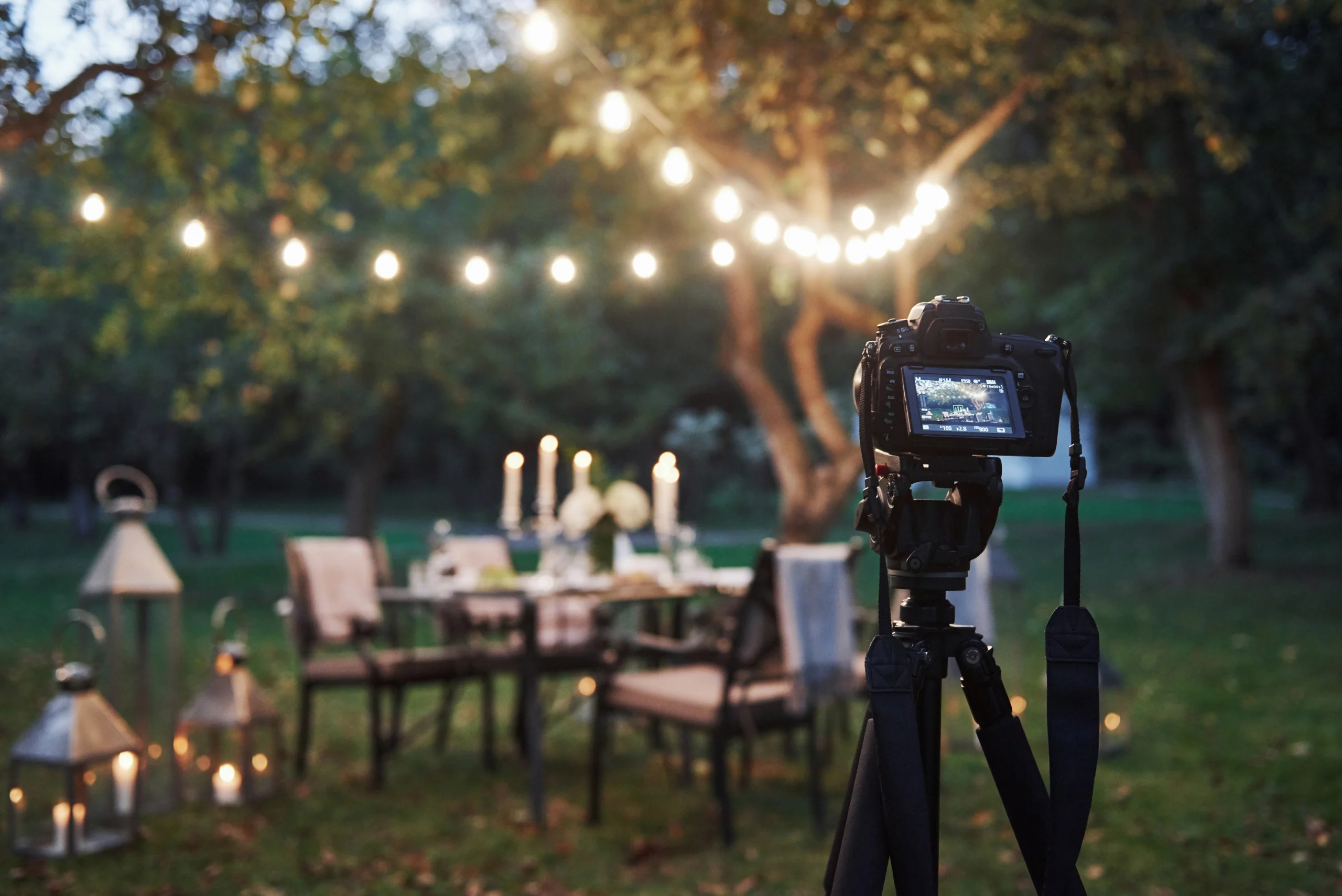
Mastering Long Exposure Techniques for Wedding Videos with Cut Pro Media
One technique that has transformed the visual narrative of wedding films is long exposure. In this comprehensive guide, we will walk you through the art and science of mastering long exposure techniques for wedding videos, sharing our expertise and insights to help you create mesmerizing, cinematic masterpieces that capture the romance, emotion, and magic of a wedding day.
Understanding Long Exposure in Wedding Videography
Long exposure is a technique traditionally associated with photography, but it has evolved into a powerful tool for videographers as well. By extending the shutter speed, long exposure allows more light to hit the sensor over time. This technique can create stunning effects—smooth, flowing motion in water, ethereal light trails from moving subjects, and even a dreamy, painterly quality to a scene.
Why Long Exposure?
For wedding videography, long exposure techniques can enhance your storytelling in several ways:
- Capturing Motion with Elegance: Imagine the soft blur of a couple’s dance or the graceful sweep of flowing dresses during a romantic outdoor ceremony. Long exposure can emphasize movement, turning everyday actions into mesmerizing visual poetry.
- Creating a Dream-Like Atmosphere: The ethereal glow produced by extended shutter speeds can evoke emotions of nostalgia and wonder, perfectly complementing the sentimental mood of a wedding day.
- Highlighting Ambient Light: Whether it’s the warm hues of sunset, the twinkle of fairy lights, or the serene glow of candles, long exposure techniques can capture ambient light in a way that traditional shooting methods simply cannot.
The Science Behind the Technique
In technical terms, long exposure involves using slower shutter speeds to capture an extended period of time within a single frame. When applied to video, this technique requires careful balancing of shutter speed, aperture, and ISO to avoid overexposure while still capturing the desired motion blur and light effects.
At Cut Pro Media, we harness this balance to achieve the perfect aesthetic for wedding films. Our experts have fine-tuned their approach through countless projects, ensuring that each film not only meets technical excellence but also carries the emotional weight of the event.
Essential Equipment and Settings for Long Exposure
Achieving stunning long exposure effects in wedding videos begins with the right equipment and settings. Here are the key components we rely on:
Cameras and Lenses
- High-Resolution Cameras:
We use cameras that offer excellent low-light performance and dynamic range. Models like the Canon EOS R5 Mark II, Sony A7S IV, and Panasonic Lumix S1H provide the clarity and detail necessary for capturing long exposure effects in various lighting conditions. - Prime Lenses:
Prime lenses with wide apertures (e.g., f/1.4 or f/1.8) are ideal for low-light conditions. They not only help in capturing more light but also provide a shallow depth of field that enhances the dream-like quality of long exposure shots. - ND Filters (Neutral Density Filters):
ND filters are crucial when shooting long exposure videos outdoors. They reduce the amount of light entering the lens, allowing you to extend the shutter speed without overexposing the shot. This is particularly useful during daylight weddings where ambient light is abundant.
Camera Settings for Long Exposure
- Shutter Speed:
Selecting the correct shutter speed is key. For long exposure video, we often use slower shutter speeds that can range from 1/15th to several seconds, depending on the effect we want to achieve. The goal is to capture enough motion blur without losing clarity in the overall scene. - Aperture:
A wider aperture (lower f-number) allows more light to hit the sensor. However, balancing the aperture with shutter speed is essential. We adjust the aperture based on the ambient light and the desired depth of field, ensuring that the long exposure effect does not wash out the subject. - ISO Settings:
Keeping the ISO as low as possible minimizes noise in the final footage. In low-light scenarios, we carefully raise the ISO only as much as needed to maintain image clarity while preserving the subtle details of long exposure effects. - Frame Rate Considerations:
While long exposure is often associated with still photography, shooting video with long exposure techniques requires understanding frame rates. We experiment with different frame rates to find the best balance between smooth motion and the desired blur effect.
Creative Applications of Long Exposure in Wedding Videos
Long exposure is more than just a technical process—it’s a creative art form that can transform a wedding film into a narrative that feels both timeless and innovative. Here are some creative ways we incorporate long exposure techniques into our wedding videos:
1. Capturing the Dance Floor
One of the most dynamic moments at any wedding is the first dance. Using long exposure, we capture the fluid motion of the dance floor, where the movement of the couple and their guests creates a beautiful tapestry of light and motion. The soft, flowing lines of long exposure help to emphasize the intimacy and emotion of the moment, transforming the scene into an almost otherworldly experience.
2. Emphasizing Romantic Vows
During the exchange of vows, subtle movements and expressions play a critical role in conveying emotion. By applying long exposure techniques, we can add a gentle blur to the background while keeping the couple in focus. This effect not only highlights the significance of the moment but also lends a cinematic quality that enhances the viewer’s emotional connection to the scene.
3. Enhancing Ambient Lighting
Weddings often feature a variety of ambient lighting setups—from natural sunlight to artificial lighting effects such as fairy lights and lanterns. Long exposure helps us capture these lights in a way that accentuates their beauty. For example, the soft glow of a string of fairy lights can be transformed into a series of sparkling orbs that float across the screen, adding an ethereal dimension to the overall aesthetic of the film.
4. Creating Time-Lapse Sequences
Integrating long exposure with time-lapse sequences can produce stunning results, especially during transitional moments such as the change from day to night. Time-lapse combined with long exposure captures the gradual movement of the sun, the unfolding of a floral arrangement, or the steady flow of guests arriving. These sequences add depth and narrative to the film, offering a visual summary of the day’s progression.
5. Capturing Scenic Landscapes
For outdoor wedding ceremonies set against breathtaking natural backdrops, long exposure is an invaluable tool. It allows us to capture the serene beauty of a landscape while subtly incorporating movement—be it the gentle sway of trees or the flow of water in a nearby stream. This approach not only contextualizes the setting but also enriches the film with layers of visual storytelling.
Tips and Techniques from the Experts at Cut Pro Media
Over the years, we have honed our approach to mastering long exposure techniques for wedding videos. Here are some of our insider tips to ensure that every shot is as impactful as possible:
Pre-Production Planning
- Scout the Location:
Before the wedding day, we thoroughly scout the venue to understand the lighting conditions and identify opportunities for long exposure shots. This planning allows us to anticipate challenges and prepare the necessary equipment, such as ND filters, in advance. - Create a Shot List:
We collaborate with wedding videographers and couples to create a detailed shot list that includes specific long exposure sequences. Whether it’s capturing the couple’s exit under a canopy of sparklers or the flowing movement during the first dance, having a plan in place helps ensure that we capture every desired moment.
On-Set Techniques
- Stabilize the Camera:
Long exposure video requires stability to avoid unwanted camera shake. We use tripods, gimbals, or even specialized rigs to maintain a steady shot during extended exposures. This stability is critical for ensuring that the resulting footage is smooth and professional. - Experiment with Angles:
Don’t be afraid to experiment with different angles and perspectives. Low-angle shots, for example, can create dramatic silhouettes against a bright sky, while high-angle shots can capture the full scale of a beautifully lit reception. Experimentation often leads to discovering unique visual effects that add character to the film. - Control the Environment:
When possible, control the lighting environment to achieve the desired exposure. This might involve dimming artificial lights or strategically positioning subjects to balance the ambient light. Adjusting these variables on set allows for greater control over the final effect.
Post-Production Enhancements
- Advanced Color Grading:
In post-production, color grading is essential to perfecting the long exposure look. We use advanced grading techniques to adjust the highlights, shadows, and overall tone of the footage, ensuring that the long exposure effects are accentuated while preserving natural skin tones and important details. - Layering Techniques:
For more complex sequences, we sometimes layer multiple exposures to create a composite image that tells a richer story. By blending different exposures, we can achieve an even more dramatic effect that captures the movement and emotion of the moment in a single frame. - Sound Design Integration:
Sound design plays a pivotal role in complementing long exposure visuals. We integrate carefully selected background scores and ambient sounds that echo the fluid, continuous movement captured in the video. This synergy between audio and visuals enhances the overall emotional impact of the film.
We Can Help You With Professional Video Editing.
Unlimited Revisions – Whatever changes are needed, send them through and we will Fix them.
Fast Turnaround Time – We are always available to meet the tightest of deadlines when necessary.
Risk-Free Trial – Send your first video editing project to us and if you are not 100% happy with the results we produce, you don’t pay!
Real-World Applications: Case Studies and Success Stories
At Cut Pro Media, we have had the pleasure of incorporating long exposure techniques into numerous wedding films, each with its own unique story and challenges. Here are a few examples that highlight how this technique has transformed wedding videos into timeless works of art.
Case Study 1: The Enchanted Evening
For a wedding held at a historic estate, we were tasked with capturing the magical ambiance of an evening reception illuminated by hundreds of candles and fairy lights. Using long exposure, we were able to:
- Create a Dreamy Atmosphere:
The soft, diffused glow of candlelight was captured in a way that made the entire venue look like a scene from a fairy tale. - Enhance Movement on the Dance Floor:
Long exposure sequences of the couple’s first dance transformed ordinary movement into graceful, fluid motion that resonated with emotion. - Elevate the Overall Narrative:
The combination of ambient lighting and smooth motion added a layer of sophistication to the film, turning it into a visual story that celebrated both the beauty of the venue and the love shared by the couple.
Case Study 2: A Sunset Soiree
In another project, a beachside wedding provided the perfect backdrop for exploring long exposure techniques during sunset. The challenges included managing the rapidly changing light conditions and capturing both the vibrant hues of the sunset and the movement of the ocean waves.
- Capturing Nature’s Palette:
With long exposure, the gradual change of the sunset was recorded in a single, flowing shot that blended the dynamic colors of the sky with the serene movement of the water. - Seamless Integration of Movement:
The technique allowed us to create a continuous visual flow that conveyed the passage of time, capturing the delicate transition from day to night in a single, mesmerizing sequence. - Enhanced Emotional Impact:
The final film evoked a sense of calm and wonder, perfectly reflecting the intimate and reflective mood of the couple’s celebration.
Case Study 3: Urban Romance
For a modern wedding in an urban setting, we experimented with long exposure techniques to capture the vibrant energy of the city at night. Against a backdrop of bustling streets and dynamic city lights:
- Balancing Urban Energy with Intimacy:
Long exposure allowed us to isolate and soften certain elements of the urban landscape, creating a contrast between the kinetic energy of the city and the quiet, intimate moments shared by the couple. - Creative Light Trails:
The movement of vehicles and pedestrians was transformed into artistic light trails, adding a contemporary, dynamic layer to the narrative. - Visual Storytelling:
The juxtaposition of urban elements with the timeless romance of the wedding created a unique visual story that resonated with the couple’s modern aesthetic.
Expert Insights from Cut Pro Media
Over the years, our team has developed a set of best practices and expert insights that help us consistently achieve stunning long exposure effects in wedding videos. Here are some of our key takeaways:
Plan, Plan, Plan
The success of long exposure techniques hinges on meticulous planning. Every wedding is unique, and understanding the specific lighting conditions, venue layout, and desired narrative is essential. We work closely with our clients to:
- Identify Key Moments:
We pinpoint the moments that will benefit most from long exposure, whether it’s the dance floor, the exchange of vows, or a scenic time-lapse of the venue. - Customize the Approach:
Our team tailors the shooting plan to suit the environment and the couple’s vision, ensuring that every long exposure shot contributes meaningfully to the overall story.
Flexibility on Set
Even the best plans require flexibility. Weddings are dynamic events, and conditions can change rapidly. Our team is always prepared to adapt on set:
- Adjusting Settings in Real-Time:
We constantly monitor light conditions and adjust shutter speeds, apertures, and ND filters as needed to maintain the desired exposure. - Creative Problem Solving:
When faced with unexpected challenges—such as sudden changes in weather or unanticipated lighting issues—we rely on our experience and creativity to find innovative solutions that preserve the artistic integrity of the shot.
Post-Production as an Extension of the Art
Long exposure techniques don’t end when the shooting stops. Post-production is where we refine and perfect every frame:
- Layering and Compositing:
Advanced editing techniques, including layering multiple exposures, allow us to create composite shots that capture the full spectrum of motion and light. - Meticulous Color Correction:
Fine-tuning the colors and contrasts in post-production ensures that the long exposure effects enhance the mood and atmosphere, rather than overpowering the natural beauty of the footage. - Integration with Music and Sound:
Sound design plays a crucial role in complementing the visual effects. Our editors integrate ambient sounds and carefully selected music to create a cohesive and immersive experience.
The Impact of Long Exposure on Wedding Films
When executed with precision and creativity, long exposure techniques can elevate a wedding film from a simple recording of events to a work of art. The impact is multifaceted:
- Emotional Resonance:
The dreamy, ethereal quality of long exposure footage has a profound emotional impact, drawing viewers into the moment and evoking a sense of nostalgia and wonder. - Visual Distinction:
In a competitive market, the unique visual signature provided by long exposure sets a wedding film apart. It offers a distinctive style that can become synonymous with the creative vision of the videographer. - Storytelling Depth:
By capturing both movement and stillness in a single frame, long exposure adds layers of meaning to the narrative. It transforms fleeting moments into enduring memories, creating a visual diary that celebrates the passage of time and the beauty of impermanence.
Conclusion: Elevate Your Wedding Videos with Long Exposure Mastery
At Cut Pro Media, we are passionate about pushing the boundaries of wedding videography. Mastering long exposure techniques is not just about technical prowess—it’s about capturing the essence of love, emotion, and the fleeting beauty of a wedding day. By incorporating long exposure into your wedding films, you can create visual experiences that are both timeless and innovative, leaving a lasting impression on every viewer.
We invite you to explore the possibilities of long exposure techniques with us. Whether you’re looking to capture the subtle elegance of a candlelit ceremony, the dynamic energy of a dance floor, or the serene beauty of a sunset wedding, our expertise and passion for cinematic storytelling are here to bring your vision to life.
Visit www.cutpromedia.com to learn more about our services and discover how our expert team can transform your raw footage into a masterpiece of light, motion, and emotion. Join us in embracing the art of long exposure, and let’s create wedding videos that not only document a day but also celebrate a lifetime of memories.
Thank you for choosing Cut Pro Media. Together, we can master the art of long exposure and elevate every wedding film into a breathtaking work of art that resonates with heart and soul.

Why Professional Video Editing Outsourcing for Corporate Videos is a Smart Choice
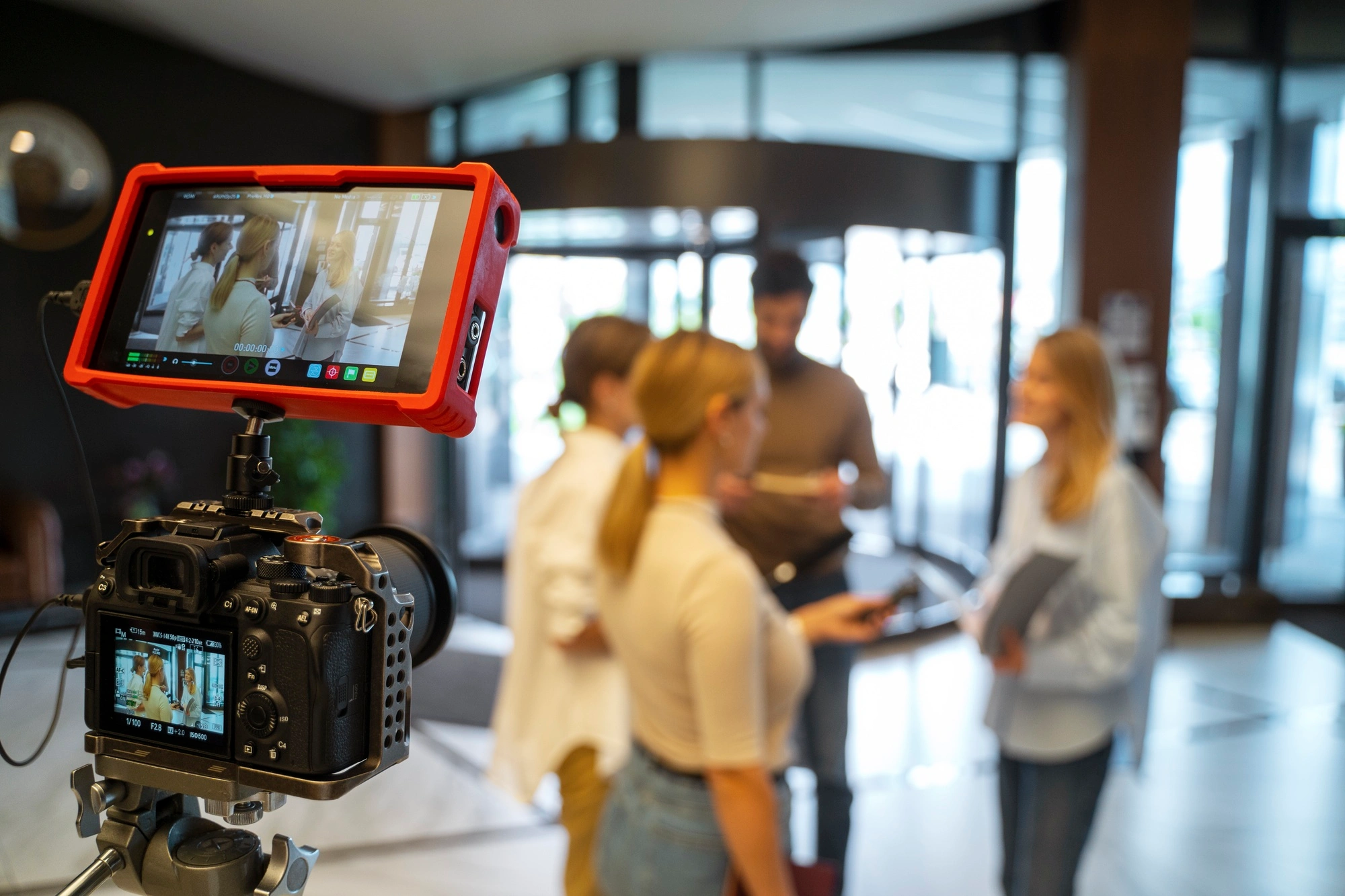
5 Reasons Why Professional Video Editing Outsourcing for Corporate Videos is a Smart Choice
Outsourcing video editing has emerged as a smart, strategic solution. At Cut Pro Media, we specialize in professional video editing outsourcing for corporate videos. Our expertise empowers businesses to focus on their core competencies while we transform raw footage into polished, compelling narratives that resonate with audiences.
In this comprehensive guide, we explore five key reasons why outsourcing your corporate video editing needs is not only a smart choice—it’s a game changer for your business.
1. Access to Expert Talent and Advanced Techniques
Unparalleled Editing Expertise
Corporate video production demands more than just capturing footage; it requires a meticulous post-production process that weaves together visuals, audio, and storytelling. At Cut Pro Media, we have assembled a team of highly skilled editors who are experts in their field. Our professionals possess years of experience working with corporate clients across various industries, ensuring that every project is handled with the highest level of precision and creativity.
Our team is proficient in the latest editing software and technologies. We use advanced color grading techniques, precision audio editing, and dynamic motion graphics to enhance every frame of your corporate video. This expert approach ensures that your final product is not only visually stunning but also aligned with your brand’s identity and message.
Integration of Cutting-Edge Tools
The world of video editing is continually evolving with rapid technological advancements. By outsourcing your video editing to Cut Pro Media, you benefit from our ongoing investment in state-of-the-art tools and software. This commitment to innovation allows us to implement the latest techniques in visual effects, seamless transitions, and creative storytelling. Whether it’s 4K/8K resolution editing, HDR color correction, or AI-driven enhancements, our team stays ahead of industry trends, providing your corporate videos with a modern, polished look that stands out in a competitive market.
Focus on Storytelling and Brand Messaging
Corporate videos are not merely about aesthetics—they must effectively communicate your company’s values, vision, and strategic message. Our expert editors collaborate closely with your team to understand your goals and the story you want to tell. By combining creative insight with technical excellence, we craft a narrative that captivates your audience and strengthens your brand identity. This level of storytelling is difficult to achieve without specialized expertise, making professional video editing outsourcing an invaluable asset for any corporate video project.
2. Streamlined Workflow and Time Efficiency
Optimized Production Processes
Time is a critical factor in corporate video production. Tight deadlines and last-minute changes are common, and managing an in-house editing team can often slow down your production timeline. Outsourcing video editing to Cut Pro Media streamlines the entire post-production process. Our efficient workflows are designed to reduce turnaround times while maintaining the highest quality standards. From the initial review of your footage to the final delivery of the edited video, every step is executed with precision and speed.
Focus on Core Business Activities
By entrusting video editing tasks to our professional team, your in-house staff can concentrate on core business functions. Whether it’s strategic planning, client engagement, or product development, outsourcing relieves your team of the technical and time-consuming aspects of post-production. This reallocation of resources not only enhances productivity but also ensures that your business remains agile and responsive to market demands.
Real-Time Collaboration and Communication
At Cut Pro Media, we understand the importance of clear communication and collaboration. Our cloud-based project management systems allow for seamless interaction between your team and our editors. Through real-time feedback loops and progress updates, you are kept in the loop throughout the entire editing process. This collaborative approach ensures that the final product perfectly aligns with your vision, while also accelerating the overall production timeline.
Consistent Project Management
Managing multiple corporate video projects simultaneously can be overwhelming. Our dedicated project management team at Cut Pro Media ensures that every project is executed efficiently, with strict adherence to deadlines and quality benchmarks. We coordinate all aspects of the post-production process, allowing you to meet your production schedules without compromising on quality.
3. Enhanced Quality and Consistency in Every Video
Professional Polish and Refined Aesthetics
In the corporate world, first impressions are crucial. A well-edited video not only conveys professionalism but also builds trust with your audience. Our expert editors at Cut Pro Media apply meticulous attention to detail to ensure that every element of your video—from visual transitions to audio clarity—is flawless. The result is a corporate video that looks and feels professionally produced, elevating your brand image and leaving a lasting impression on viewers.
Consistent Branding Across Projects
Maintaining brand consistency across multiple video projects is essential for corporate communications. Our team works closely with you to understand your brand guidelines, ensuring that every video produced is aligned with your corporate identity. From color schemes and typography to tone and messaging, we ensure that every project adheres to your established standards. This consistency not only reinforces brand recognition but also builds credibility with your target audience.
Quality Control and Rigorous Review Processes
At Cut Pro Media, quality is at the core of our service. Every project undergoes a rigorous quality control process that includes multiple rounds of review and feedback. Our team scrutinizes every detail, from the smoothness of transitions to the clarity of audio, ensuring that the final product is free from errors and meets the highest professional standards. This commitment to quality control guarantees that your corporate videos consistently deliver exceptional results.
Enhanced Visual and Audio Impact
The impact of a corporate video is greatly enhanced by the quality of its visuals and sound. Our advanced editing techniques ensure that every video we produce has a high dynamic range, vibrant colors, and crystal-clear audio. We employ precision editing to synchronize visuals and sound perfectly, creating an immersive experience for your viewers. The enhanced production quality not only makes your video more engaging but also helps communicate your message more effectively.
4. Cost-Effective and Scalable Solutions
Reduced Overhead Costs
Investing in an in-house editing team requires significant financial resources, including salaries, training, software licenses, and equipment upgrades. By outsourcing your video editing to Cut Pro Media, you can significantly reduce these overhead costs. Our cost-effective model allows you to access expert editing services on a project-by-project basis, eliminating the need for long-term investments in infrastructure and staff. This flexibility enables you to manage your budget more efficiently while still delivering high-quality corporate videos.
Predictable Budgeting and ROI
Outsourcing provides clear and predictable cost structures, making it easier to forecast expenses and measure return on investment (ROI). With our transparent pricing and scalable service options, you can plan your projects with confidence, knowing that you are receiving top-tier editing services at a competitive rate. This predictability is particularly valuable for large-scale campaigns and ongoing corporate video projects, where budgeting accuracy is paramount.
Scalability for Growing Demands
Corporate video production needs can fluctuate based on market trends, campaign schedules, and business growth. Our outsourcing solutions are designed to be highly scalable, allowing you to ramp up production quickly during peak periods or scale down during quieter times. Whether you need to produce a single high-impact video or manage a continuous stream of content, Cut Pro Media can accommodate your requirements without compromising on quality. This scalability ensures that your video production capabilities grow in tandem with your business, providing a sustainable solution for long-term success.
Flexible Service Packages
Understanding that every business has unique needs, Cut Pro Media offers a range of flexible service packages tailored to your specific requirements. Whether you need full-service editing—from initial consultation to final delivery—or targeted support for specific aspects of post-production, our customizable solutions are designed to fit your budget and production goals. This flexibility means that you can choose the level of service that best meets your needs, ensuring that you receive maximum value for your investment.
5. Strategic Focus on Core Business and Innovation
Empowering Your Creative Vision
Outsourcing video editing to Cut Pro Media allows you to channel your internal resources towards strategic initiatives and creative innovation. By removing the technical burden of post-production, your team can focus on developing compelling content, crafting innovative campaigns, and refining your overall marketing strategy. This strategic focus not only enhances your creative output but also positions your business to adapt and thrive in a rapidly changing digital landscape.
Accelerating Time-to-Market
In today’s competitive business environment, speed is essential. Outsourcing video editing accelerates the production process, allowing you to launch campaigns faster and respond more quickly to market trends. With reduced turnaround times and streamlined workflows, your corporate videos can be produced and delivered on schedule, ensuring that your marketing initiatives remain timely and impactful. This agility is critical in an era where consumer attention spans are short and market dynamics shift rapidly.
Enhancing Competitive Advantage
High-quality corporate videos are a powerful tool for building brand awareness and engaging with your target audience. By outsourcing your editing to experts at Cut Pro Media, you can consistently produce videos that are not only visually stunning but also strategically aligned with your business objectives. This consistent delivery of high-quality content gives you a competitive edge, enabling your brand to stand out in crowded markets and capture the attention of potential clients and partners.
Fostering Long-Term Innovation
Outsourcing is not just a short-term solution; it’s a strategic investment in long-term innovation. At Cut Pro Media, we continuously explore new editing techniques, creative trends, and technological advancements. By partnering with us, your business gains access to a wealth of innovative ideas and cutting-edge practices that can be integrated into your corporate video strategy. This ongoing commitment to innovation ensures that your video content remains fresh, relevant, and ahead of industry trends.
We Can Help You With Professional Video Editing.
Unlimited Revisions – Whatever changes are needed, send them through and we will Fix them.
Fast Turnaround Time – We are always available to meet the tightest of deadlines when necessary.
Risk-Free Trial – Send your first video editing project to us and if you are not 100% happy with the results we produce, you don’t pay!
Conclusion: A Smart Investment for Corporate Success
Outsourcing professional video editing for corporate videos is a smart, strategic choice that offers numerous benefits—access to expert talent, streamlined workflows, enhanced quality, cost efficiency, and a strategic focus on core business activities. At Cut Pro Media, we are dedicated to transforming your raw footage into compelling narratives that elevate your brand, engage your audience, and drive business growth.
By partnering with us, you invest in a process that not only delivers exceptional video quality but also frees your internal team to focus on what matters most—strategic innovation and creative storytelling. Our scalable and flexible solutions are designed to meet the evolving demands of modern corporate video production, ensuring that every project is executed with precision, speed, and excellence.
In today’s fast-paced business landscape, high-quality corporate videos are essential for communicating your brand’s vision and values. Outsourcing video editing to a trusted partner like Cut Pro Media empowers your organization to overcome production challenges and seize new opportunities in an ever-competitive market.
Get Started with Cut Pro Media
We invite you to experience the transformative benefits of professional video editing outsourcing for your corporate videos. Discover how our expertise can enhance your production quality, streamline your workflows, and drive the success of your marketing campaigns.
Visit www.cutpromedia.com to learn more about our services, explore our portfolio, and schedule a consultation. Let Cut Pro Media be your strategic partner in creating corporate videos that not only capture attention but also inspire and engage your audience.
Thank you for considering Cut Pro Media as your trusted partner in professional video editing. Together, we can turn your vision into reality and elevate your corporate communications to new heights.
