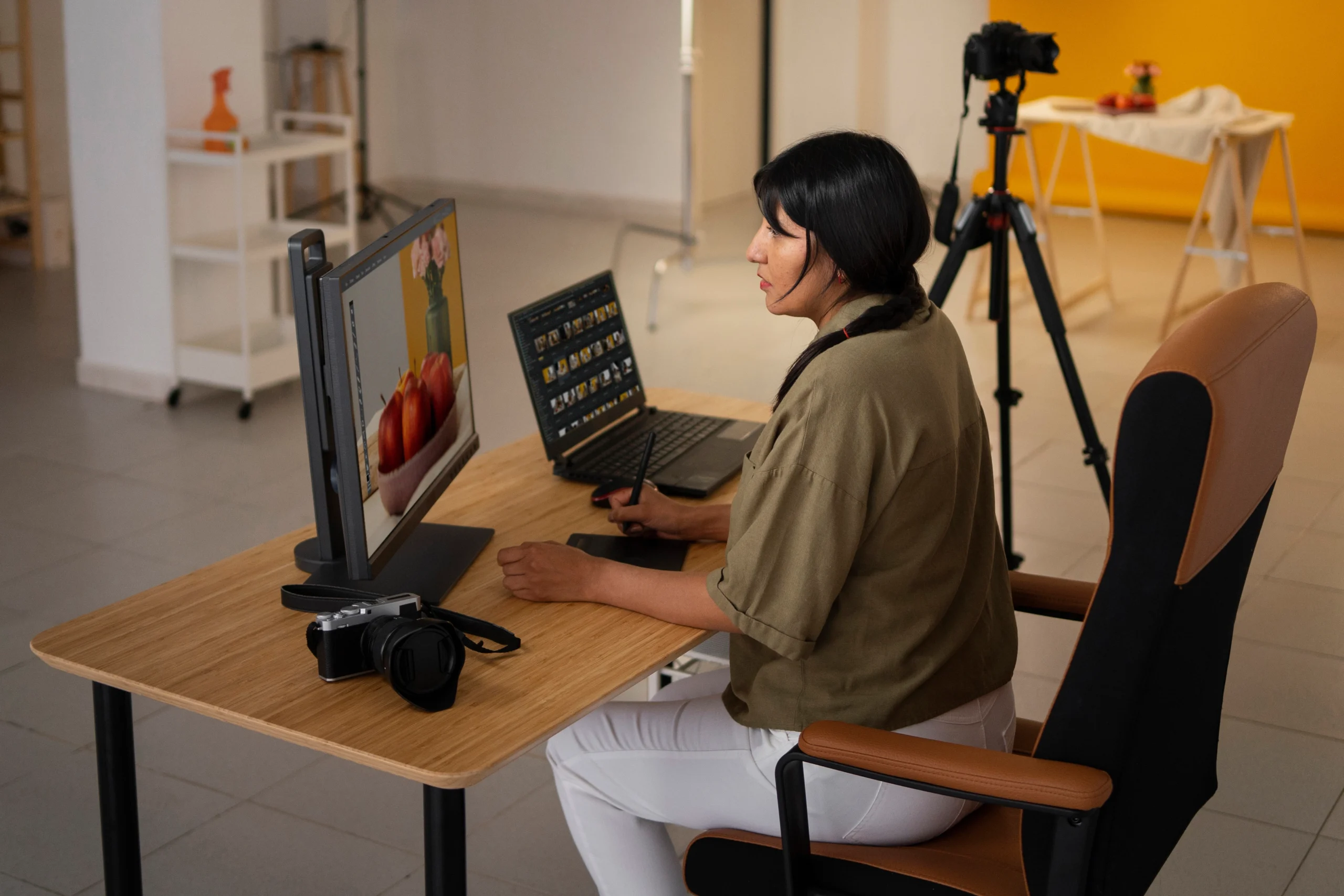
Time-Saving Editing Hacks Every Busy Wedding Videographer Should Know
Wedding video editing hacks are essential for today’s busy videographers. Time is one of the most limited and valuable resources—between back-to-back shoots, tight delivery deadlines, and constant revisions, many videographers find themselves spending more time editing than filming. That’s where smart, time-saving techniques come into play.
At Cut Pro Media, we work with professional wedding videographers across the globe to deliver polished, emotionally driven wedding films—without the time crunch. In this guide, we’re sharing our top editing hacks to help you work faster, stay organized, and deliver stunning videos without sacrificing quality.
Why Time Management Matters in Wedding Video Editing
Editing a wedding film involves:
- Organizing hours of raw footage
- Syncing audio and video
- Creating emotional storytelling arcs
- Color grading and sound mixing
- Exporting and revisions
Without an efficient system, these steps can drag out over days—or even weeks. That’s why using editing shortcuts and streamlining techniques is essential for staying on schedule and maintaining creativity.
- Organize Footage Before You Start
It may sound obvious, but the most overlooked step is file organization. Before you even open your editing software:
- Rename folders clearly (e.g., “Prep_Bride”, “Ceremony_CamA”)
- Sync timecodes on cameras before the shoot
- Use consistent file-naming conventions
- Group audio, drone, and B-roll into separate folders
Why it works: A clean folder structure saves hours when looking for specific shots later.
2. Use Proxy Files for Smooth Editing
Wedding footage often includes 4K or higher resolution files, which can slow down editing software—even on powerful machines.
- Generate proxy files (lower-resolution copies) for editing
- Switch back to full-resolution only during export
Why it works: Editing with proxies prevents lag, crashes, and frustration—especially when scrubbing long timelines.
3. Create and Reuse Project Templates
If you’re editing similar wedding videos every week, save yourself time by creating:
- Project file templates with bins and timelines already set
- Pre-made intro and outro sequences
- Standard adjustment layers for audio EQ, transitions, or color presets
Why it works: You won’t have to start from scratch each time—just drop in your footage and get to work.
4. Use Adjustment Layers for Global Changes
Instead of applying color correction, grain, or LUTs clip-by-clip:
- Apply adjustment layers over sections of the timeline
- Stack multiple layers for modular effects
Why it works: Saves time on grading, and changes can be made globally with one click.
5. Create Your Own Keyboard Shortcuts
Every second counts when editing. Use custom keyboard shortcuts for frequent actions like:
- Ripple delete
- Apply transition
- Zoom timeline in/out
- Cut at playhead
Most editing software like Premiere Pro, Final Cut Pro, and DaVinci Resolve allow full shortcut customization.
Why it works: Reduces mouse-click fatigue and dramatically speeds up repetitive tasks.

We Can Help You With Professional Video Editing.
Unlimited Revisions – Whatever changes are needed, send them through and we will Fix them.
Fast Turnaround Time – We are always available to meet the tightest of deadlines when necessary.
Risk-Free Trial – Send your first video editing project to us and if you are not 100% happy with the results we produce, you don’t pay!
6. Batch Audio Syncing with PluralEyes or Auto-Sync
Manually syncing audio and video can be a massive time sink. Instead:
- Use PluralEyes, Premiere Pro’s auto-sync, or DaVinci’s waveform matching
- Batch sync multiple clips at once
Why it works: Automates hours of tedious work, especially for multi-cam shoots.
7. Use Presets and LUTs Strategically
- Save your own custom LUTs for different lighting conditions
- Use preset transitions, sound effects, and motion graphics for consistency
- Create a folder with your go-to music tracks and ambient loops
Why it works: Instead of re-creating the wheel every time, you’re building a workflow that evolves with you.
8. Edit the Story First, Polish Later
Instead of spending hours on grading or transitions upfront:
- Build the story arc with rough cuts and audio
- Then refine pacing, emotion, and effects after the core is built
Why it works: Focuses your energy on storytelling first, which is what clients value most.
9. Master Timeline Markers
Use timeline markers to:
- Tag key emotional moments
- Mark areas for revisions
- Sync transitions with beats in music
Why it works: Keeps you visually organized in long sequences and helps navigate feedback quickly.
10. Outsource Your Editing to Save 20+ Hours Per Project
The ultimate time-saving hack? Don’t do it all yourself.
At Cut Pro Media, we specialize in outsourced wedding video editing for professional videographers worldwide. Our experienced editors handle everything from syncing to final polish—so you can focus on filming, growing your business, or even taking a break.
Our services include:
- Full highlight and documentary edits
- Trailer and teaser reels
- Branding consistency
- Multi-cam sync and advanced audio mixing
- Fast turnaround and secure file delivery
Why it works: You save hours per project, improve delivery times, and scale your business without sacrificing quality.
Final Thoughts
Time-saving editing hacks don’t just make your workflow faster—they help reduce burnout, maintain consistency, and let you focus on what you love: storytelling.
Whether you apply just a few of these tips or outsource your editing entirely, remember that efficiency leads to sustainability—and sustainable systems are what keep wedding businesses thriving.
Ready to save 20+ hours per project?
Visit www.cutpromedia.com and discover how our expert editors can transform your raw footage into finished films—fast, emotional, and client-ready.
Work smarter, edit faster, deliver better—with Cut Pro Media.