Wedding Video Ideas & Pro Editing Tips: Workstation Setup to Transitions
Introduction
Creating exceptional wedding videos involves much more than filming beautiful moments—it requires careful planning, inspired creativity, and meticulous post-production skills. This guide offers innovative wedding video ideas and essential professional editing tips, from setting up your editing workstation to mastering seamless transitions, helping videographers produce captivating, memorable films.
Inspirational Wedding Video Ideas
Story-Driven Videos
Capture and highlight the couple’s unique love story through carefully scripted narratives, voiceovers, or interviews integrated into the wedding video.
Cinematic Highlights
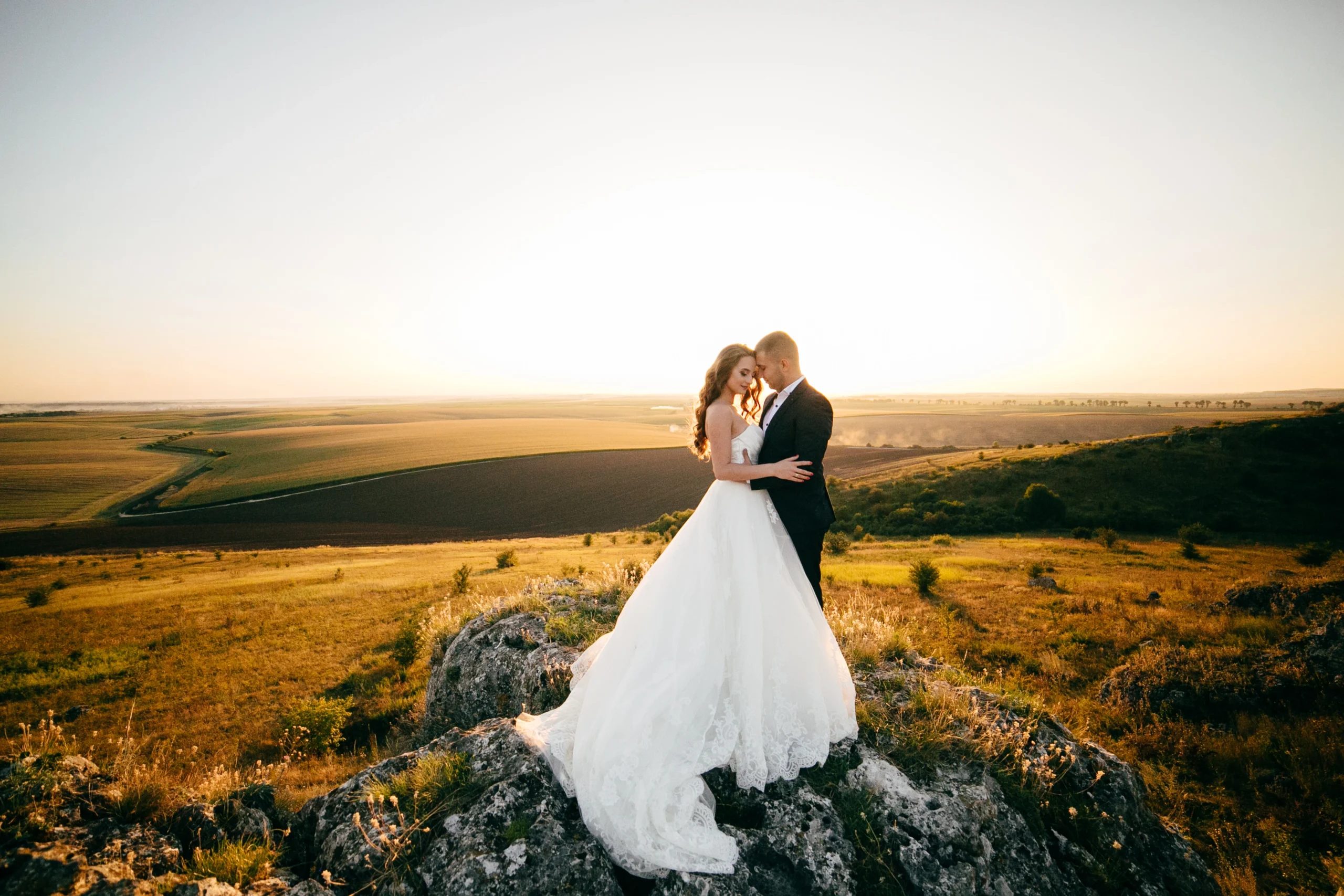
Utilize cinematic filming techniques such as drone shots, slow-motion footage, and dramatic lighting to create visually stunning highlight reels.
Documentary-Style Films
Present the wedding day in a natural, candid manner, capturing genuine emotions, interactions, and spontaneous moments without excessive staging.
Creative Themes
Incorporate distinctive themes such as vintage, rustic, fantasy, or seasonal motifs to personalize the wedding video experience.
Professional Editing Tips
Optimizing Your Editing Workstation
Desk Setup: Ergonomic furniture and proper lighting to ensure comfort during prolonged editing sessions.
Master color grading to enhance visual storytelling, ensuring consistent tones and moods aligned with the wedding’s theme.
Audio Mixing
Prioritize clear dialogue, ambient sound, and well-chosen music tracks to support emotional engagement.
Smooth Transitions
Match Cuts: Align similar movements or visual elements to create seamless transitions.
Creative Transitions: Use masking, wipes, or dissolves for artistic transitions.
Timing: Align transitions with music beats or narrative pacing for enhanced emotional impact.
Common Challenges & Solutions
Challenge: Managing large amounts of footage efficiently.
Solution: Adopt systematic organization and categorization techniques.
Challenge: Achieving consistent visual style across multiple projects.
Solution: Create and apply standardized editing presets and templates.
Benefits of Professional Outsourcing
Consider outsourcing your editing to gain numerous advantages:
Time Savings: Focus on shooting and business growth.
Quality Assurance: Professional editors provide consistently high standards.
Scalable Solutions: Manage increased demand without compromising quality.
How Cut Pro Media Enhances Wedding Videography
Cut Pro Media specializes in outsourced wedding video editing, offering services that ensure:
Expert-level storytelling.
Quick turnaround times.
Seamless workflow integration.
Client Testimonials
Hear directly from satisfied clients:
“Cut Pro Media has transformed our video production, delivering consistently stunning edits that delight every couple.” – Jennifer, Wedding Videographer
“Outsourcing our editing allowed us to double our bookings in just one season without sacrificing quality.” – Alex, Professional Wedding Videographer
Frequently Asked Questions (FAQs)
What equipment is essential for professional wedding video editing? High-resolution monitors, fast computers, SSD storage, professional audio gear.
How can transitions enhance wedding videos? Transitions improve storytelling flow, emotional engagement, and visual appeal.
Why outsource wedding video editing? Outsourcing improves productivity, cost-efficiency, and maintains high-quality standards.
Conclusion
With inspired ideas and pro editing tips, your wedding videos will reach new heights of creativity and professionalism. To further enhance your efficiency and quality, partner with Cut Pro Media, your trusted expert in wedding video post-production. Elevate your videography business today by outsourcing your editing and focusing on what you do best—capturing unforgettable moments.