Color Grading Is the Single Biggest Lever in Wedding Video Style
Two videographers can shoot the same wedding with similar cameras, similar lenses, and similar pacing — and produce films that feel completely different. Almost always, the difference is color. Color is what makes a film feel warm, romantic, cinematic, moody, or airy. Get it right and a $2,000 wedding shoot looks like a $10,000 production. Get it wrong and even great footage feels amateur.
This guide walks through the practical color grading approach for wedding video in 2026: the 4-stage workflow, the LUTs and looks that define modern wedding aesthetics, common mistakes to avoid, and how to develop a signature color style that becomes part of your brand.
The 4-Stage Color Grading Workflow
Professional wedding video color happens in four sequential stages, in this order. Skipping or reversing stages produces inconsistent results:
Color correction (technical baseline)
Fix exposure, white balance, and contrast across all clips so every shot starts from a neutral base. This stage is purely technical — not creative. The goal is consistency, not look. Without this stage, creative grading produces wildly different results across shots from different cameras or lighting conditions.
Match shots across cameras & lighting
Wedding shoots use 2-4 cameras across 8-12 hours. Lighting changes from outdoor ceremony to indoor reception to evening dance floor. Match grading ensures all clips feel like one cohesive film, not a stitched-together montage. This is the most time-consuming stage and where most weddings fall apart visually.
Apply the creative look (LUT or custom grade)
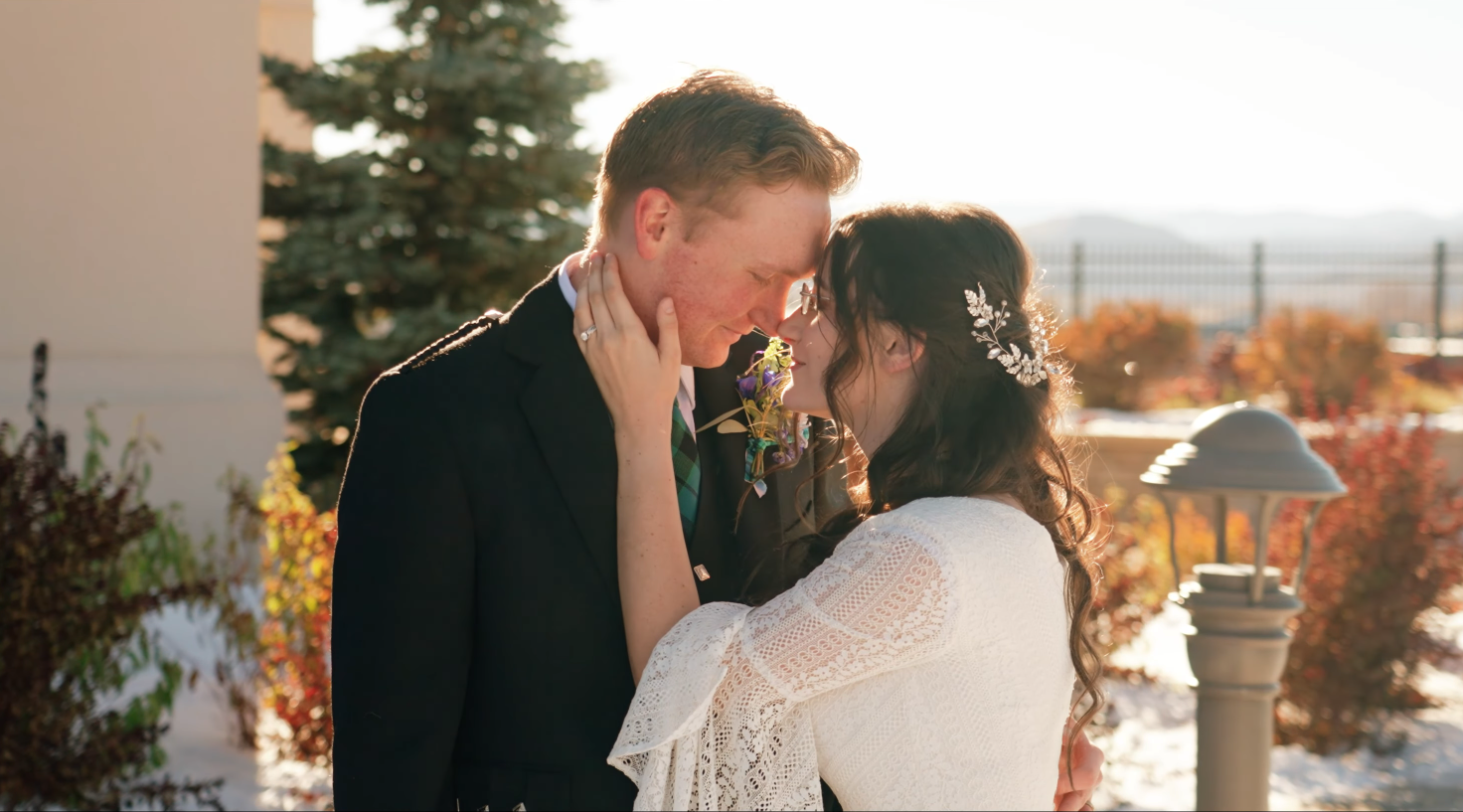
Now apply your creative style. This might be a purchased LUT from a wedding-specific creator, a custom grade you’ve built, or a combination. The look defines the film’s emotional temperature: warm and intimate, cool and modern, golden and romantic, contrasted and editorial.
Shot-by-shot refinement
Even with a great LUT, individual shots need adjustment — a face slightly too dark, a sky too saturated, skin tones drifting orange. This final pass is what separates amateur from professional grading. Budget 30-40% of your color time for this stage.
Most amateur wedding videos skip stage 1 and 2 entirely. They apply a LUT to raw footage and call it color grading. The result always looks inconsistent.
The 3 Wedding Color Looks Defining 2026
Wedding video aesthetics in 2026 cluster around three dominant looks. Most working wedding videographers fall into one camp or develop a hybrid:
You don’t need to do all three. Most successful wedding video brands commit to one look (or a tight variation) and become known for it. That recognizability is part of why couples book you specifically — they saw your aesthetic on Instagram and wanted exactly that for their own film.
5 Color Grading Mistakes That Make Wedding Video Look Amateur
Specific patterns immediately mark wedding video as amateur regardless of camera quality or shooting skill:
Orange-and-teal cranked to 11. The orange-and-teal look became a wedding video cliché around 2018-2020 because it’s a default LUT shortcut. Pushed too far, it makes skin look fake-tan and shadows look unnaturally cyan. Modern wedding aesthetic uses much subtler color treatment.
Inconsistent skin tones across cameras. The bride’s skin should look identical whether she’s on the wide camera or the close-up camera. Inconsistent skin tones across cameras tell viewers immediately that this is amateur work, even if they can’t articulate why.
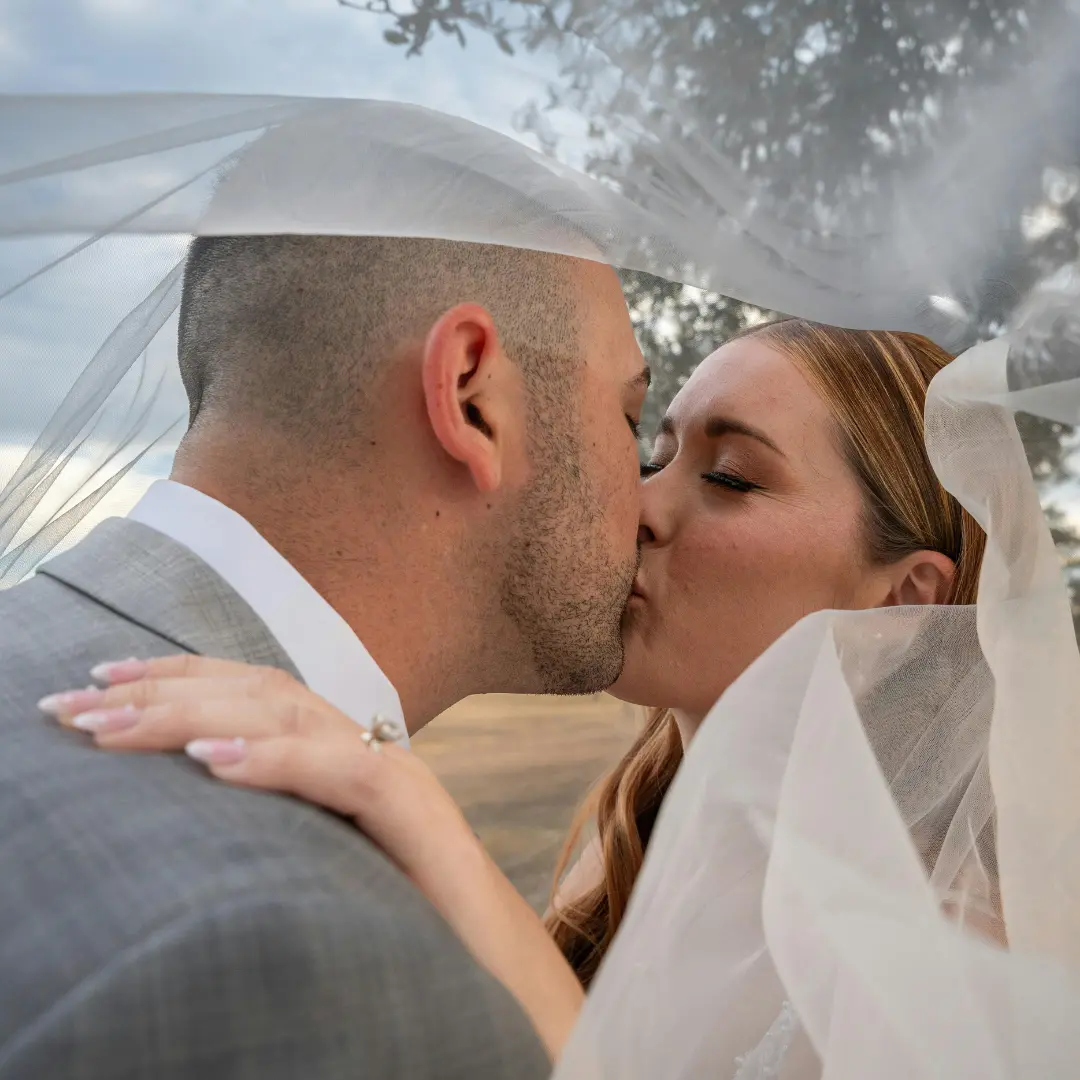
Crushed blacks losing wedding dress details. White wedding dresses are notoriously hard to grade. Crushing blacks too aggressively eliminates dress lace, beading, and texture. The dress should hold detail in both the brightest highlights and the deeper folds.
Over-saturated greens in outdoor scenes. Default camera profiles often push greens too far. Wedding lawns, garden ceremonies, and outdoor venues end up looking radioactive. Pull greens back — the eye perceives natural greens as much less saturated than camera sensors capture them.
Different look on highlight vs feature film. Couples receiving both a 7-minute highlight and a 90-minute feature notice immediately when the two have different color treatments. The look should be identical across both deliverables — same LUT, same secondary corrections, same skin tone treatment.
How to Build a Signature Color Style
A signature color style is what makes your wedding films recognizable on Instagram before viewers see your watermark. Building one takes 6-12 months of deliberate refinement, but the framework is concrete:
1. Shoot in flat or LOG profile. If you’re still shooting in standard color profile, your color grading ceiling is structurally low. Switch to a flat or LOG profile (S-Log3, V-Log, C-Log, RAW) so you have grading latitude in post.
2. Build (or buy) one base LUT. Pick one LUT that defines your look. Apply it to every wedding for 6-12 months. Resist the urge to change it project-to-project. Consistency is what builds recognizability.
3. Refine the LUT iteratively. After 5-10 weddings, you’ll notice patterns — the LUT works great in golden hour but pushes too warm in indoor receptions. Refine your base LUT or build secondary variations (interior LUT, ceremony LUT, reception LUT).
4. Develop secondary corrections that travel with you. Beyond the LUT, build a personal toolkit of secondary corrections you apply consistently — skin tone refinements, sky enhancements, white dress detail recovery. These secondaries become as much your signature as the LUT itself.
How Color Grading Works When You Outsource Wedding Editing
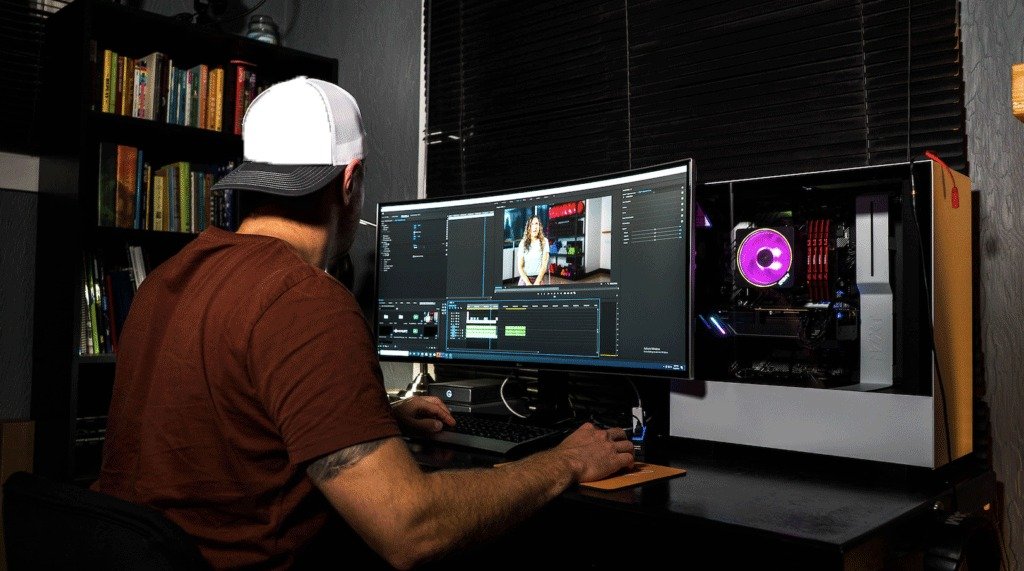
Videographers outsourcing editing to a shop like Cut Pro Media often worry about color match. Will the editor get it right? Will the look be consistent with their portfolio? Three concrete things that ensure color match in outsourced workflows:
1. Send your LUT file with every project. Your .cube file (or .look, .3dl) is the foundation. Without it, the editor is guessing. Send it with the brief on day 1.
2. Send 3-5 reference films. Past finished films from your portfolio give the editor concrete visual targets. Better than describing the look in words.
3. Use the same dedicated editor across projects. By project 3-5 with the same editor, color match is automatic because the editor has internalized your aesthetic. This is one of the biggest reasons same-editor consistency matters — it eliminates the color match problem permanently.
At Cut Pro Media, every wedding goes to the same dedicated editor for your studio. We start with your LUT and reference films, refine through the first project, and by project 3-5 the color match becomes invisible to you because it’s automatic.