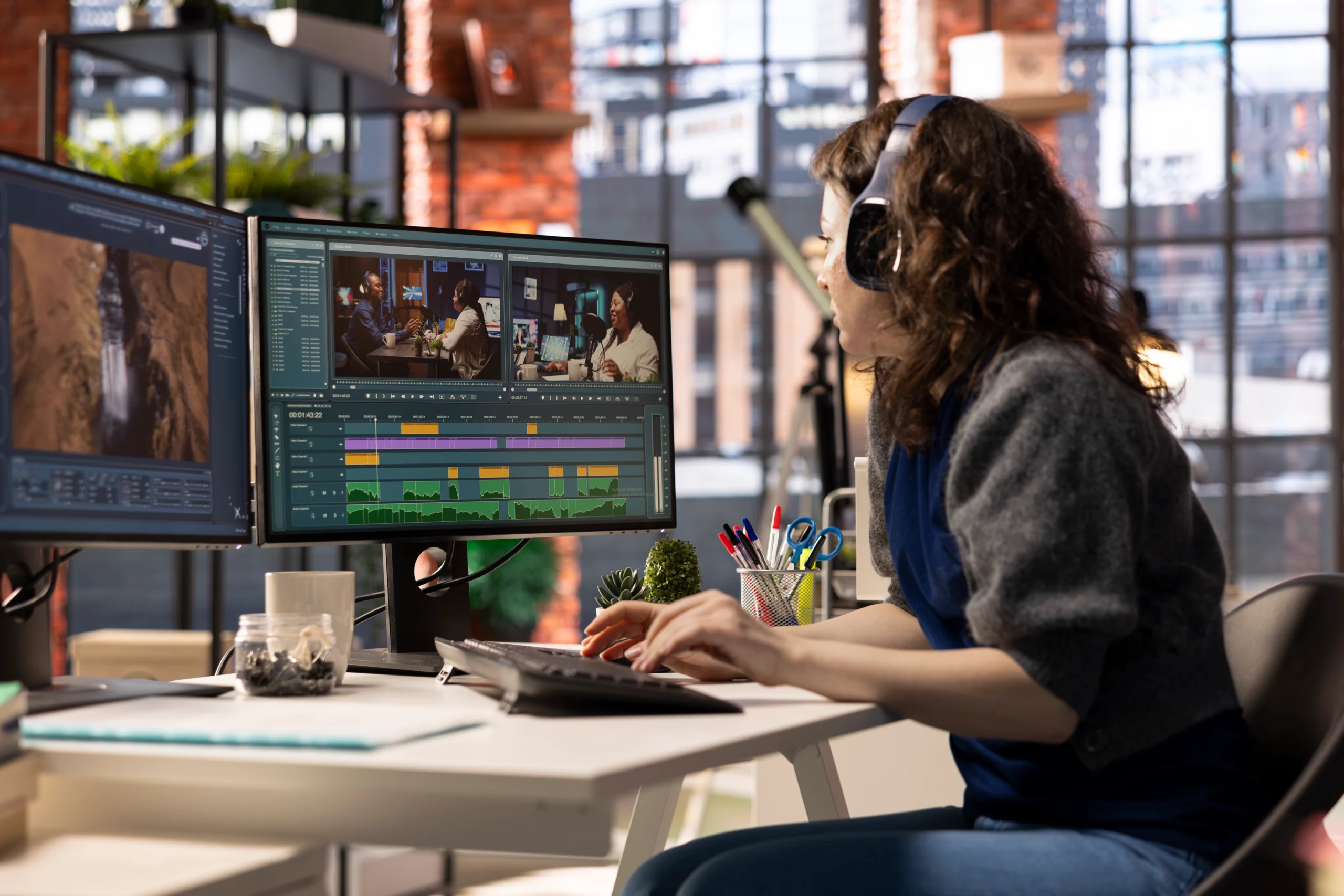
A product video shows shoppers scale, texture and how the product looks in a real room. Each platform shows video differently. Amazon autoplays some ads silently and strips audio from others. Shopify converts every upload. TikTok overlays captions and buttons on the lower frame. The edit has to account for all of it.

The specs below come from the platforms’ own help and ad-spec pages, read on 1 November 2026. These pages change often, so check the live version before a big upload.
Why product videos matter for e-commerce
The clearest data comes from Amazon. Its seller blog says product pages with a first shoppable video saw an average 24% increase in sales, with lifts of 32.7% for toys, 30.5% for apparel, 26.7% for home products and 25.8% for beauty (internal data, January to June 2026).
Amazon Ads reports that Sponsored Products campaigns with video had a 67% higher click-through rate and a 9% higher conversion rate than campaigns without video (US, June 2026). Shoppers who watched those videos for more than five seconds were twice as likely to buy from the brand within seven days.
These are Amazon’s numbers about its own placements, so they will not transfer directly to your store. They do show that the first five seconds carry most of the weight, and that is an editing problem, not a filming one.
Types of e-commerce product video
Most shoots produce footage for several of these at once. Decide which you need before pulling selects.
- Demo or how-to. The product doing its job. Amazon lists “How-to”, “Setup” and “Troubleshooting” among its listing video types.
- Unboxing. What arrives and how it is packed. Amazon names it as its own video type.
- 360 or turntable. A slow rotation on a clean background that answers “what does the back look like?” Shopify also accepts 3D models (GLB or USDZ, up to 500 MB) for interactive rotation.
- Lifestyle. The product in a real setting with real people. It sells the outcome and suits a Shopify hero video or top-of-funnel ad.
- UGC-style. Handheld, talking-to-camera footage native to TikTok and Reels. It still needs a hook, captions and a clear product shot.
- Comparison. Your product beside an alternative. On Amazon ads, claims like “the best” or “better than” need proof, so keep comparisons factual and visual.
Amazon product video requirements
Amazon has three main places a product video runs: the listing video on the detail page, Sponsored Brands video in search results, and Sponsored Products video tied to a single product (ASIN).
Source: Amazon seller blog; Amazon Ads “Sponsored Brands video creative” and “Sponsored Products video” pages, read 1 November 2026.
Sponsored Brands videos autoplay silently once half the player is on screen, so the story must work without sound. Amazon advises keeping text out of the lower right corner and ending on a card with your brand name and logo. For Sponsored Products video, the on-screen feature title is limited to three words (15 characters) and the description to six words (55 characters).
Listing videos require a Professional selling account, at least three months of selling history and live listings. Amazon reviews every video and warns that holiday reviews can take up to seven business days, so build that into launch plans.
What gets Amazon video ads rejected
Amazon’s moderation guide for Sponsored Brands and Sponsored Display lists why video ads fail review. Most reasons are editing choices you can fix before upload.
- Reviews and star ratings. Not allowed, even if the reviews are on Amazon.
- Prices and savings. “Save 50%” or “$20 off” are not allowed. “Deal” can only appear when the product has an Amazon deal.
- Unproven claims. “The best”, “the most” or “better than” are rejected unless substantiated, including claims shown on the packaging.
- Black bars and frames. Letterbox and pillar-box formats are not permitted, and black frames at the start or end are a common rejection.
- Poor picture or sound. Blurry visuals, sudden volume changes and static are all listed.
- Illegible text. Text must be large enough to read and must contrast with its background.
- Bad pacing. Jarring, overly fast cuts and endings cut off at the maximum duration.
- Pressure language. Urgent or combative wording meant to force a click or sale.
Shopify product video specs
Shopify product media is far more flexible. You can upload a file or embed a YouTube or Vimeo link. File limits do not apply to embeds, and other video hosts are not supported.
Source: Shopify Help Center, “Product media types”, “Uploading and managing files” and Shop channel video help page, read 1 November 2026.
Shopify’s file page adds a minimum length of 0.25 seconds, dimensions between 100 and 4,096 pixels, and a 120 fps maximum. Your theme must support video; Shopify says all its Online Store 2.0 themes and the Horizon family do.
Because Shopify streams at up to 1080p for most viewers, a clean 1080p export with a short, silent-friendly loop is often the better product page asset. Keep the 4K file for your archive.

Social ad specs for Meta and TikTok
TikTok
TikTok’s help page for auction In-Feed Ads (last updated June 2026) lists these specs.
Source: TikTok Ads Help Center, “TikTok Auction In-Feed Ads”, last updated June 2026.
TikTok offers downloadable safe-zone overlay files rather than pixel values, because the covered area depends on caption length and ad format. Drop the overlay into your timeline and keep product shots, text and logos clear of it.
Meta (Facebook and Instagram)
Meta publishes specs in its Ads Guide, split by placement (Feed, Reels, Stories) and campaign objective. Check the exact placements in your campaign before export. Most product campaigns need a vertical version for Reels and Stories and a 4:5 or 1:1 version for Feed. Edit each as its own frame rather than cropping a 16:9 master at the last minute. Our guide to online video ads editing covers placement differences in more depth.
The product video editing workflow
Write the deliverables list first
Each platform, ratio, maximum length and whether audio plays. This shapes the cut, not just the export.
Pull selects by job
Tag clips as hook, hero shot, feature proof, lifestyle and end card. Flag tight shots for Sponsored Products, where the product should fill half the frame.
Build the hook early
Amazon advises showing the product within the first few seconds and saving the logo for later. Its seller blog suggests getting the key feature into the first 5 to 10 seconds.
Add feature callouts
One feature per beat, shown on screen, not just said.
Design text for silence
Use large, high-contrast text, away from the lower right corner on Sponsored Brands and outside TikTok’s safe-zone overlay.
Caption every spoken line
Burn captions into social versions and keep an SRT or VTT file. Amazon suggests subtitles or separate versions for ads in several marketplaces.
Correct colour to the real product
Match true product colour against a physical sample or brand reference. A stylised grade can suit the scene, but the product must look like what arrives in the box.
Reframe for each ratio
Reposition the product in every 9:16, 1:1 and 4:5 version. Never fill a frame with black or blurred bars.
Finish with a clean end card
Brand name, logo and one next step. No price, star ratings or “limited time” for Amazon ads.
Run a spec check
Look for black frames at head and tail, and check length, file size, frame rate and audio levels.
A deliverables matrix for one product shoot
A worked example for a home product sold on Amazon and Shopify and promoted on paid social, based on the specs above.
Source: Cut Pro Media worked example using the Amazon, Shopify and TikTok specs cited above.
Seven files, three or more cut lengths, one shoot. Planned up front, they are built in one pass.
Common product video editing mistakes
- Inaccurate colour. A warm grade that turns a grey sofa beige invites “not as pictured” complaints. Grade the scene, protect the product.
- Price and review graphics in Amazon ads. Both are listed rejection reasons.
- Unproven claims. If you cannot substantiate “the best”, show the result instead.
- Letterboxing a 16:9 master. Bars fail Amazon review and waste a vertical screen.
- Logo first, product second. A five-second logo sting burns the window that matters most.
- Relying on voiceover. Sponsored Products strips audio and Sponsored Brands starts muted.
- Text under the platform UI. On TikTok and Reels, captions and buttons cover part of the frame.
How Cut Pro Media handles product video editing
Cut Pro Media has edited since 2013 and delivered more than 20,000 films. Our product video editing service is part of our commercial video editing work for brands, agencies and e-commerce teams.
A standard commercial edit is a $140 flat rate (USD), delivered in 1 to 3 working days. It covers up to 3 minutes of edited video, style matching from your reference, colour correction when required, music sync and sound balance, one platform master, the project file and up to 2 hours of revisions (music changes not included). Your first edit is risk-free.
For launches that need every placement, the multi-platform package is custom quoted and delivered in 2 to 4 working days. It adds 16:9, 9:16, 1:1 and 4:5 exports with intentional reframing, captions (SRT/VTT and burned in), end-card CTAs per platform, UTM-ready slates and multiple thumbnail frames. A/B variants are available on request, matched to your brand guidelines.
Send footage by Dropbox, Google Drive or WeTransfer and review on Frame.io, Vimeo or a private YouTube link. We edit in Adobe Premiere Pro and can hand off to DaVinci Resolve via XML. Brands with steady launches can choose a dedicated editor plan with volume pricing, a turnaround SLA and white-label delivery on request. For organic cuts, see our social media video editing service.
Common questions
Sources: Amazon, “When customers can’t touch, let Amazon product videos convince them” (12 May 2025; data January to June 2026); Amazon Ads, “Sponsored Brands video creative” (undated, read 1 Nov 2026); Amazon Ads, “Sponsored Products video” (data June 2026); Amazon Ads, “A complete guide for Sponsored Brands and Sponsored Display moderation” (undated); Shopify Help Center, “Product media types”, “Uploading and managing files” and Shop channel video page (read 1 Nov 2026); TikTok Ads Help Center, “TikTok Auction In-Feed Ads” (June 2026).