
5 ProTop Bridal and Wedding Gift Ideas for 2025: A Complete Guide for Every Budget
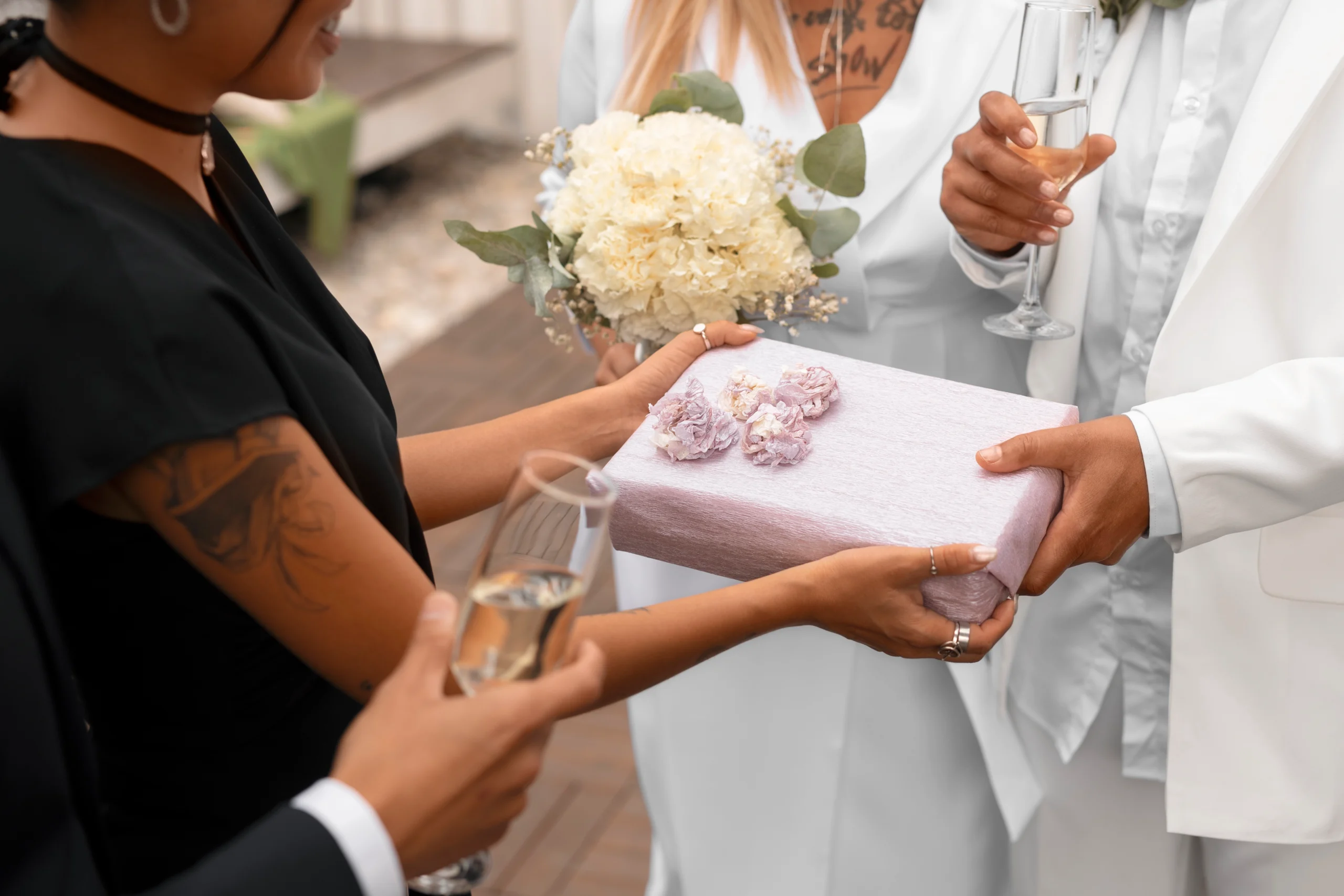
Top Bridal and Wedding Gift Ideas for 2025: A Complete Guide for Every Budget
Introduction
Finding the perfect bridal or wedding gift can be a challenging yet rewarding experience. In 2025, thoughtful, creative, and personalized gifts remain a top trend, catering to diverse budgets and tastes. This extensive guide explores top gift ideas to celebrate love and milestones beautifully, ensuring that your present stands out, regardless of your budget.
Gift Ideas Under $50
Even with a modest budget, you can select memorable gifts:
- Personalized Coffee Mugs: Customized with the couple’s names or wedding date.
- Photo Frames: Stylish frames or personalized albums to cherish memories.
- Scented Candles: Premium, elegantly packaged candles with personalized labels.
- Cookbooks: Ideal for couples who love cooking together.
Gift Ideas Under $100
Stepping up the budget allows for more elaborate gifts:
- Custom Cutting Boards: Engraved with names or wedding dates.
- Spa Gift Sets: Luxurious products for relaxation.
- Personalized Home Decor: Custom prints or wall art tailored to the couple’s story.
- Quality Glassware: Elegant sets for special occasions.
Gift Ideas Under $250
A generous budget provides numerous sophisticated options:
- Custom Jewelry: Personalized necklaces, bracelets, or cufflinks.
- Premium Bed Linen: High-quality sheets or duvet covers.
- Stylish Kitchen Gadgets: High-end coffee makers, mixers, or smart appliances.
- Personalized Travel Accessories: Customized luggage tags, passport holders, or toiletry bags.
Gift Ideas Under $500
For a more significant investment, consider premium gifts:
- Luxury Dinnerware Sets: Elegant and timeless sets ideal for entertaining.
- High-End Cookware: Premium cookware sets from renowned brands.
- Smart Home Devices: Advanced home assistants, smart thermostats, or security systems.
- Weekend Getaways: Gift vouchers for short, memorable experiences.
Luxury Gift Ideas ($500+)
For unforgettable luxury, these premium options are ideal:
- Designer Accessories: Exclusive watches, handbags, or fashion accessories.
- High-End Electronics: Latest models of tablets, smartphones, or professional cameras.
- Luxury Hotel Stays: Vouchers for luxurious resorts or hotels.
Customized Fine Art: Commissioned paintings or sculptures tailored specifically for the couple.

We Can Help You With Professional Video Editing.
Unlimited Revisions – Whatever changes are needed, send them through and we will Fix them.
Fast Turnaround Time – We are always available to meet the tightest of deadlines when necessary.
Risk-Free Trial – Send your first video editing project to us and if you are not 100% happy with the results we produce, you don’t pay!
Personalized and Customized Gifts
Personalization elevates the sentimental value of gifts significantly:
- Custom wedding date prints
- Engraved jewelry or keepsakes
- Personalized storybooks
- Custom-made furniture or decor pieces
Eco-Friendly and Sustainable Gift Options
Eco-conscious couples appreciate thoughtful, sustainable gifts:
- Sustainable home products
- Eco-friendly kitchenware
- Reusable and stylish tote bags
- Organic luxury spa products
Experiential and Adventure Gifts
Create lasting memories through unique experiences:
- Cooking or cocktail-making classes
- Wine-tasting tours
- Hot air balloon rides
- Adventure getaways and outdoor activities
Tech-Savvy Gift Ideas
Ideal for modern couples embracing technology:
- Smart home systems
- Wireless charging stations
- Smart kitchen appliances
- Home entertainment systems
Creative DIY Gift Ideas
Handmade gifts showcasing effort and creativity:
- Homemade gourmet baskets
- DIY photo albums or scrapbooks
- Handmade quilts or knitted blankets
- Personalized hand-painted ceramics
Unique Gift Ideas for Every Couple Type
- Travel Enthusiasts: Travel vouchers, customized maps, or luggage sets.
- Food Lovers: Gourmet hampers, cooking kits, or dining experiences.
- Fitness Couples: Smart fitness trackers, yoga accessories, or personalized water bottles.
- Book Lovers: Customized bookshelves, limited edition books, or audiobook subscriptions.
Gifts Specifically for Brides
Bridal gifts tailored specifically for her:
- Bridal robes or pajamas
- Customized bridal accessories
- Spa and wellness packages
- Bridal jewelry
Gifts Specifically for Grooms
Thoughtful gifts designed especially for him:
- Customized watches or cufflinks
- Grooming kits
- Tech gadgets
- Personalized apparel
Gift Wrapping and Presentation Ideas
Presentation can enhance your gift significantly:
- Personalized wrapping paper
- Custom gift boxes or baskets
- Creative packaging materials
- Elegant ribbons and bows
Real-Life Gift Testimonials
Hear from satisfied gift-givers and receivers:
- “The personalized jewelry set I received was incredibly thoughtful and meaningful.” – Emily, Bride
- “Our weekend getaway gift was unforgettable—such a special experience.” – Josh and Amanda, Newlyweds
Frequently Asked Questions (FAQs)
- How early should I buy a wedding gift?
Ideally, purchase at least a month before the wedding. - Are personalized gifts more appreciated?
Yes, personalized gifts add meaningful value and sentiment. - Can experiences replace physical gifts?
Absolutely, experiences create lasting memories and are highly appreciated.
Conclusion
Choosing the perfect bridal and wedding gift in 2025 can be enjoyable and stress-free with this comprehensive guide, regardless of your budget. Celebrate the joyous union of love with thoughtfully selected, meaningful gifts. Begin your thoughtful gift planning today and ensure your present becomes a cherished memory forever.
5 Proven Party Planning Tips to Impress Your Guests Every Time
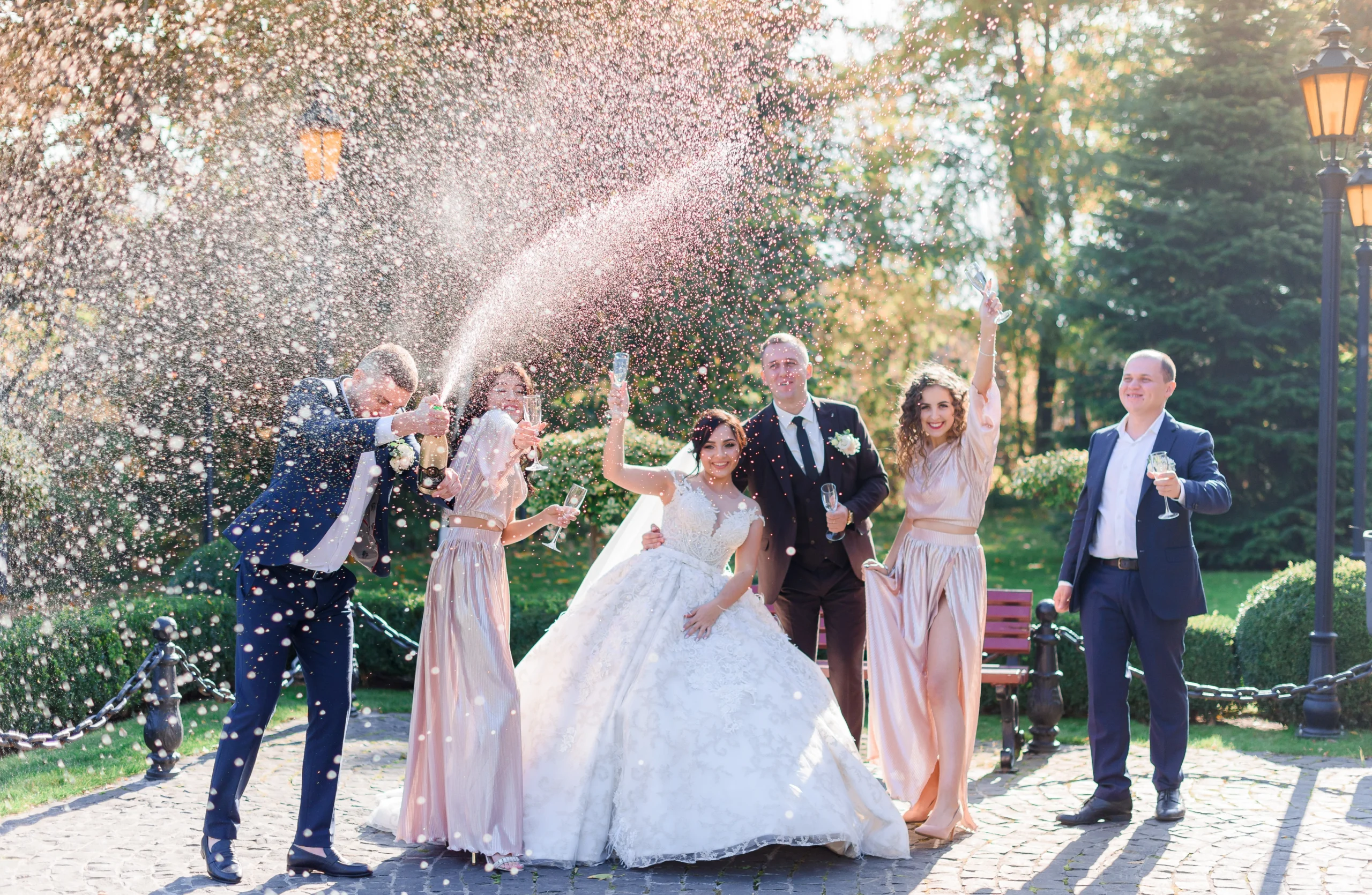
5 Proven Party Planning Tips to Impress Your Guests Every Time
Introduction
Hosting a memorable party involves creativity, careful planning, and thoughtful execution. Whether you’re planning a birthday, anniversary, corporate event, or wedding reception, these five proven tips will ensure your event impresses your guests every single time.
1. Define a Clear Theme
A cohesive theme elevates your party, making it memorable and engaging. Your theme sets the tone, influencing everything from decor and invitations to entertainment and menu choices. Popular themes include:
- Elegant and classic
- Rustic chic
- Vintage glamour
- Tropical paradise
- Modern minimalist
Clearly defining your theme helps streamline planning and ensures every element complements the overall aesthetic.
2. Master Your Guest List and Invitations
Careful guest list planning ensures the right atmosphere and comfortable accommodations for attendees. Tips include:
- Send invitations early, clearly communicating essential details (time, location, dress code).
- Provide RSVP options for efficient response tracking.
- Consider digital invitations for convenience and real-time updates.
We Can Help You With Professional Video Editing.
Unlimited Revisions – Whatever changes are needed, send them through and we will Fix them.
Fast Turnaround Time – We are always available to meet the tightest of deadlines when necessary.
Risk-Free Trial – Send your first video editing project to us and if you are not 100% happy with the results we produce, you don’t pay!
3. Create an Ambiance Through Strategic Decor
The right decor transforms your venue into a welcoming, immersive environment:
- Utilize lighting creatively—string lights, candles, or lanterns for warmth and ambiance.
- Choose cohesive color schemes aligned with your theme.
- Incorporate personalized decor elements (custom signage, personalized favors).
4. Plan Exceptional Entertainment
Entertainment keeps guests engaged and enjoying your event. Options can include:
- Live bands or DJs for energetic atmospheres.
- Interactive activities such as photo booths, games, or themed challenges.
- Professional performers or entertainers like comedians, magicians, or dancers.
5. Offer Outstanding Food and Beverages
Exceptional culinary experiences significantly impact guest satisfaction:
- Tailor menus to guest preferences and dietary requirements.
- Offer a variety of food options—hors d’oeuvres, buffet stations, plated dinners, or interactive cooking stations.
Provide creative beverages and signature cocktails to enhance the overall experience.
Additional Expert Tips for Party Success
- Always have a contingency plan for unforeseen circumstances (weather, venue issues).
- Pay attention to seating arrangements to foster enjoyable interactions.
- Maintain open and clear communication with vendors to ensure smooth coordination.
Real-Life Testimonials
- “Thanks to these planning tips, my anniversary party was a massive success! Guests still rave about the unique touches and great atmosphere.”
– Jessica M. - “Following these tips simplified my planning process immensely and ensured every detail was perfect. Highly recommend!”
– Mark L.
Frequently Asked Questions (FAQs)
- How early should I start planning my event?
Ideally, begin planning 6-8 weeks ahead for smaller events, and 3-6 months for larger gatherings. - What’s the best way to track RSVPs?
Digital invitation platforms and online forms provide efficient and convenient RSVP tracking. - Should I hire professional event planners?
Professional planners provide expert guidance, alleviate stress, and ensure flawless execution.
Conclusion
By following these proven party planning tips, you’ll create extraordinary events that consistently impress your guests. Ready to elevate your next event even further? Partner with professional event service providers to simplify planning and ensure unforgettable experiences. Start planning today and leave your guests amazed!
How Professional Video Editing Outsourcing Enhances Brand Storytelling
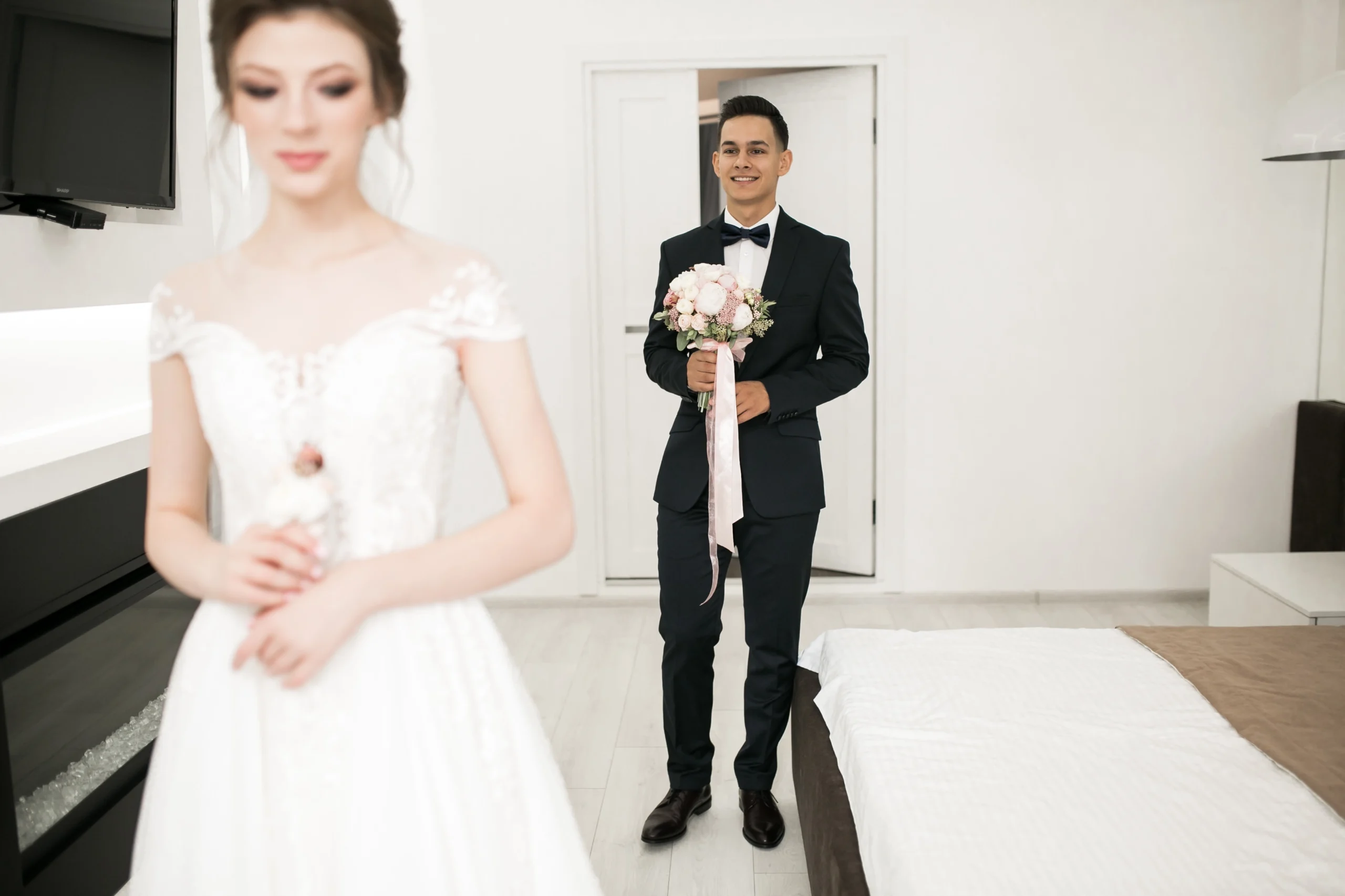
10 Expert Tips to Capture the Perfect First Look on Your Wedding Day
Introduction
The first look on your wedding day is a magical and emotional moment filled with excitement, joy, and intimacy. Capturing this unique experience perfectly can create timeless memories you’ll cherish forever. For couples in the USA, where first-look photography has become increasingly popular, knowing how to prepare can make a significant difference. Here are ten expert tips to ensure your first look is captured beautifully.
1. Choose the Right Location
Select a location that offers privacy, ample natural lighting, and meaningful scenery. Consider picturesque parks, secluded gardens, historical venues, or locations significant to your relationship.
2. Schedule Enough Time
Allow ample time for a relaxed and unhurried first look. Schedule at least 20-30 minutes specifically for this session, ensuring genuine, intimate moments unfold naturally.
3. Communicate Clearly with Your Photographer
Discuss your vision, preferences, and any specific shots you desire with your photographer beforehand. Clear communication ensures that your photographer captures the moments exactly as envisioned.
4. Plan Around the Lighting
Ideal times for photography are during the golden hours shortly after sunrise or before sunset, providing soft, flattering light that enhances romantic moments beautifully.
5. Coordinate Outfits Carefully
Ensure your attire complements each other and the chosen backdrop. Neutral, soft, or classic tones typically photograph exceptionally well, maintaining timeless elegance in your images.
6. Limit the Audience
A private first look, with just the two of you and your photographer, allows for authentic emotions to surface without distractions or interruptions, resulting in genuinely heartfelt photographs.
7. Embrace Authentic Emotions
Let your emotions flow naturally. Authentic reactions—laughter, tears, excitement—make the most memorable and beautiful photographs. Trust your photographer to capture these sincere moments.
8. Include Meaningful Props
Consider incorporating sentimental items like handwritten notes, heirloom jewelry, or special mementos to personalize your first look photos and add emotional depth.
9. Relax and Stay Present
Take deep breaths, remain relaxed, and fully embrace this once-in-a-lifetime moment. Being present ensures your genuine connection and emotions shine through in every shot.
10. Work with Experienced Professionals
Choose professional photographers experienced in first look photography, familiar with capturing spontaneous, intimate moments seamlessly. In the USA, experienced wedding photographers know precisely how to handle lighting, timing, and emotions effectively.
We Can Help You With Professional Video Editing.
Unlimited Revisions – Whatever changes are needed, send them through and we will Fix them.
Fast Turnaround Time – We are always available to meet the tightest of deadlines when necessary.
Risk-Free Trial – Send your first video editing project to us and if you are not 100% happy with the results we produce, you don’t pay!
Why Outsource Your Wedding Editing?
Outsourcing wedding video and photo editing offers numerous advantages, particularly for busy photographers in the USA:
- Time Savings: Enables you to focus more on photography, creativity, and client interactions.
- Professional Quality: Ensures high-quality edits consistently delivered by skilled professionals.
- Efficiency: Quick turnaround enhances client satisfaction and business growth.
Testimonials from Happy Clients
- “Our first look photos were breathtaking, thanks to careful planning and outstanding editing by our professionals.” – Sarah and Mike, New York
- “Outsourcing our editing gave us more freedom to capture perfect first-look moments for our couples.” – Daniel, Professional Photographer, California
Frequently Asked Questions (FAQs)
- What is the best time for a first look?
The best times are usually early morning or late afternoon when lighting conditions are optimal. - Should we include family in the first look?
Typically, the first look is best kept private, but it’s your personal preference. - How can outsourcing improve our wedding photos?
Professional editing enhances quality, consistency, and delivers images faster.
Conclusion
Capturing the perfect first look on your wedding day requires careful planning, open communication, and expert photography. Enhance your beautiful memories by entrusting your wedding video and photo editing to experts. Partner with experienced outsourcing professionals today and transform your wedding images into timeless treasures.
How Outsourcing Wedding Video Editing Services Can Skyrocket Your YouTube Growth
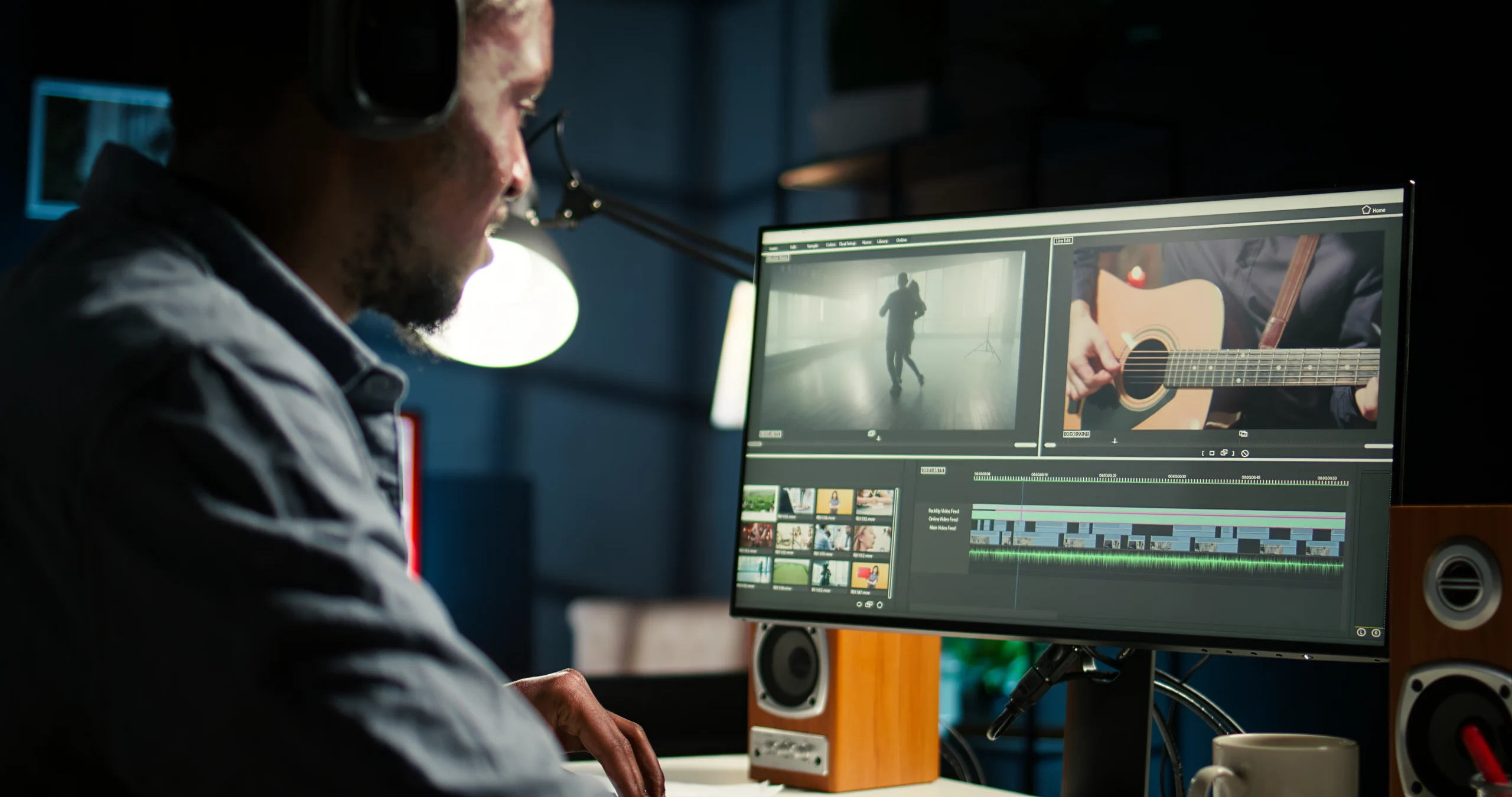
How Outsourcing Wedding Video Editing Services Can Skyrocket Your YouTube Growth
Introduction
YouTube is a powerful platform for wedding videographers to showcase their work, attract clients, and grow their business. However, consistently producing high-quality, engaging content can be challenging and time-consuming. Outsourcing your wedding video editing can significantly enhance your YouTube growth, allowing you to focus more on filming, marketing, and strategic growth.
Why YouTube Matters for Wedding Videographers
YouTube provides an unparalleled opportunity for wedding videographers to reach global audiences, build credibility, and attract potential clients. Leveraging this platform effectively can dramatically boost brand visibility, engagement, and bookings.
Challenges of Managing YouTube Content Internally
Consistently producing professional-level video content involves substantial editing hours. Challenges include:
- Time-intensive editing processes.
- Balancing multiple tasks simultaneously.
- Maintaining consistent upload schedules.
- Ensuring high-quality editing standards.
Advantages of Outsourcing Wedding Video Editing
Increased Content Volume and Consistency
Outsourcing enables more frequent, consistent uploads, essential for algorithmic visibility and audience growth on YouTube.
Enhanced Video Quality
Professional editors specialize in wedding content, delivering polished, high-quality edits that resonate strongly with viewers.
Time Savings
Reduce workload stress, enabling you to focus on filming, client interactions, and growing your subscriber base strategically.
Scalability
Easily scale your content production to match demand without compromising quality.
We Can Help You With Professional Video Editing.
Unlimited Revisions – Whatever changes are needed, send them through and we will Fix them.
Fast Turnaround Time – We are always available to meet the tightest of deadlines when necessary.
Risk-Free Trial – Send your first video editing project to us and if you are not 100% happy with the results we produce, you don’t pay!
How Outsourcing Boosts Your YouTube Channel
Algorithm-Friendly Content
Regular uploads and consistent quality enhance your channel’s visibility within YouTube’s algorithm, boosting recommended views.
Improved Audience Engagement
High-quality editing increases viewer retention, interactions, and engagement metrics, encouraging subscribers and shares.
Strategic Growth
Outsourcing editing frees time for strategic content planning, channel management, and promotional efforts, accelerating growth.
Choosing the Right Outsourcing Partner
Effective outsourcing requires selecting a reliable, professional editing service. Consider these factors:
- Proven expertise in wedding video editing.
- Transparent pricing and timelines.
- Strong industry reputation and positive client testimonials.
- Efficient communication and seamless workflow integration.
Why Choose Cut Pro Media?
Cut Pro Media specializes in wedding video editing, uniquely positioned to help YouTube channels achieve rapid growth:
- Professional-grade editing tailored specifically for weddings.
- Timely, consistent delivery enhancing upload schedules.
- Transparent, predictable pricing structures.
- High standards for privacy, security, and confidentiality.
Success Stories: Real Results from Outsourcing
Wedding videographers successfully leveraging outsourcing:
- “Cut Pro Media’s editing services enabled our channel to triple our subscriber count within months.” – Olivia, YouTube Wedding Videographer
- “Outsourcing editing allowed us consistent weekly uploads, significantly boosting audience engagement and growth.” – Jake, Professional Videographer
Tips for Maximizing YouTube Growth with Outsourcing
- Maintain a clear, consistent content calendar.
- Regularly communicate with your outsourcing partner to align content styles and goals.
- Utilize analytics to refine content strategies.
- Leverage social media platforms for broader content distribution.
Frequently Asked Questions (FAQs)
- Can outsourcing improve video quality?
Absolutely. Professional editing ensures consistently high standards, greatly enhancing overall video quality. - How quickly can I see YouTube growth after outsourcing?
Visible improvements typically appear within a few weeks to months, depending on upload frequency and audience engagement strategies. - Is outsourcing cost-effective for YouTube growth?
Yes, outsourcing significantly reduces time and resource investments, making it a highly cost-effective strategy.
Conclusion
Outsourcing wedding video editing can strategically elevate your YouTube presence, dramatically increasing growth, engagement, and business success. Take advantage of Cut Pro Media’s specialized editing services to enhance your YouTube channel effectively. Elevate your content, engage more viewers, and watch your subscriber count soar—partner with Cut Pro Media today.
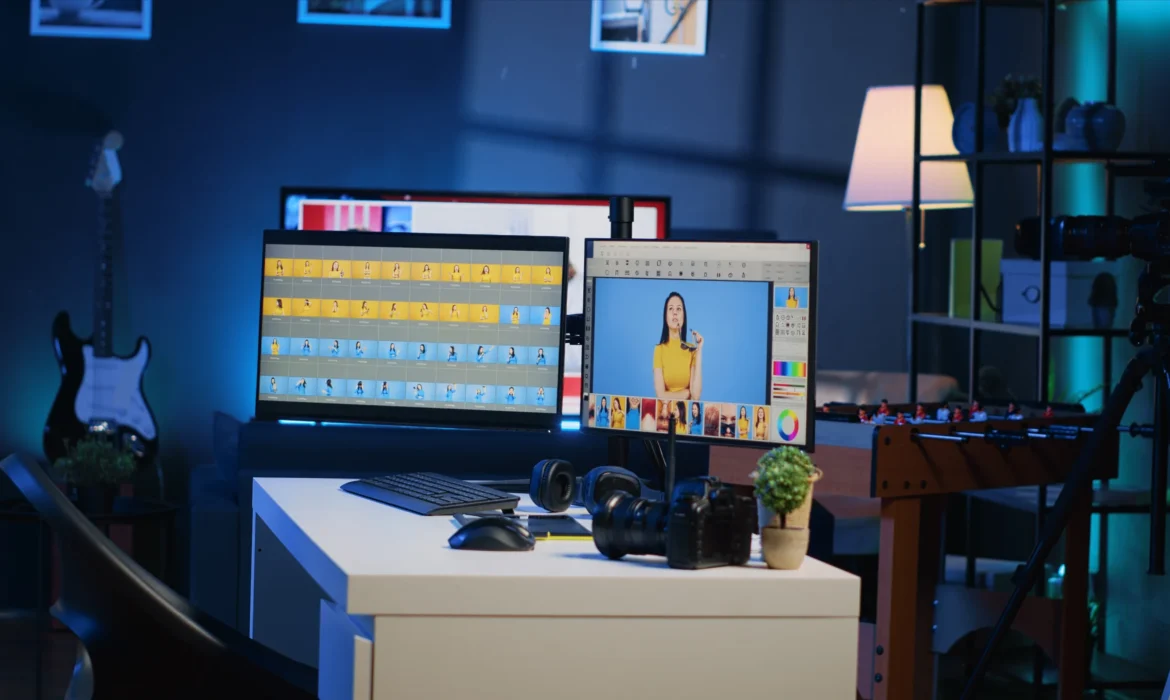
Minimum System Requirements for Adobe Premiere Pro: What You Need to Run It Smoothly
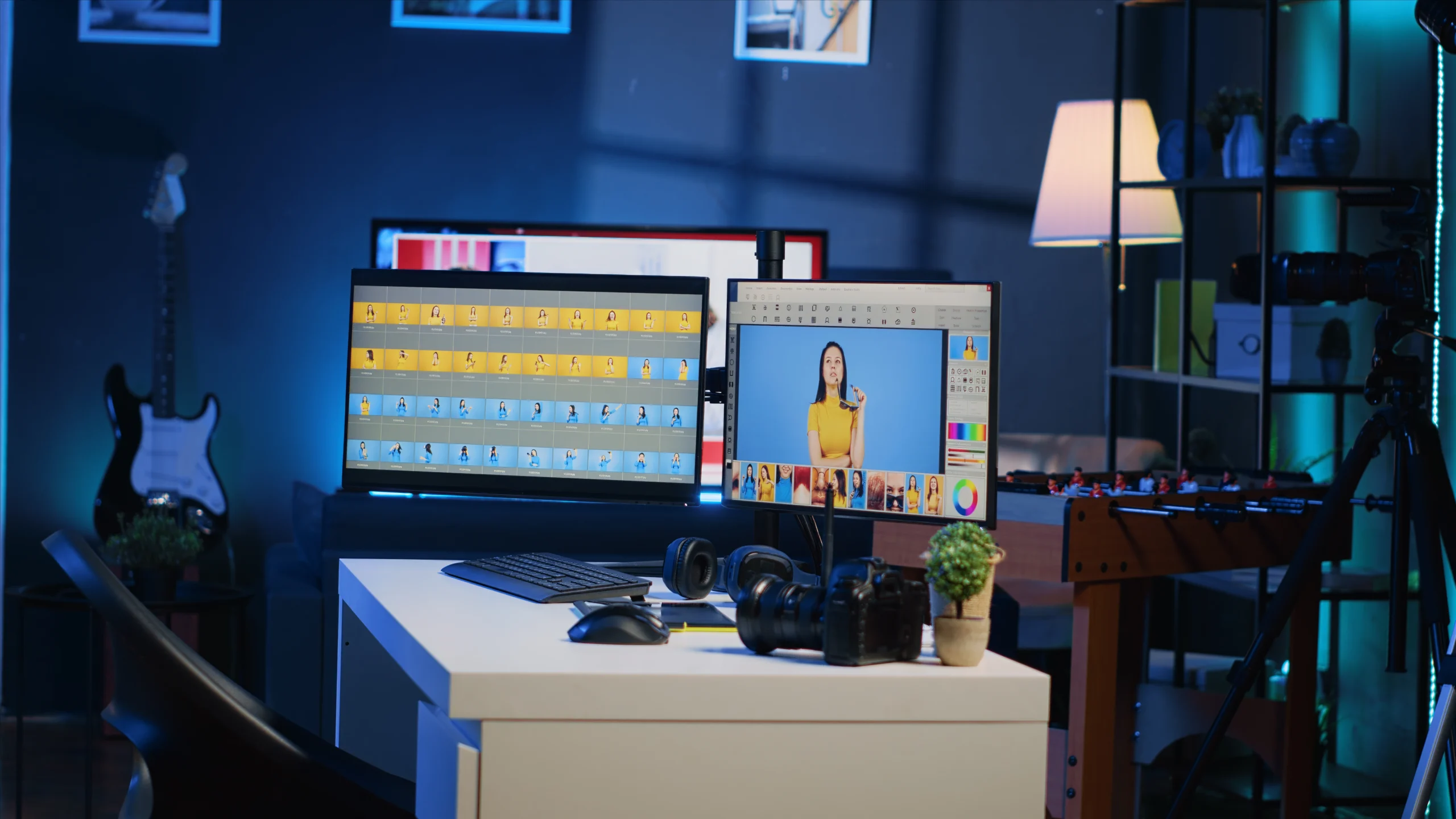
Minimum System Requirements for Adobe Premiere Pro: What You Need to Run It Smoothly
Introduction
Adobe Premiere Pro system requirements are essential to understand if you want to run this industry-leading video editing application smoothly. Favored by professionals worldwide, Adobe Premiere Pro demands a capable system to ensure efficient video editing workflows. This extensive guide covers every aspect of Premiere Pro’s requirements, offering detailed insights into optimizing your workstation for the best editing experience possible.
Understanding Adobe Premiere Pro
Premiere Pro is a robust, resource-intensive video editing software that handles everything from simple cuts to complex visual effects and professional-grade color grading. Given its extensive capabilities, having a well-equipped computer system is paramount.
Official Minimum System Requirements
According to Adobe, the minimum specifications include:
- Processor: Intel® 6th Gen or newer CPU – or AMD equivalent
- Operating System: Windows 10 (64-bit), macOS 10.15 (Catalina) or later
- RAM: 8 GB minimum (16 GB recommended)
- GPU: 2 GB GPU VRAM, GPU supporting OpenCL or CUDA
- Storage: 8 GB available hard-disk space for installation, additional space required for media
- Monitor Resolution: 1280 x 800 (1920 x 1080 recommended)
Recommended System Requirements for Optimal Performance
To experience optimal performance and avoid workflow interruptions, Adobe recommends:
- Processor: Intel 7th Generation or newer (or AMD Ryzen equivalent)
- RAM: 32 GB or more
- GPU: 4 GB VRAM or more
- Storage: Fast SSD drives for software and media
- Monitor Resolution: 1920 x 1080 or higher
Detailed Breakdown of System Components
Processors (CPU)
Video editing heavily relies on CPU power. Premiere Pro works best with multi-core processors such as:
- Intel Core i7, i9 or Xeon
- AMD Ryzen 7, Ryzen 9, Threadripper
Memory (RAM)
RAM directly impacts Premiere Pro’s ability to process real-time previews, multitasking, and rendering speeds.
- Minimum recommended: 16 GB
- Optimal performance: 32 GB or higher
Graphics Processing Unit (GPU)
A powerful GPU accelerates rendering effects and transitions significantly:
- NVIDIA GTX, RTX, or Quadro GPUs
- AMD Radeon Pro series
Storage Solutions
High-speed storage dramatically improves workflow efficiency:
- SSD drives for operating system and software
- Separate SSD or NVMe drives for project files and media caches
Monitor and Display
Accurate colors and sufficient workspace enhance editing precision:
Recommended: IPS panels, high-resolution displays (4K)
We Can Help You With Professional Video Editing.
Unlimited Revisions – Whatever changes are needed, send them through and we will Fix them.
Fast Turnaround Time – We are always available to meet the tightest of deadlines when necessary.
Risk-Free Trial – Send your first video editing project to us and if you are not 100% happy with the results we produce, you don’t pay!
Optimizing Premiere Pro Performance
To maximize Premiere Pro’s performance:
- Regularly update software and drivers
- Clear media cache periodically
- Use proxies for high-resolution footage
- Manage active processes and allocate sufficient resources
Common Issues and Troubleshooting
Addressing frequent Premiere Pro performance issues:
- Lagging playback: Upgrade GPU or increase RAM
- Slow export times: Optimize CPU and GPU combination
- Crashes/freezes: Regularly update Premiere Pro, GPU drivers, and operating systems
System Requirements for 4K, 6K, and 8K Editing
Higher resolutions demand greater resources:
- 4K Editing: Minimum 32 GB RAM, high-end GPU (4 GB+ VRAM)
- 6K/8K Editing: 64 GB RAM or higher, professional GPU solutions (RTX series, AMD Radeon Pro)
Benefits of Outsourcing Premiere Pro Editing
Outsourcing intensive editing tasks can significantly enhance workflow efficiency. Companies like Cut Pro Media offer:
- Professional editing expertise
- Quick turnaround
- Cost-effective scalability
Testimonials & Case Studies
Professional editors highlight Cut Pro Media’s advantages:
- “Cut Pro Media’s skilled editors handle complex projects seamlessly, letting me focus on capturing more content.” – Martin, Videographer
- “Thanks to outsourcing, we reduced our project delivery times dramatically, boosting client satisfaction.” – Claire, Professional Videographer
Frequently Asked Questions (FAQs)
- Is a dedicated GPU necessary for Premiere Pro?
Yes, GPU significantly enhances performance, especially for rendering and playback. - Does Premiere Pro run better on Mac or Windows?
Premiere Pro performs equally well on both, given equivalent hardware specs. - Can I edit videos smoothly with the minimum requirements?
For basic edits, yes, but performance improves substantially with higher specifications.
Conclusion
Meeting and exceeding Premiere Pro’s system requirements ensures efficient workflows and optimal video editing performance. Consider enhancing your editing capabilities further by outsourcing intensive editing tasks to Cut Pro Media, where professional editors provide consistent, top-quality results. Optimize your editing workflow today and elevate your video production standards with Cut Pro Media.
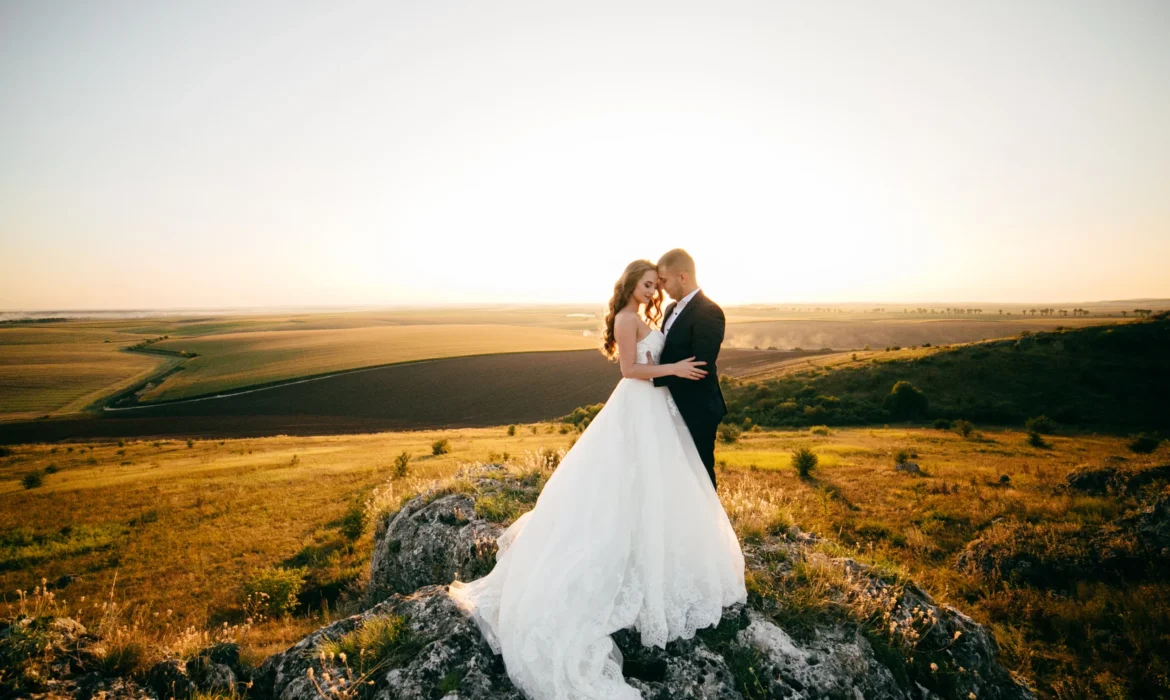
Wedding Video Ideas & Pro Editing Tips: Workstation Setup to Transitions
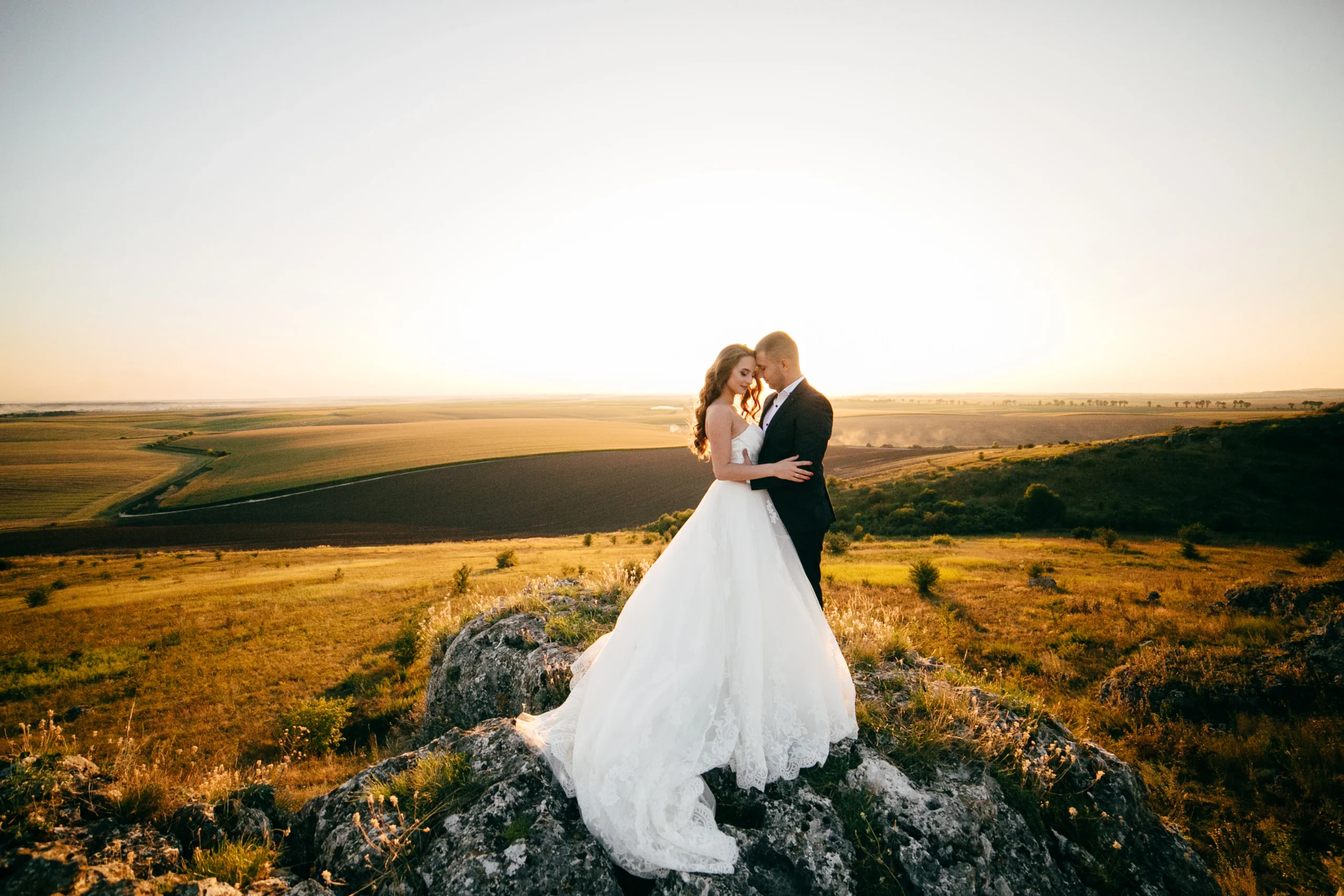
Wedding Video Ideas & Pro Editing Tips: Workstation Setup to Transitions
Introduction
Creating exceptional wedding videos involves much more than filming beautiful moments—it requires careful planning, inspired creativity, and meticulous post-production skills. This guide offers innovative wedding video ideas and essential professional editing tips, from setting up your editing workstation to mastering seamless transitions, helping videographers produce captivating, memorable films.
Inspirational Wedding Video Ideas
Story-Driven Videos
Capture and highlight the couple’s unique love story through carefully scripted narratives, voiceovers, or interviews integrated into the wedding video.
Cinematic Highlights
Utilize cinematic filming techniques such as drone shots, slow-motion footage, and dramatic lighting to create visually stunning highlight reels.
Documentary-Style Films
Present the wedding day in a natural, candid manner, capturing genuine emotions, interactions, and spontaneous moments without excessive staging.
Creative Themes
Incorporate distinctive themes such as vintage, rustic, fantasy, or seasonal motifs to personalize the wedding video experience.
Professional Editing Tips
Optimizing Your Editing Workstation
- Desk Setup: Ergonomic furniture and proper lighting to ensure comfort during prolonged editing sessions.
- Hardware Essentials: High-resolution monitors, powerful computers, SSD storage solutions, professional-grade audio equipment.
Software Preferences: Adobe Premiere Pro, Final Cut Pro, DaVinci Resolve for professional-grade editing capabilities.
Footage Organization
- Establish clear project folders and naming conventions.
- Utilize metadata tagging and timeline markers for efficient editing.
- Regularly back up projects to prevent data loss.
We Can Help You With Professional Video Editing.
Unlimited Revisions – Whatever changes are needed, send them through and we will Fix them.
Fast Turnaround Time – We are always available to meet the tightest of deadlines when necessary.
Risk-Free Trial – Send your first video editing project to us and if you are not 100% happy with the results we produce, you don’t pay!
Essential Editing Techniques
Color Grading
Master color grading to enhance visual storytelling, ensuring consistent tones and moods aligned with the wedding’s theme.
Audio Mixing
Prioritize clear dialogue, ambient sound, and well-chosen music tracks to support emotional engagement.
Smooth Transitions
- Match Cuts: Align similar movements or visual elements to create seamless transitions.
- Creative Transitions: Use masking, wipes, or dissolves for artistic transitions.
- Timing: Align transitions with music beats or narrative pacing for enhanced emotional impact.
Common Challenges & Solutions
- Challenge: Managing large amounts of footage efficiently.
- Solution: Adopt systematic organization and categorization techniques.
- Solution: Adopt systematic organization and categorization techniques.
- Challenge: Achieving consistent visual style across multiple projects.
- Solution: Create and apply standardized editing presets and templates.
- Solution: Create and apply standardized editing presets and templates.
Benefits of Professional Outsourcing
Consider outsourcing your editing to gain numerous advantages:
- Time Savings: Focus on shooting and business growth.
- Quality Assurance: Professional editors provide consistently high standards.
- Scalable Solutions: Manage increased demand without compromising quality.
How Cut Pro Media Enhances Wedding Videography
Cut Pro Media specializes in outsourced wedding video editing, offering services that ensure:
- Expert-level storytelling.
- Quick turnaround times.
- Seamless workflow integration.
Client Testimonials
Hear directly from satisfied clients:
- “Cut Pro Media has transformed our video production, delivering consistently stunning edits that delight every couple.” – Jennifer, Wedding Videographer
- “Outsourcing our editing allowed us to double our bookings in just one season without sacrificing quality.” – Alex, Professional Wedding Videographer
Frequently Asked Questions (FAQs)
- What equipment is essential for professional wedding video editing?
High-resolution monitors, fast computers, SSD storage, professional audio gear. - How can transitions enhance wedding videos?
Transitions improve storytelling flow, emotional engagement, and visual appeal. - Why outsource wedding video editing?
Outsourcing improves productivity, cost-efficiency, and maintains high-quality standards.
Conclusion
With inspired ideas and pro editing tips, your wedding videos will reach new heights of creativity and professionalism. To further enhance your efficiency and quality, partner with Cut Pro Media, your trusted expert in wedding video post-production. Elevate your videography business today by outsourcing your editing and focusing on what you do best—capturing unforgettable moments.
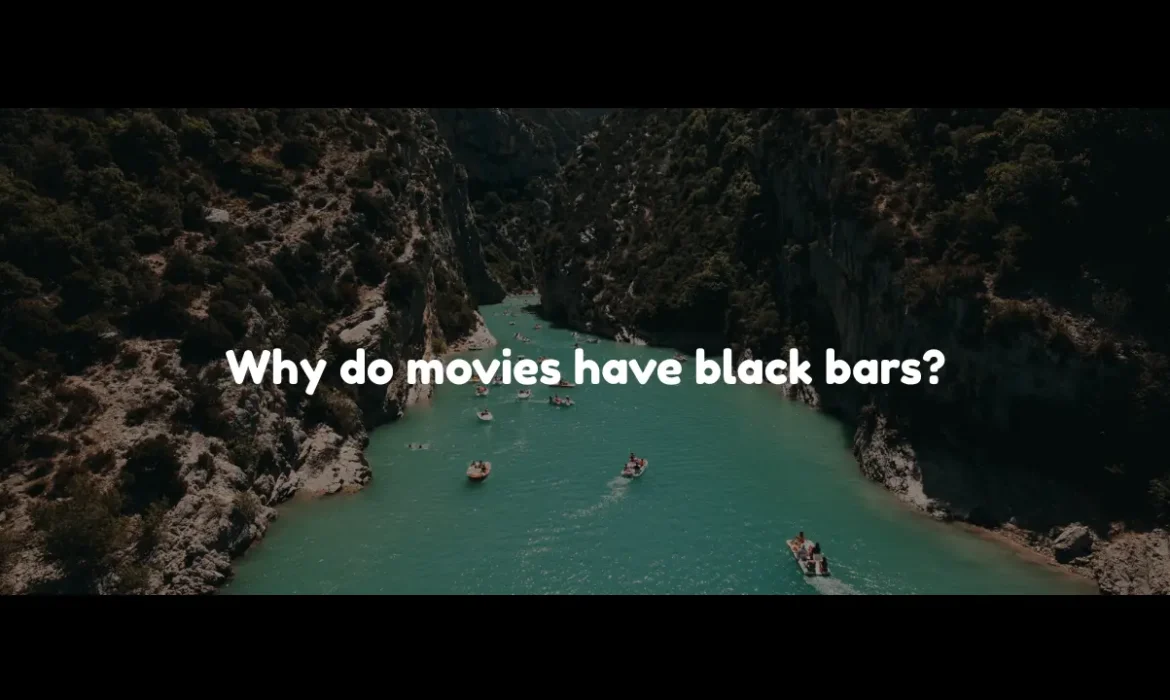
Why Do Movies Have Black Bars? Explained in English, Spanish, German & More
Why Do Movies Have Black Bars? Explained in English, Spanish, German & More
Introduction
You’ve probably noticed that many films display prominent black bars at the top and bottom of the screen. Known as letterboxing, these black bars often raise questions among viewers regarding their purpose and necessity. This comprehensive guide, explained clearly in English, Spanish, German, and other languages, reveals the technical, artistic, and historical reasons behind the presence of black bars in movies.
Understanding Cinematic Black Bars
What Are Black Bars?
Black bars, commonly known as letterboxing, are horizontal stripes appearing at the top and bottom of your screen, especially noticeable when viewing widescreen movies. These bars result from displaying content filmed in aspect ratios different from your television or monitor’s default ratio.
Historical Context
Historically, movies were originally presented in a 4:3 aspect ratio. With cinema’s evolution, filmmakers shifted towards wider aspect ratios like 16:9, 1.85:1, and 2.35:1 to enhance cinematic storytelling, leading to the necessity of letterboxing for home viewing.
Technical Explanation
Modern TVs typically use a 16:9 aspect ratio. When films shot in wider formats like 2.35:1 are shown on these screens, black bars are added to preserve the movie’s original framing without cropping or stretching.
Artistic Reasons
Letterboxing maintains the director’s intended framing and composition, ensuring viewers experience the film exactly as envisioned by its creators.
We Can Help You With Professional Video Editing.
Unlimited Revisions – Whatever changes are needed, send them through and we will Fix them.
Fast Turnaround Time – We are always available to meet the tightest of deadlines when necessary.
Risk-Free Trial – Send your first video editing project to us and if you are not 100% happy with the results we produce, you don’t pay!
Spanish: ¿Por qué las películas tienen barras negras?
¿Qué son las barras negras?
Las barras negras, conocidas como “letterboxing,” son franjas horizontales que aparecen arriba y abajo de la pantalla al visualizar películas panorámicas.
Contexto histórico
Originalmente, las películas usaban una relación de aspecto de 4:3. Con el tiempo, el cine evolucionó hacia formatos más panorámicos, lo que creó la necesidad del letterboxing para evitar recortes en televisores domésticos.
Explicación técnica
Los televisores modernos generalmente utilizan un formato 16:9. Cuando se muestran películas con formatos más amplios como 2.35:1, se añaden barras negras para mantener el encuadre original.
Razones artísticas
El letterboxing preserva la visión artística del director, manteniendo intacta la composición visual original.
German: Warum haben Filme schwarze Balken?
Was sind schwarze Balken?
Schwarze Balken, auch bekannt als Letterboxing, sind horizontale Streifen, die bei Filmen im Breitbildformat auf dem Bildschirm erscheinen.
Historischer Hintergrund
Früher wurden Filme im 4:3-Format gedreht. Moderne Filme nutzen jedoch breitere Formate wie 16:9 oder 2.35:1, was zur Einführung des Letterboxings führte.
Technische Erklärung
Aktuelle Fernseher verwenden meist ein 16:9-Format. Um Filme im breiteren Format unverändert zu zeigen, entstehen schwarze Balken.
Künstlerische Gründe
Letterboxing garantiert, dass der Film so gezeigt wird, wie es der Regisseur ursprünglich geplant hat, ohne Verzerrungen oder Beschnitt.
French: Pourquoi les films ont-ils des barres noires ?
Que sont les barres noires ?
Les barres noires ou letterboxing sont des bandes horizontales apparaissant en haut et en bas de l’écran lors du visionnage de films en grand écran.
Contexte historique
À l’origine, les films étaient diffusés au format 4:3. Avec l’évolution vers des formats plus larges, le letterboxing est devenu nécessaire.
Explication technique
Les téléviseurs modernes ont un format de 16:9, et les films en format plus large exigent des barres noires pour préserver leur cadrage original.
Raisons artistiques
Le letterboxing conserve la composition visuelle originale voulue par le réalisateur.
Italian (Italiano): Perché i film hanno barre nere?
Le barre nere servono a preservare l’aspetto originale del film, evitando tagli o distorsioni.
Portuguese (Português): Por que os filmes têm barras pretas?
As barras pretas mantêm a proporção original do filme, garantindo uma experiência visual autêntica.
Japanese (日本語): 映画に黒い帯がある理由
黒い帯は映画の元々の画面比率を維持し、映像をそのままに楽しめるようにするためです。
Korean (한국어): 영화에 검은 막대가 있는 이유
검은 막대는 영화의 원본 화면 비율을 유지하여 왜곡되지 않은 영상을 제공합니다.
Benefits of Letterboxing
- Maintains original framing and aspect ratio.
- Prevents distortion or cropping.
- Enhances artistic integrity.
- Provides an authentic cinematic experience at home.
Common Misconceptions
Myth: Black Bars Hide Content
Reality: Black bars ensure no content is lost or distorted.
Myth: Letterboxing Reduces Quality
Reality: Letterboxing preserves the original quality and composition of the film.
Frequently Asked Questions (FAQs)
- Can I remove black bars from movies?
While possible, removing bars often results in unwanted cropping or stretching. - Do all movies have black bars?
No, films matching the screen’s aspect ratio do not require letterboxing.
Conclusion and Call to Action
Understanding the purpose behind cinematic black bars enriches your viewing experience and deepens appreciation for filmmakers’ artistic choices. Whether in English, Spanish, German, or other languages, letterboxing consistently serves the vital purpose of preserving the original storytelling and visual integrity of films. Next time you encounter black bars on your screen, remember they’re preserving cinema as intended by its creators.

Why Hobbiton, New Zealand Is the Dream Location for Pre-Wedding Shoots

The Ultimate Video Editing Desk Setup: Essentials for Every Editor
Introduction
When it comes to selecting an extraordinary location for pre-wedding photography, a Hobbiton pre-wedding shoot in New Zealand is nothing short of magical. Renowned globally as the enchanting film set for The Lord of the Rings and The Hobbit trilogies, Hobbiton offers couples a whimsical backdrop like no other—perfect for capturing romance and creating timeless memories.
The Enchanting Charm of Hobbiton
Nestled amidst the rolling hills of Matamata on New Zealand’s North Island, Hobbiton embodies a fairy-tale atmosphere. Its charming Hobbit holes, lush gardens, vibrant flowers, quaint pathways, and rustic charm instantly transport visitors into a fantasy world, creating an unmatched setting for romantic photographs.
Unique Photographic Opportunities
Iconic Hobbit Holes
Imagine your pre-wedding shots set against the quaint, colorful doors and windows of Hobbiton’s iconic Hobbit homes. These charming dwellings provide endless opportunities for whimsical and romantic imagery.
The Green Dragon Inn
This delightful, rustic inn is an ideal spot for cozy, intimate shots. Its timeless interiors and picturesque surroundings add authenticity and warmth to your photographs.
Party Tree and Gardens
The majestic Party Tree and beautifully landscaped gardens provide stunning natural backdrops, perfect for romantic portraits and candid shots capturing spontaneous joy and love.
The Magic of the Golden Hour
At Hobbiton, the natural lighting during sunrise and sunset (the “golden hours”) offers breathtaking photographic conditions. The soft, golden glow during these times enhances the romantic and dreamy ambiance, creating strikingly beautiful images that couples cherish forever.
Convenience and Accessibility
Hobbiton is highly accessible, with regular guided tours and professional services available to assist with photography sessions. Its proximity to major New Zealand cities such as Auckland and Rotorua makes it a convenient destination for both local and international couples.
Enhancing Your Pre-Wedding Experience
Incorporating Hobbiton into your pre-wedding photoshoot adds adventure and a unique storytelling element to your love story. Couples can dress in vintage, rustic, or fairy-tale-themed attire, complementing Hobbiton’s whimsical aesthetic and creating truly distinctive photographic memories.
We Can Help You With Professional Video Editing.
Unlimited Revisions – Whatever changes are needed, send them through and we will Fix them.
Fast Turnaround Time – We are always available to meet the tightest of deadlines when necessary.
Risk-Free Trial – Send your first video editing project to us and if you are not 100% happy with the results we produce, you don’t pay!
Real Couples, Real Stories
Countless couples have shared their magical experiences at Hobbiton:
- “Our pre-wedding photos at Hobbiton were absolutely magical. The location itself added such charm and joy to our photographs, making them genuinely unforgettable.” – Mia and Ben
- “The natural beauty and enchanting ambiance of Hobbiton exceeded all our expectations. Our photos perfectly capture our love story within this extraordinary setting.” – Lily and James
Tips for a Perfect Hobbiton Pre-Wedding Shoot
- Book your photoshoot in advance due to high demand.
- Plan your session around early morning or late afternoon to utilize the golden hour.
- Work with photographers familiar with Hobbiton to maximize your photoshoot experience.
Frequently Asked Questions (FAQs)
- Is permission needed for photography at Hobbiton?
Yes, pre-booked professional photography sessions typically require special permission from Hobbiton management. - When is the best time to visit Hobbiton for photos?
Early morning or late afternoon sessions during spring or summer months offer ideal lighting and lush landscapes. - How much time should we allocate for a photoshoot?
Allocate around 2-4 hours for a thorough and relaxed photoshoot.
Conclusion and Call to Action
Choosing Hobbiton as your pre-wedding photoshoot location ensures a memorable, magical experience filled with romance, adventure, and enchanting imagery. Begin your journey toward capturing your dream pre-wedding photographs at Hobbiton today and create timeless memories to treasure for a lifetime.
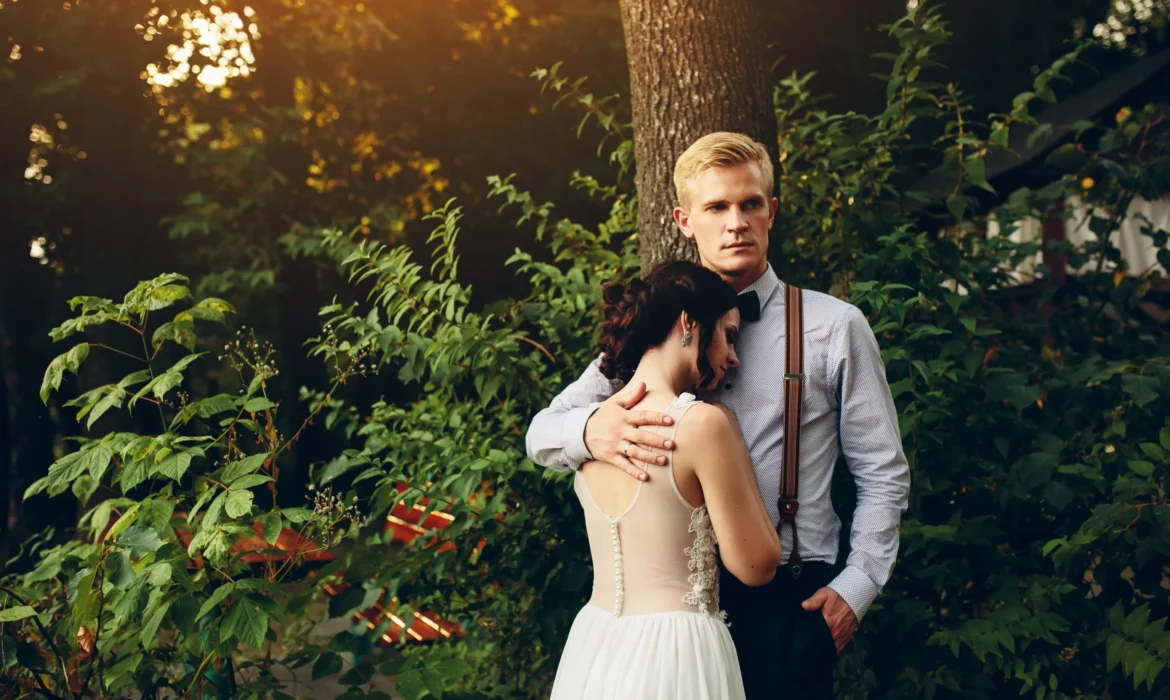
Why You Should Outsource Wedding Video Editing: Save Time & Get Pro Results
The Ultimate Video Editing Desk Setup: Essentials for Every Editor
Introduction
Wedding videography is a rapidly expanding industry, capturing unforgettable moments and preserving them forever. However, capturing the footage is just one part of the equation. The extensive and intricate video editing process is what truly transforms raw footage into memorable stories. For many videographers, the best strategic move is to outsource wedding video editing. By choosing to outsource wedding video projects, they can save significant time, maintain consistency, and achieve professional-level results that enhance their reputation and grow their business.
Understanding the Wedding Video Editing Process
The process of editing a wedding video involves multiple detailed stages, including sorting through hours of raw footage, selecting the perfect shots, color grading, sound mixing, adding special effects, transitions, and producing a cohesive narrative. This detailed post-production phase demands considerable time, skill, and attention to detail, often challenging videographers balancing numerous projects simultaneously.
Common Challenges Faced by Wedding Videographers
Wedding videographers frequently encounter challenges such as time management, consistency in video quality, and keeping up with evolving editing techniques. The stress of meeting tight deadlines and the complexities of mastering professional-level editing software can significantly impact productivity and creative output, ultimately affecting client satisfaction and business reputation.
Key Benefits of Outsourcing Wedding Video Editing
Time Efficiency
Outsourcing wedding video editing frees significant time, allowing videographers to concentrate on capturing more weddings and improving client relationships. This strategic shift enhances business productivity and profitability.
Cost Savings
Maintaining an in-house editing team involves substantial overhead costs, including salaries, software licenses, and workspace expenses. Outsourcing provides a more economical and predictable budgeting approach, eliminating unnecessary expenditures.
Consistent Professional Quality
Outsourced editing services like Cut Pro Media employ seasoned editors specializing in wedding videos. This ensures every project meets high industry standards and client expectations, delivering consistently outstanding results.
We Can Help You With Professional Video Editing.
Unlimited Revisions – Whatever changes are needed, send them through and we will Fix them.
Fast Turnaround Time – We are always available to meet the tightest of deadlines when necessary.
Risk-Free Trial – Send your first video editing project to us and if you are not 100% happy with the results we produce, you don’t pay!
Key Benefits of Outsourcing Wedding Video Editing
Time Efficiency
Outsourcing wedding video editing frees significant time, allowing videographers to concentrate on capturing more weddings and improving client relationships. This strategic shift enhances business productivity and profitability.
Cost Savings
Maintaining an in-house editing team involves substantial overhead costs, including salaries, software licenses, and workspace expenses. Outsourcing provides a more economical and predictable budgeting approach, eliminating unnecessary expenditures.
Consistent Professional Quality
Outsourced editing services like Cut Pro Media employ seasoned editors specializing in wedding videos. This ensures every project meets high industry standards and client expectations, delivering consistently outstanding results.
Scalability
As businesses grow, the workload often multiplies rapidly. Outsourcing allows videographers to handle increased demand smoothly, effortlessly scaling their business without compromising quality or customer satisfaction.
Why Choose a Specialized Wedding Video Editing Service?
Selecting a specialized wedding video editing service ensures that editors possess detailed knowledge of wedding-specific requirements and nuances. This expertise includes storytelling techniques, emotional pacing, stylistic editing, and an understanding of what clients genuinely treasure in their wedding videos. Moreover, specialized editors seamlessly integrate into existing workflows, enhancing business efficiency.
How to Choose the Right Outsourcing Partner
When selecting an outsourcing partner, consider essential factors such as industry reputation, verified client reviews, clearly outlined pricing structures, consistent turnaround times, and effective communication channels. Cut Pro Media, for example, excels in all these areas, providing transparent pricing, responsive communication, and high-quality, timely deliveries that match the specific needs of wedding videographers.
Real-world Success Stories & Testimonials
Many wedding videographers have dramatically benefited from outsourcing. Testimonials reflect transformative business results:
- “Outsourcing to Cut Pro Media allowed me to focus entirely on filming and client management. The quality of their edits consistently impresses my clients.” – Lucas, Wedding Videographer
- “Since outsourcing, our delivery times have improved drastically, and we’ve expanded our client base significantly.” – Emma, Professional Wedding Videographer
Frequently Asked Questions (FAQs) about Outsourcing
- How secure is outsourcing video editing?
Reputable companies like Cut Pro Media prioritize data security, ensuring all footage remains confidential and secure. - What is the typical turnaround time?
Quality outsourcing services often provide flexible, reliable turnaround times clearly agreed upon beforehand. - Can I maintain creative control when outsourcing?
Absolutely. Outsourcing doesn’t diminish creative control; rather, it enhances collaboration, allowing editors to bring your vision to life accurately.
Conclusion
Outsourcing wedding video editing is a strategic choice for any videographer seeking to save time, reduce operational costs, achieve consistent high-quality results, and scale their business efficiently. Make the professional choice today and partner with Cut Pro Media. Elevate your wedding videography business—start outsourcing your editing tasks and experience the transformative benefits immediately.
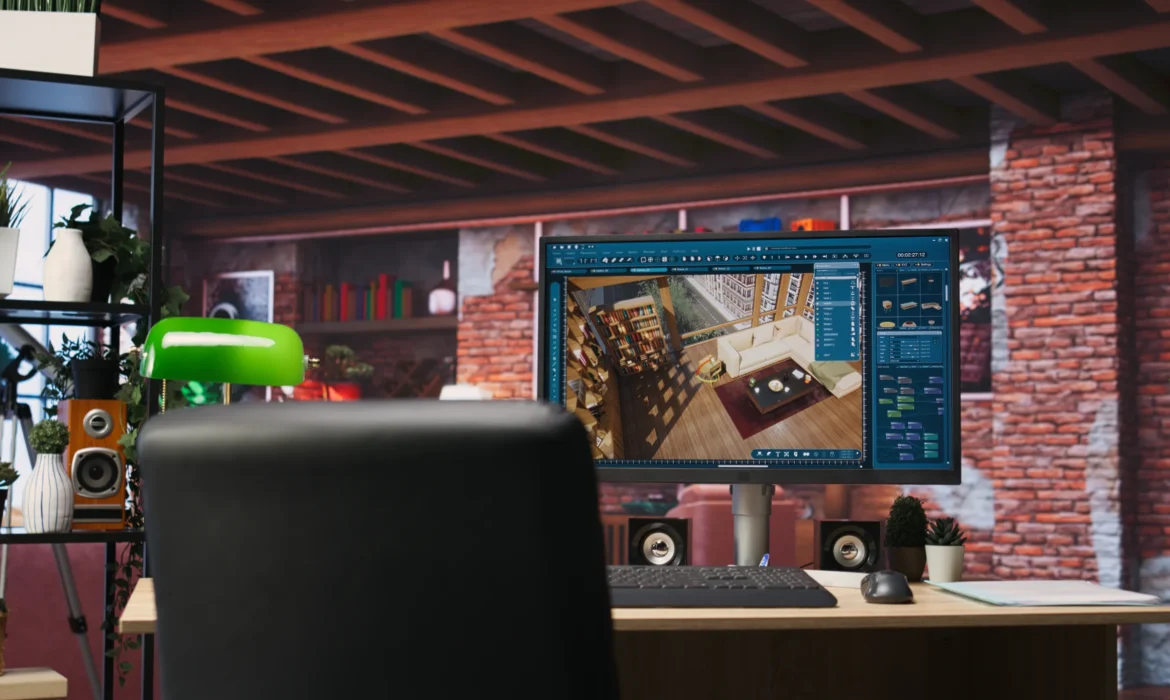
The Ultimate Video Editing Desk Setup: Essentials for Every Editor
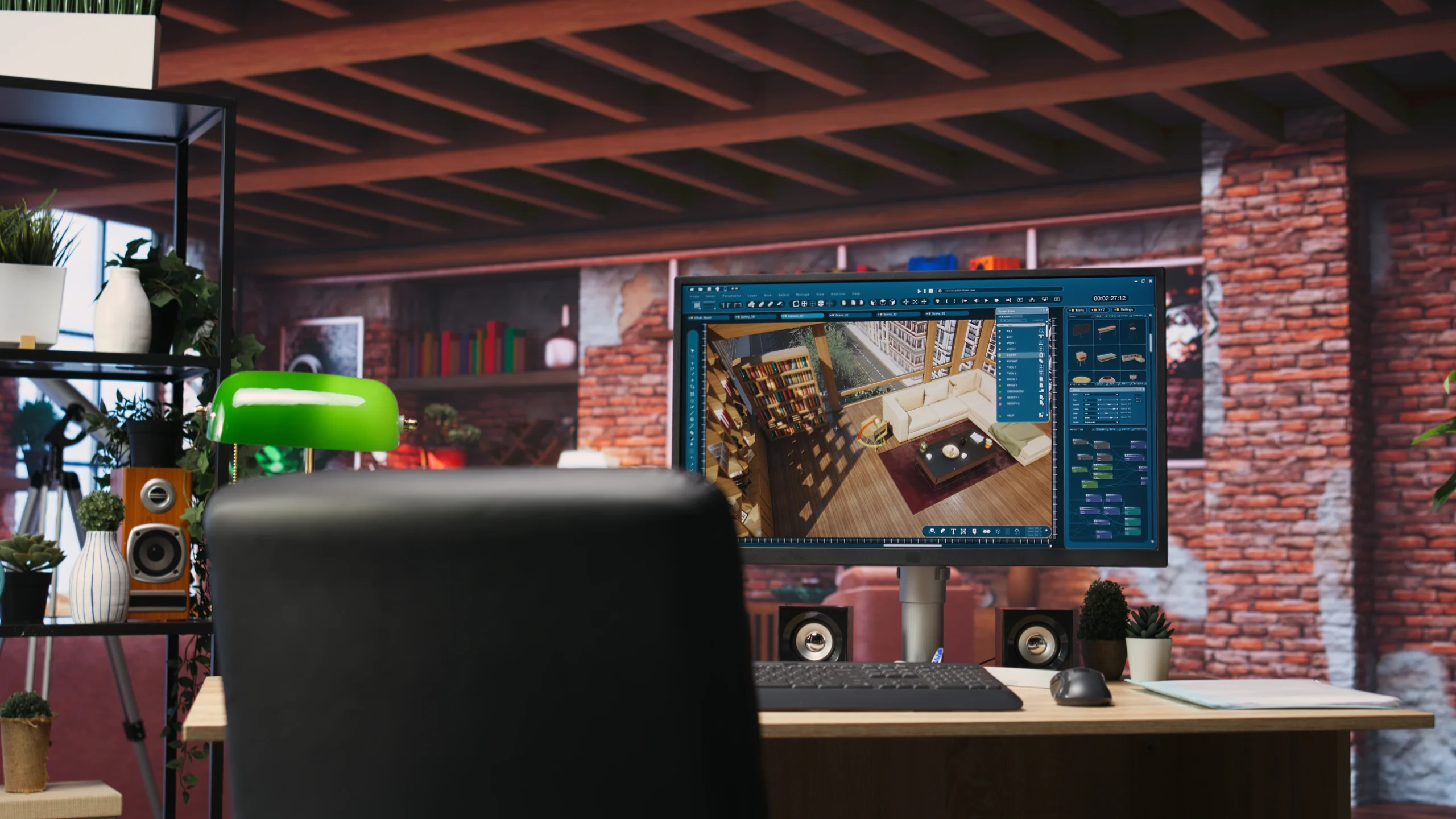
The Ultimate Video Editing Desk Setup: Essentials for Every Editor
Introduction
Creating a professional video editing desk setup is crucial for every editor, especially those working long hours crafting captivating videos. A well-designed workspace not only enhances productivity but also significantly improves comfort and reduces fatigue. Optimising their desk setup is a strategic step toward producing consistently high-quality content.
Why a Great Editing Desk Setup Matters
Your environment directly impacts your productivity and creativity. An efficient workspace boosts workflow, minimizes physical strain, and encourages creative thinking. Professional editors often face tight deadlines, especially in competitive markets like the USA, UK, Australia, and New Zealand, where speed and quality are essential. Investing in a high-quality editing setup can significantly enhance your performance, efficiency, and overall job satisfaction.
Essential Desk Components
Ergonomic Desk
Choosing the right desk is foundational. Adjustable standing desks offer the flexibility needed for long editing sessions, reducing back strain and promoting better posture. Popular choices include electric sit-stand desks that provide seamless transitions.
Ergonomic Chair
A high-quality ergonomic chair ensures comfort and reduces the risk of posture-related issues. Look for chairs with adjustable lumbar support, seat height, and armrests designed specifically for extended periods of sitting.
Proper Lighting
Effective lighting reduces eye strain and increases accuracy in color grading. Adjustable lamps and bias lighting placed behind monitors are ideal for maintaining consistent lighting conditions and minimizing screen glare.
Core Hardware Every Editor Needs
High-Resolution Monitors
Accurate color representation and sufficient workspace enhance editing precision. Editors often benefit from dual-monitor setups or ultrawide screens, increasing productivity and workflow speed.
Computers and Storage Solutions
The ongoing Mac versus PC debate hinges on preference and software compatibility. High-speed SSD storage, NAS systems, or external drives are essential for handling large video files efficiently.
Professional Audio Equipment
Quality audio is vital. Professional headphones and studio monitors provide editors with accurate audio monitoring, essential for precise audio editing and mixing.
Essential Editing Accessories
Specialized Keyboards and Controllers
Video editing-specific keyboards and controllers such as Shuttle Pro or Stream Deck significantly streamline workflow, saving valuable time during editing.
Graphics Tablets and Precision Mouse
Graphics tablets improve precision for intricate edits, while ergonomic mice reduce wrist strain. These tools are invaluable for detailed editing tasks.
Cable Management Solutions
Cable organizers, clamps, and sleeves maintain a clutter-free workspace, enhancing productivity and aesthetics.
Optimizing Your Editing Workspace for Productivity
Efficient workspace organization includes ergonomic alignment, systematic arrangement of editing tools, and incorporating productivity software like task management and editing presets to streamline the workflow.
We Can Help You With Professional Video Editing.
Unlimited Revisions – Whatever changes are needed, send them through and we will Fix them.
Fast Turnaround Time – We are always available to meet the tightest of deadlines when necessary.
Risk-Free Trial – Send your first video editing project to us and if you are not 100% happy with the results we produce, you don’t pay!
Advantages of Outsourcing Video Editing
Outsourcing editing work significantly benefits professional videographers. Companies like Cut Pro Media offer specialized editing services, allowing videographers in the USA, UK, Australia, and New Zealand to focus on shooting and client relations. Benefits include faster project turnaround, cost savings, scalability, and consistently high-quality editing.
Testimonials and Real-World Examples
Clients worldwide praise Cut Pro Media’s professionalism:
- “Cut Pro Media revolutionized my workflow. My productivity doubled, and I now focus more on shooting.” – Emily, Professional Videographer (USA)
- “The consistent quality of edits allowed us to scale quickly without sacrificing quality.” – Alex, Wedding Videographer (New Zealand)
FAQs about Setting Up a Video Editing Desk
- What is the ideal monitor setup for video editing?
Dual monitors or ultrawide monitors are highly recommended for efficiency and precision. - Are ergonomic chairs worth the investment?
Absolutely! Ergonomic chairs significantly reduce fatigue and prevent long-term health issues. - Why is cable management important?
Effective cable management improves workspace organization, safety, and overall productivity.
Conclusion
Outsourcing editing work significantly benefits professional videographers. Companies like Cut Pro Media offer specialized editing services, allowing videographers in the USA, UK, Australia, and New Zealand to focus on shooting and client relations. Benefits include faster project turnaround, cost savings, scalability, and consistently high-quality editing.
